Service at a glance
| For | Teams building a new app or web service, or redesigning one that users find hard |
|---|---|
| What we design | User flows · wireframes · screen designs · clickable prototype · design system |
| User testing | 5–8 users per round · two rounds per project |
| Length | 8–12 weeks, depending on the number of screens |
Users get stuck, and the team finds out late
Many apps go from idea to development with screens drawn by whoever has time. Problems show up after launch, when users drop out halfway through sign-up or call support to find a menu.
By then every fix means changing code, and each new screen looks a little different from the last.
Designed, tested, then handed over
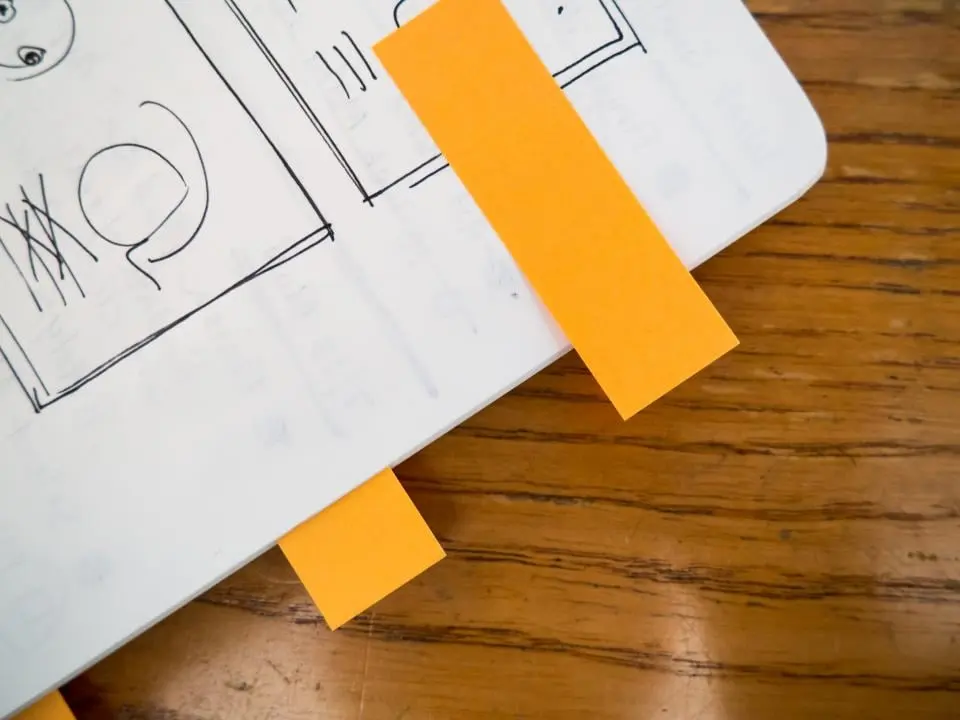
We start with your users and goals, then map the flows that matter most, such as sign-up, search, and checkout. We agree on wireframes with you before any visual design.
We turn the agreed wireframes into a clickable prototype and test it with five to eight users. We watch where they hesitate and change the screens before a line of code is written.
Your developers get the final screens and a design system with colors, type, and components, so new screens match the ones you already have.
How we work
Testing before development
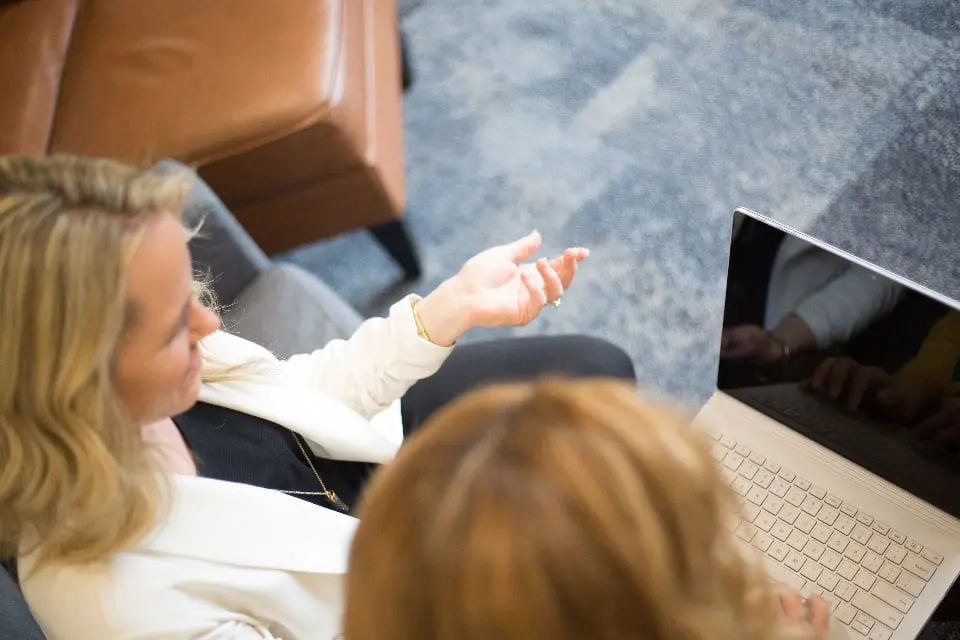
Every project has two rounds of user testing. You watch the sessions and get a short report on what we changed.
One file your developers can use
Screens, spacing, and components sit in one shared design file, with notes on how each part behaves.
Accessible by default
We check text contrast, touch target size, and screen reader labels on every screen.
How a project runs
Tell us about your service, your users, and your launch date. We reply with a proposal and schedule within a week.
Kickoff workshop: we agree on users, goals, and the flows to design first.
Wireframes, then a clickable prototype, reviewed with you every week.
Two rounds of user testing, with changes after each round.
Handover: final screens, the design system, and a walkthrough with your developers.
Before you send a brief
Do you also build the app?
No. We design and test the screens, and work alongside your developers or development partner until launch.
Where do the test users come from?
We recruit people who match your users, or test with your own customers if you prefer. Each person is paid for their time.
Project inquiries
- projects@example.com
- Phone
- +1 555 0154
- Studio visits
- Weekdays, by appointment