Academy course page template — class size, weekly plan, and visit times
Upload your course brochure, weekly plan, and photos of your classroom or kitchen. LabChure writes an academy page with the course length, class size, what students make or practice each week, and how to visit before signing up.
Sample brochure for a fictional company — the name, products, and figures are examples.
Who reads it
Prospective students and training managers. They check the content, schedule, and fee, then sign up.
What to upload
Course guide · curriculum · schedule · fee · instructor bios · completion criteria
Suggested design
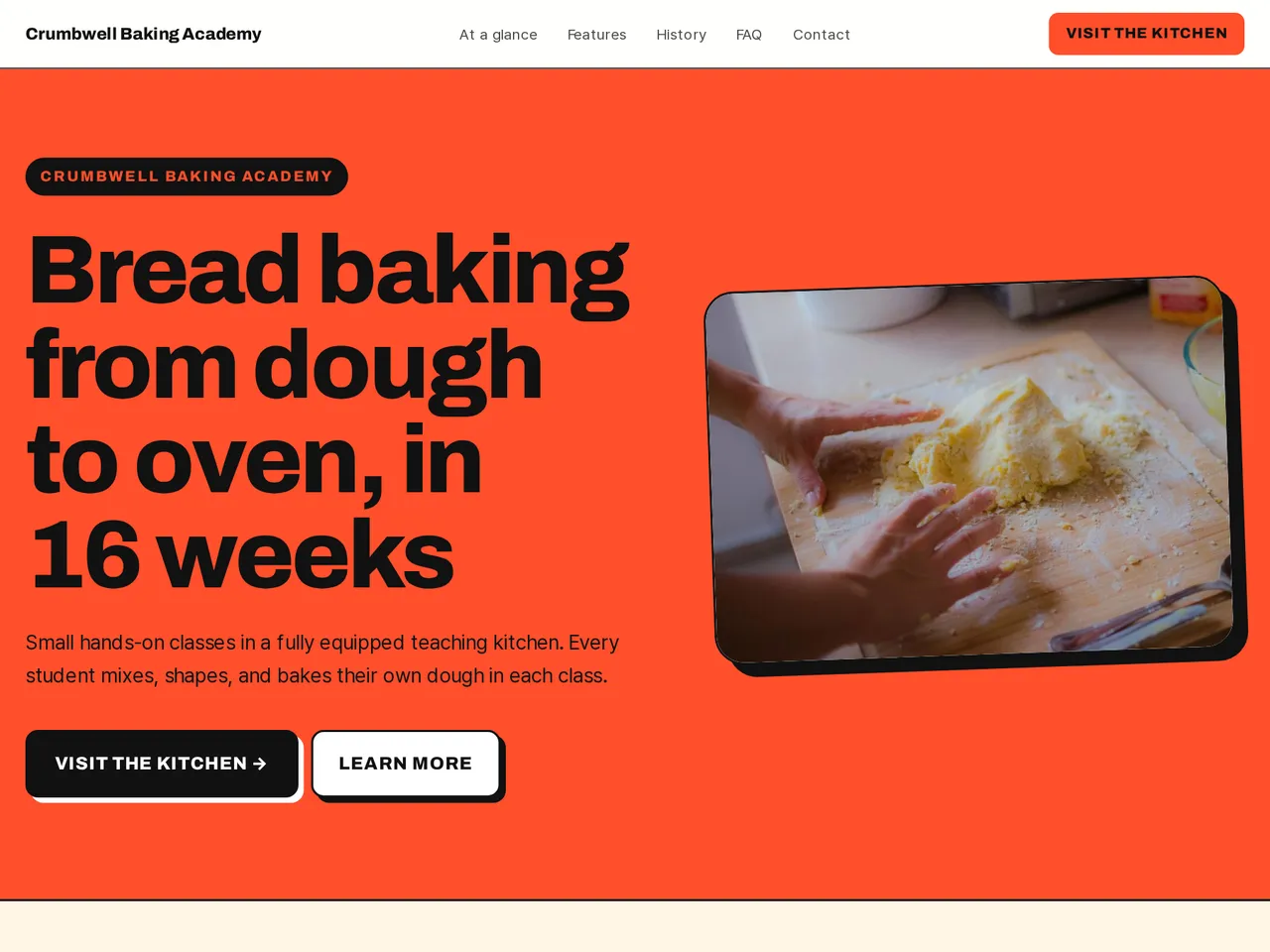
Preview design: Bold Poster · Tomato · Every template can use any of the 20 designs. You can change the design after the brochure is made, and your content stays the same.
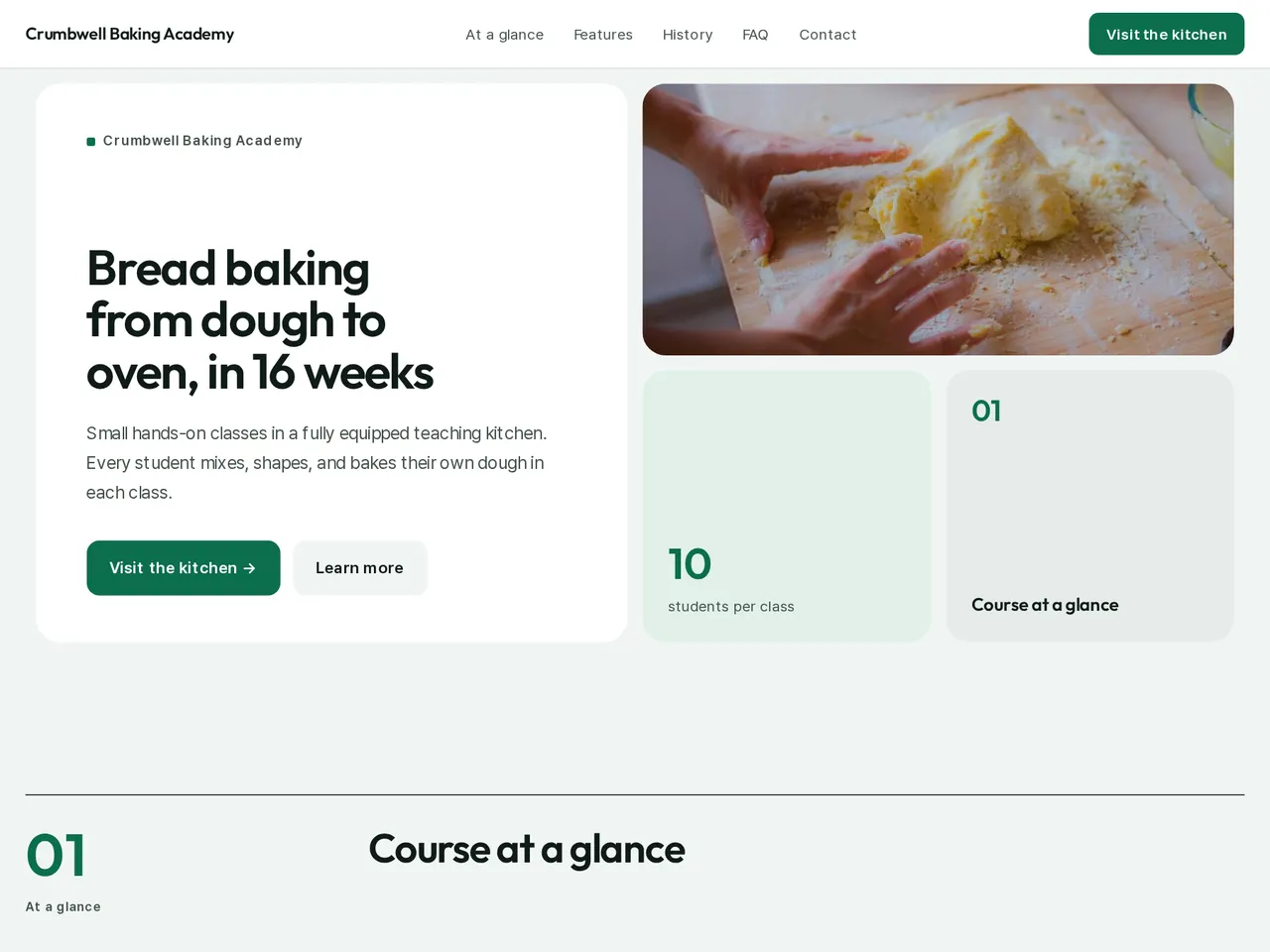
Preview design: Bento · Green · Every template can use any of the 20 designs. You can change the design after the brochure is made, and your content stays the same.
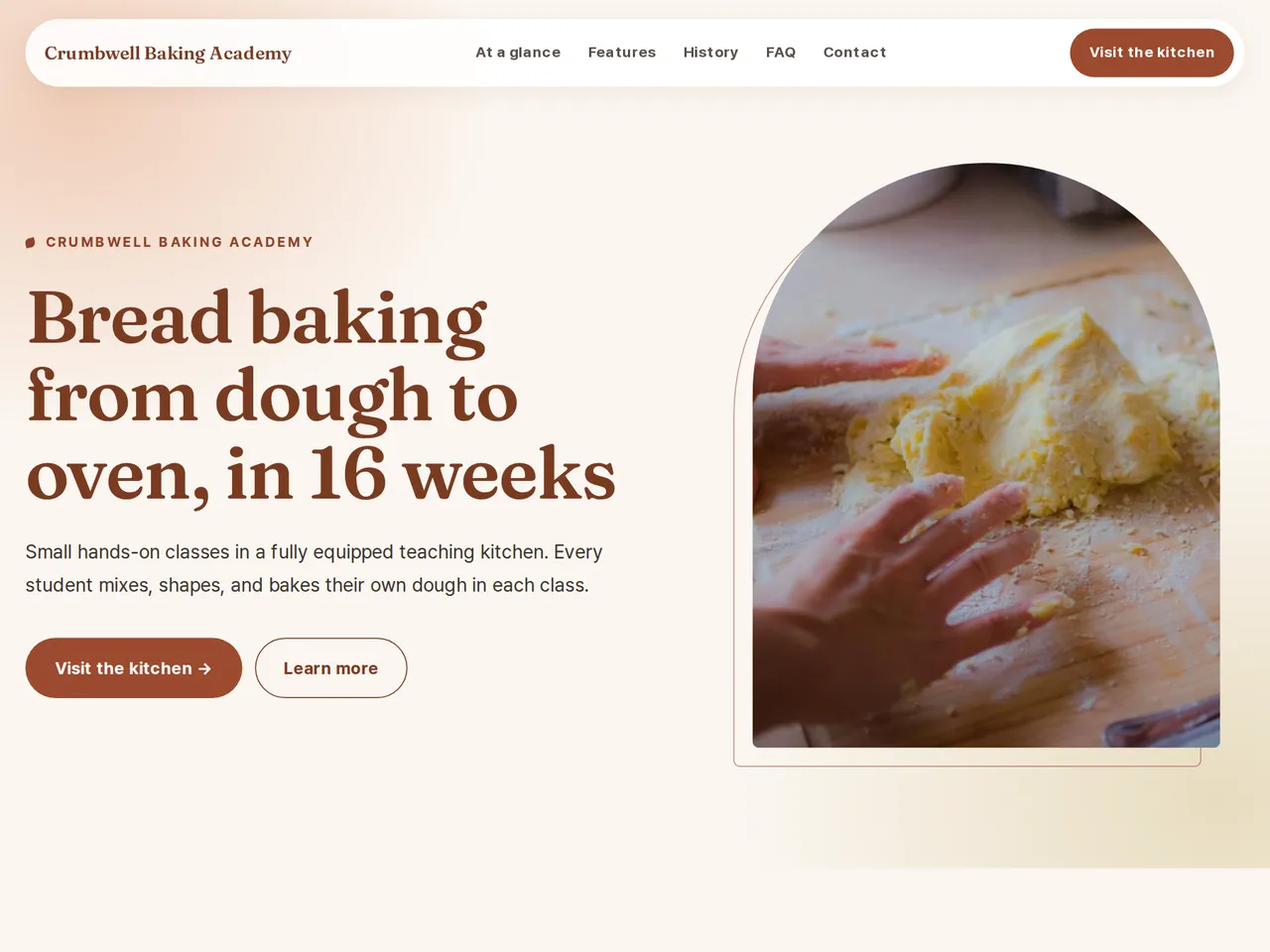
Preview design: Natural · Terracotta · Every template can use any of the 20 designs. You can change the design after the brochure is made, and your content stays the same.
If something is missing
If your files have no instructors, completion criteria, or fees, those parts are left out. Pass rates and jobs are never promised.
- ✓Class size, hours, and the weekly plan pulled from your brochure into clear sections.
- ✓Photos of your space placed beside what students do there, and easy to replace in the editor.
- ✓Visit times and contact details in the closing section, with one link for every channel.
Teaching kitchen
From the sample brochure for Crumbwell Baking Academy, a fictional company. Names, products, and figures are examples.
| 10 | students per class |
|---|---|
| 128 hours | of hands-on baking |
| 40+ | breads you bake during the course |
What's included
The first draft is built in this order
- 1Opening — headline and what you offer
- 2Features — key highlights
- 3FAQ — questions visitors often ask
- 4Call to action — inquiry and next step
- 5Contact — how to reach you
Added only when your files cover them
- At a glance
- Key figures
- History & schedule
- Team
- Certifications & awards
- Testimonials
- Links
After it is made, you can hide sections or change their order in the editor. Use “Add section” to add sections this outline doesn't include, such as an FAQ, downloads, or a gallery.
How it works
- 1Upload your documents — PDF, PPTX, DOCX, XLSX, HWP, images.
- 2AI writes each section from your documents and checks specs against the source.
- 3Publish to a unique URL, in multiple languages.
Frequently asked questions
We run several courses. One page or several?
Either. One page can describe each course in its own section, or you can make one page per course and link them together.
Can I show what students do each week?
Yes. Upload your weekly plan, and the page lists each week's topic and practice in order.
Can I show student work and reviews?
Yes, with the student's agreement. Put photos in a gallery section and short reviews in a testimonials section.