Health checkup center page template — programs, preparation, and results
Upload your checkup programs, preparation guide, and booking hours. LabChure writes a checkup page with the tests in each program, how to prepare, the order of the day, and when results arrive, and links every detail to your files. Choose “Hospital or clinic” when you create the project, and the copy goes through medical advertising review before you publish.
Sample brochure for a fictional company — the name, products, and figures are examples.
Who reads it
People looking into a procedure. They see the steps, recovery, and precautions, then ask for a consultation.
What to upload
Procedure guide · treatment steps · recovery time · precautions · medical staff (if any)
Suggested design
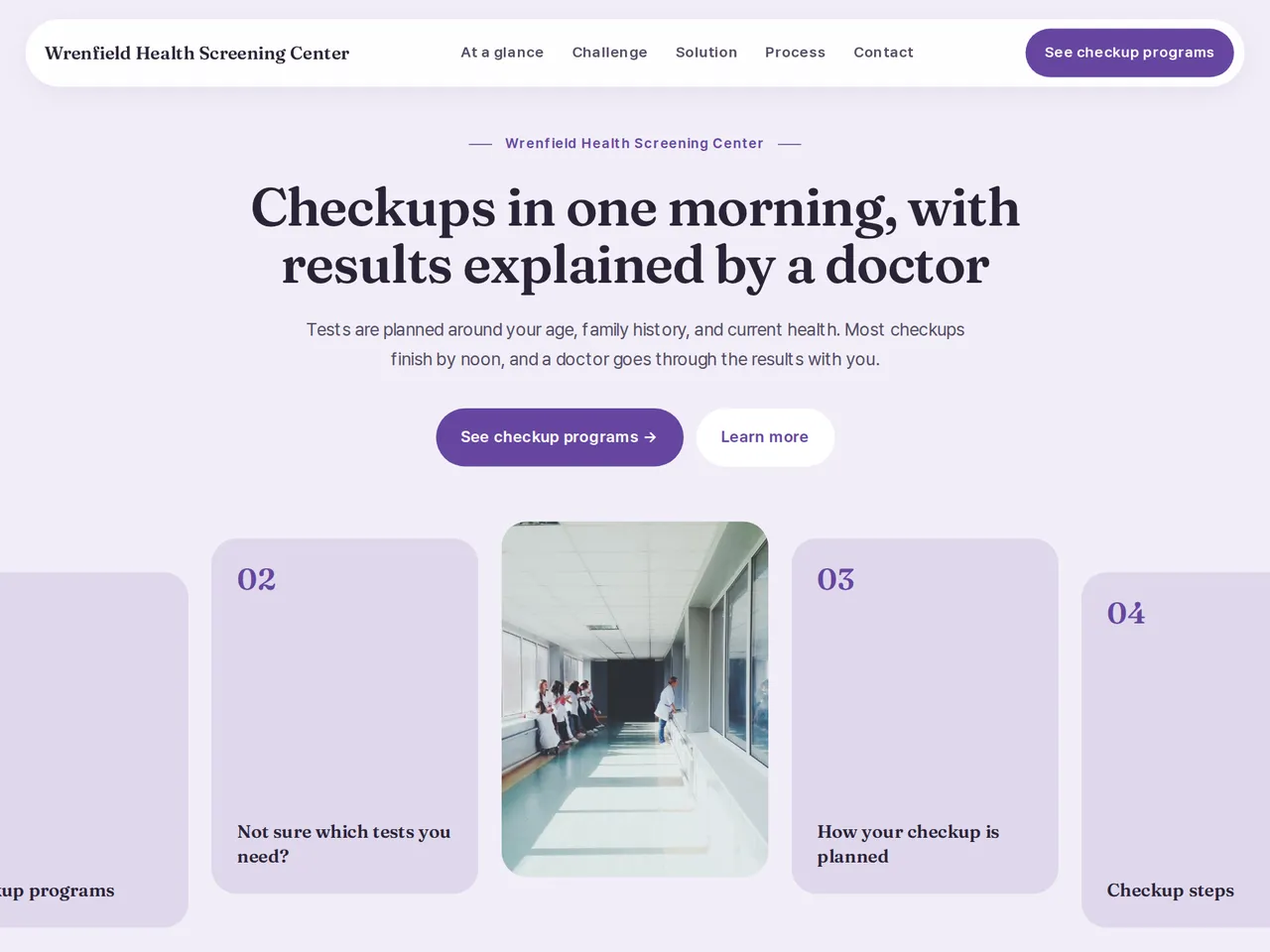
Preview design: Strip · Lilac · Every template can use any of the 20 designs. You can change the design after the brochure is made, and your content stays the same.
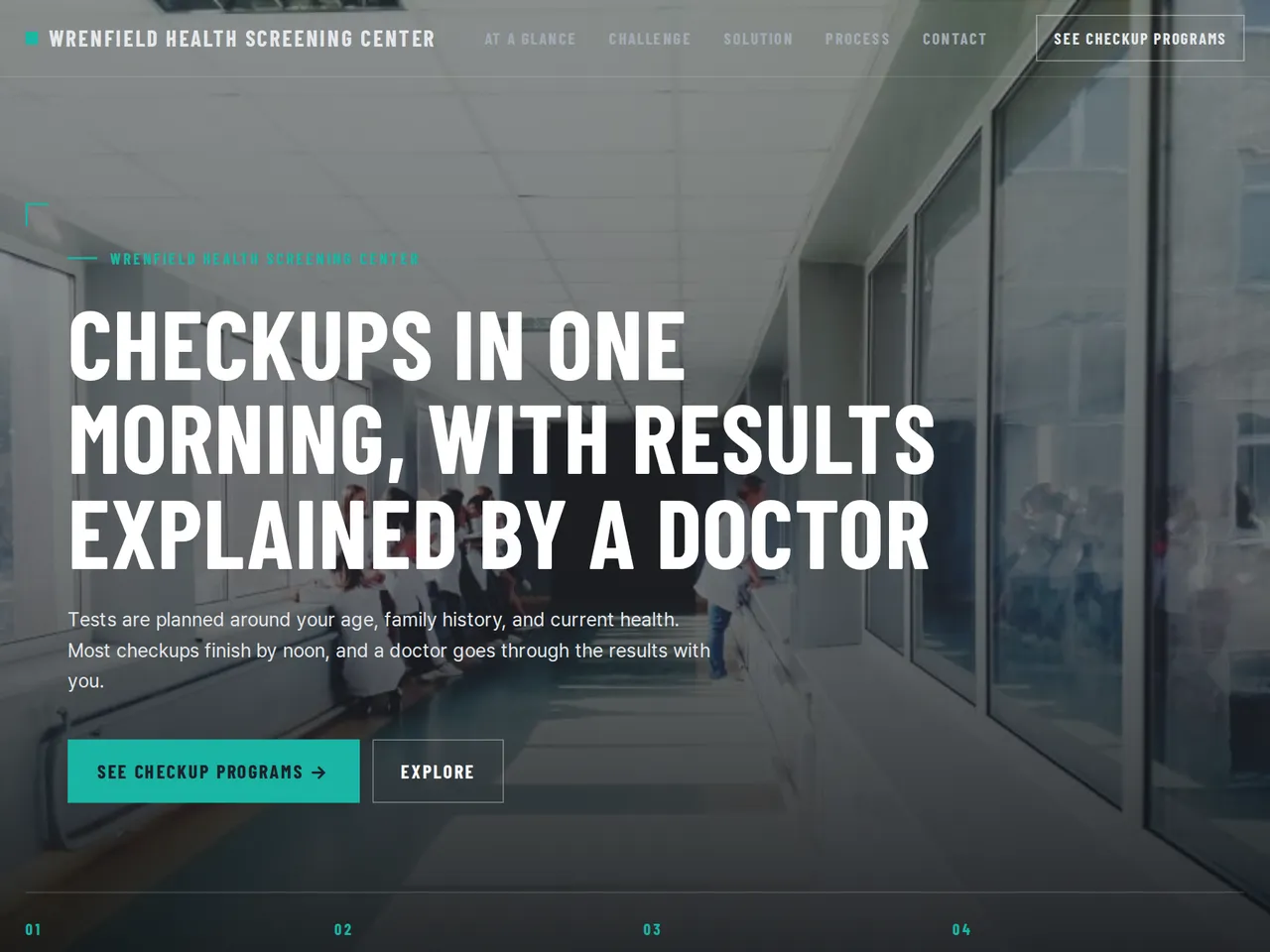
Preview design: Industrial · Teal · Every template can use any of the 20 designs. You can change the design after the brochure is made, and your content stays the same.
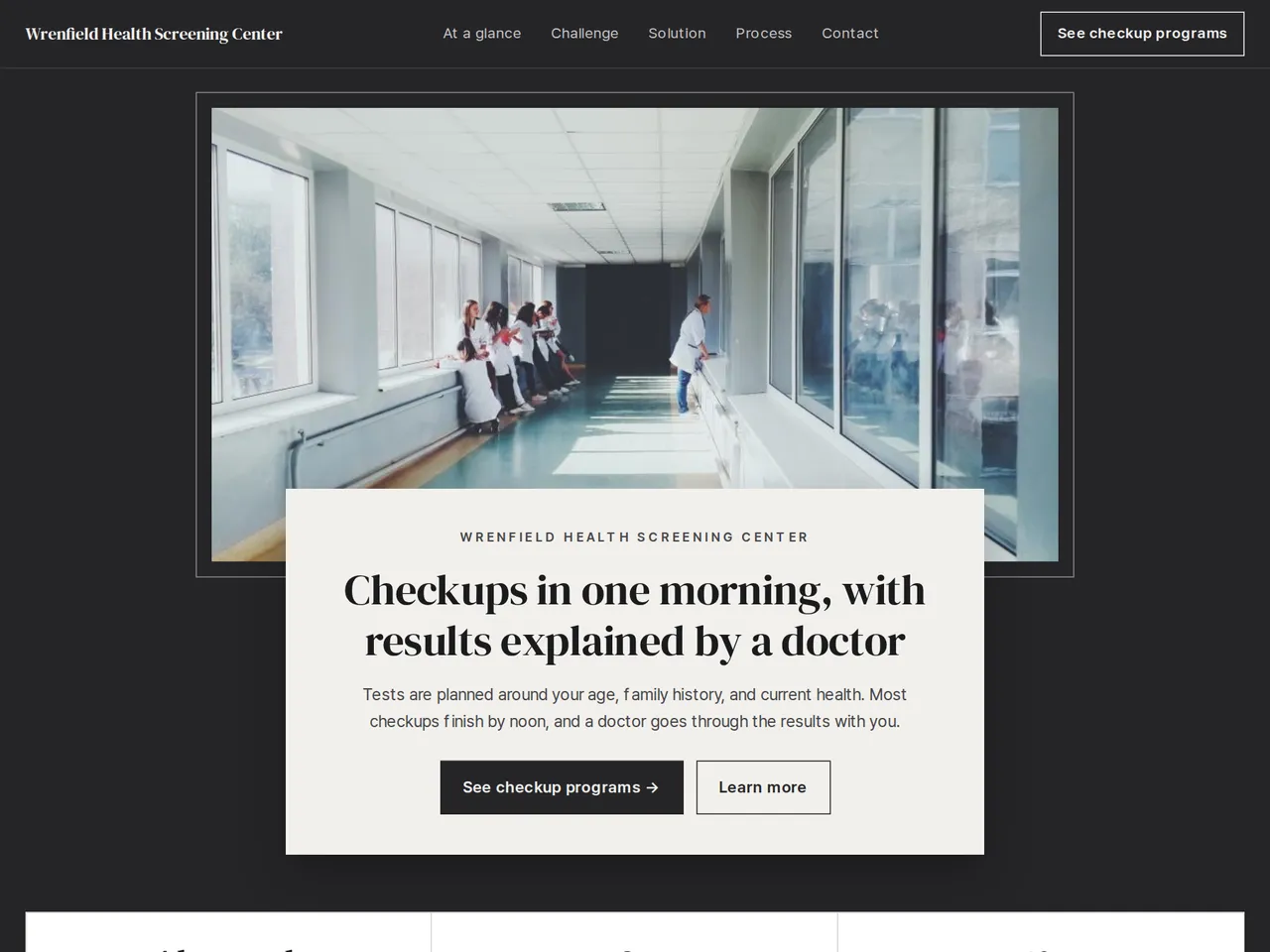
Preview design: Frame · Charcoal · Every template can use any of the 20 designs. You can change the design after the brochure is made, and your content stays the same.
If something is missing
If your files have no staff or certifications, those sections are left out. Pages are reviewed against medical advertising rules, with no promised results or testimonials.
- ✓The tests in each program and preparation such as fasting, written from your guide.
- ✓The order of the checkup day, from reception to the results consultation.
- ✓A unique URL and QR for booking messages and company group checkups.
Checkup at a glance
From the sample brochure for Wrenfield Health Screening Center, a fictional company. Names, products, and figures are examples.
| About 3 h | for the standard checkup, from arrival |
|---|---|
| 8 h | of fasting before your visit |
| 7–10 days | until your results consultation |
What's included
The first draft is built in this order
- 1Opening — headline and what you offer
- 2Challenge — the customer's situation and problem
- 3Solution — what you did
- 4Process — how you work
- 5FAQ — questions visitors often ask
- 6Call to action — inquiry and next step
- 7Contact — how to reach you
Added only when your files cover them
- Key figures
- At a glance
- Team
- Certifications & awards
After it is made, you can hide sections or change their order in the editor. Use “Add section” to add sections this outline doesn't include, such as an FAQ, downloads, or a gallery.
How it works
- 1Upload your documents — PDF, PPTX, DOCX, XLSX, HWP, images.
- 2AI writes each section from your documents and checks specs against the source.
- 3Publish to a unique URL, in multiple languages.
Frequently asked questions
Can I list the tests in each program?
Yes. Programs and tests are written from your files, and any prices are checked against your files before you publish.
Do medical brochures need approval?
Yes. An owner or admin of your workspace checks and approves each medical brochure before it is published.
Can I explain fasting and other preparation?
Yes. Upload your preparation guide, and the page sets out fasting times, current medicines, and what to bring as your guide states them.