Interior remodeling service page template — scope, schedule, and warranty from your files
Upload your service brochure, sample quotes, warranty terms, and photos of finished jobs. LabChure writes a service page that covers what you build, how a job runs from site visit to handover, and what your warranty covers, and links every figure to your files.
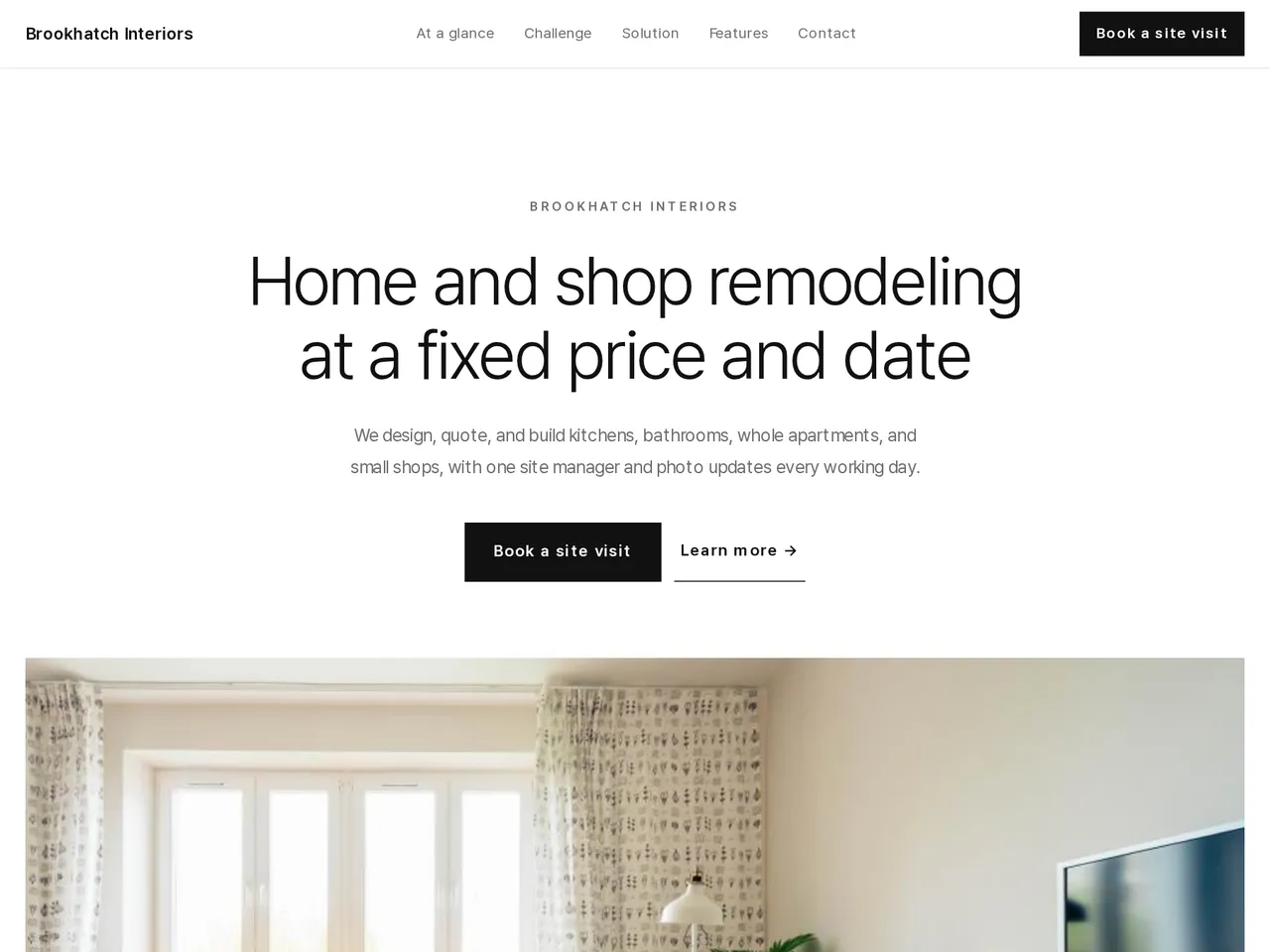
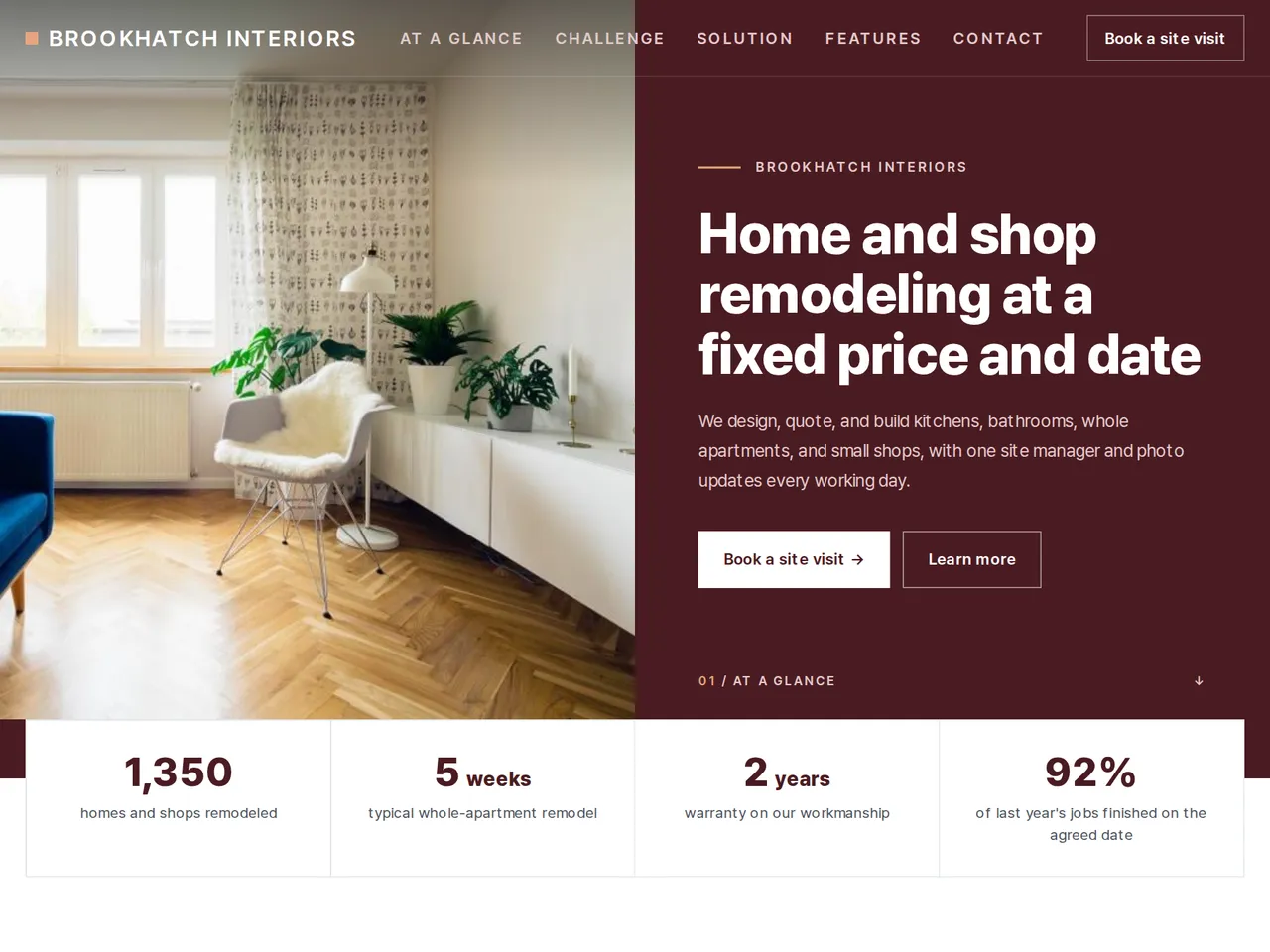
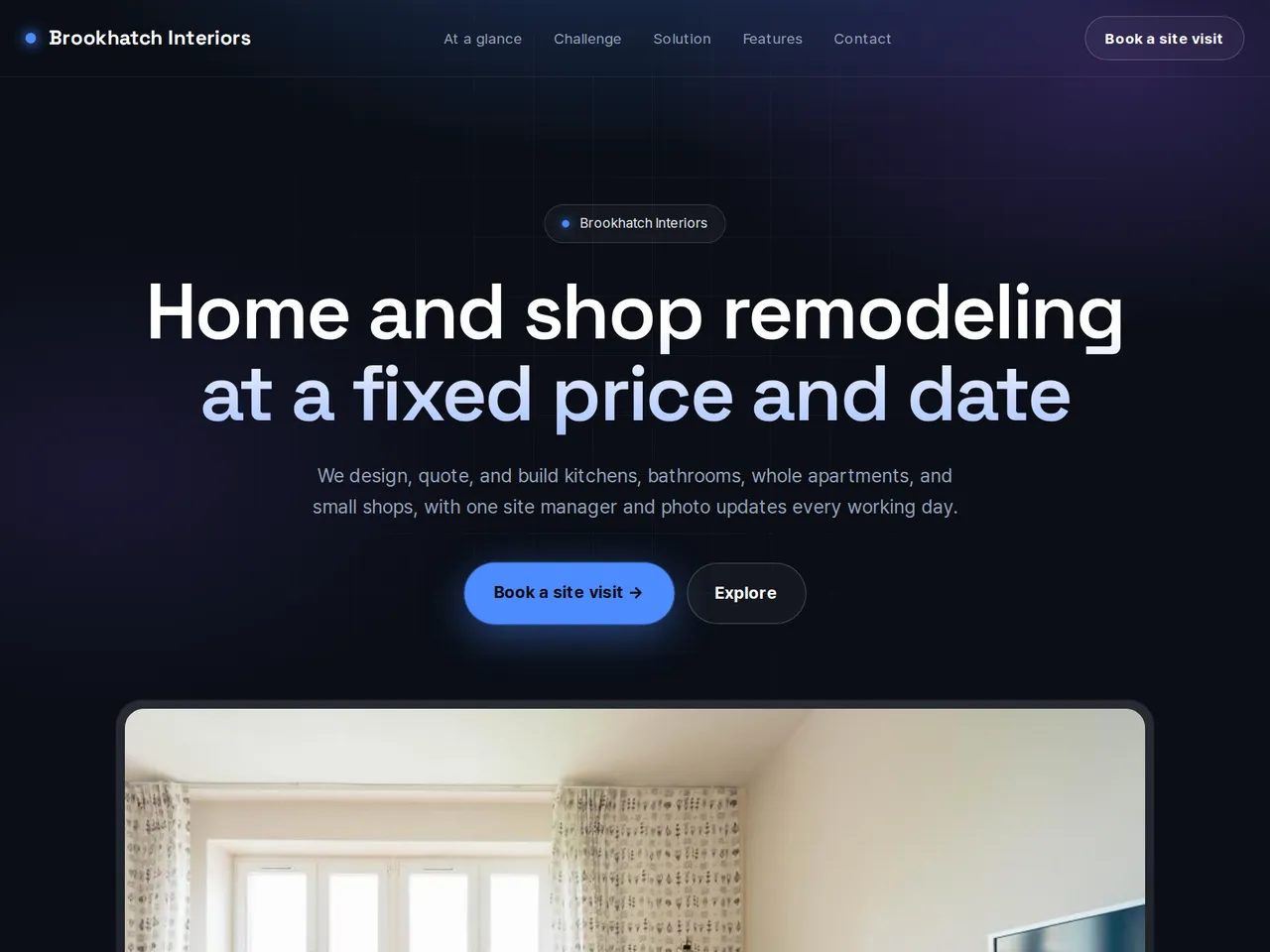
Sample brochure for a fictional company — the name, products, and figures are examples.
Who reads it
Customers and buyers looking into your service. They see what you do and how, then ask for a consultation.
What to upload
Service brochure · how you work · pricing · customer cases · testimonials (if any) · contact person
Suggested design
Preview design: Minimal Gallery · White · Every template can use any of the 20 designs. You can change the design after the brochure is made, and your content stays the same.
Preview design: Panel · Oxblood · Every template can use any of the 20 designs. You can change the design after the brochure is made, and your content stays the same.
Preview design: Tech · Blue · Every template can use any of the 20 designs. You can change the design after the brochure is made, and your content stays the same.
If something is missing
If your files have no pricing, cases, or testimonials, those parts are left out. Customer names and testimonials come only from your files.
- ✓Scope, typical schedules, and warranty terms written from your own documents, each figure linked to its source.
- ✓Photos of finished jobs placed next to the work they show.
- ✓A unique URL and QR to send after a site visit or print on your quotes, in each language you publish.
Brookhatch in numbers
From the sample brochure for Brookhatch Interiors, a fictional company. Names, products, and figures are examples.
| 1,350 | homes and shops remodeled |
|---|---|
| 5 weeks | typical whole-apartment remodel |
| 2 years | warranty on our workmanship |
| 92% | of last year's jobs finished on the agreed date |
What's included
The first draft is built in this order
- 1Opening — headline and what you offer
- 2Challenge — the customer's situation and problem
- 3Solution — what you did
- 4Features — key highlights
- 5Process — how you work
- 6FAQ — questions visitors often ask
- 7Call to action — inquiry and next step
- 8Contact — how to reach you
Added only when your files cover them
- Key figures
- Clients
- At a glance
- Testimonials
- Team
- Links
After it is made, you can hide sections or change their order in the editor. Use “Add section” to add sections this outline doesn't include, such as an FAQ, downloads, or a gallery.
How it works
- 1Upload your documents — PDF, PPTX, DOCX, XLSX, HWP, images.
- 2AI writes each section from your documents and checks specs against the source.
- 3Publish to a unique URL, in multiple languages.
Frequently asked questions
Can I show before-and-after photos?
Yes. Upload the photos and place them in the sections where they fit. Check that the owner agreed to share them.
Can I explain what the warranty covers?
Yes. Upload your warranty terms, and the page states the period and what's covered as your file does.
Can customers request a site visit from the page?
On paid plans, turn on the inquiry form, and visit requests reach your LabChure inbox and email. On any plan, the contact section can show your phone number.