Job fair page template — date, program, and the roles you are hiring for
Upload the event plan, the program, and the roles you will present. LabChure writes a page for your job fair or hiring session with the date and place, the timetable, what visitors can do there, and how to reserve a seat.
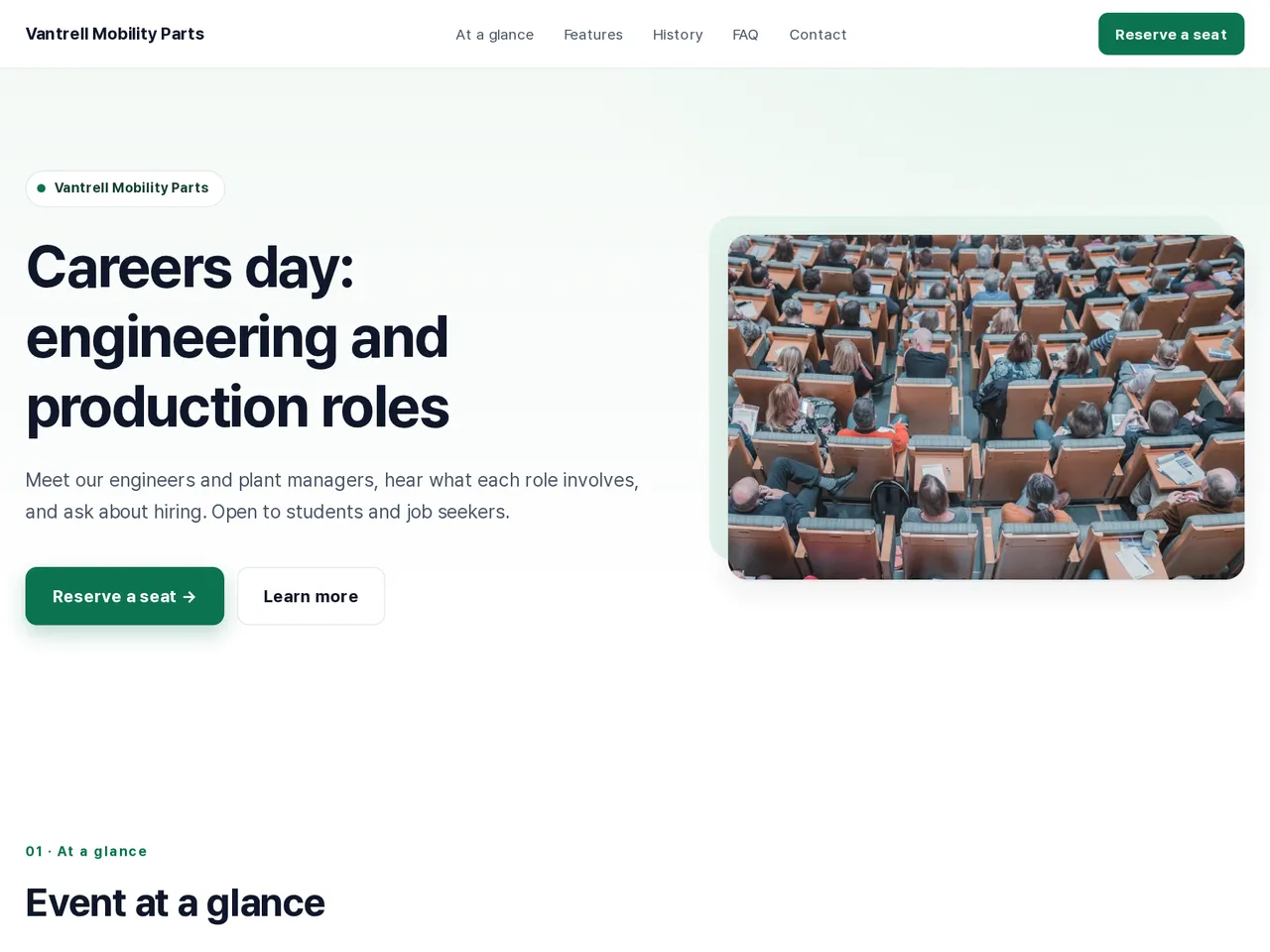
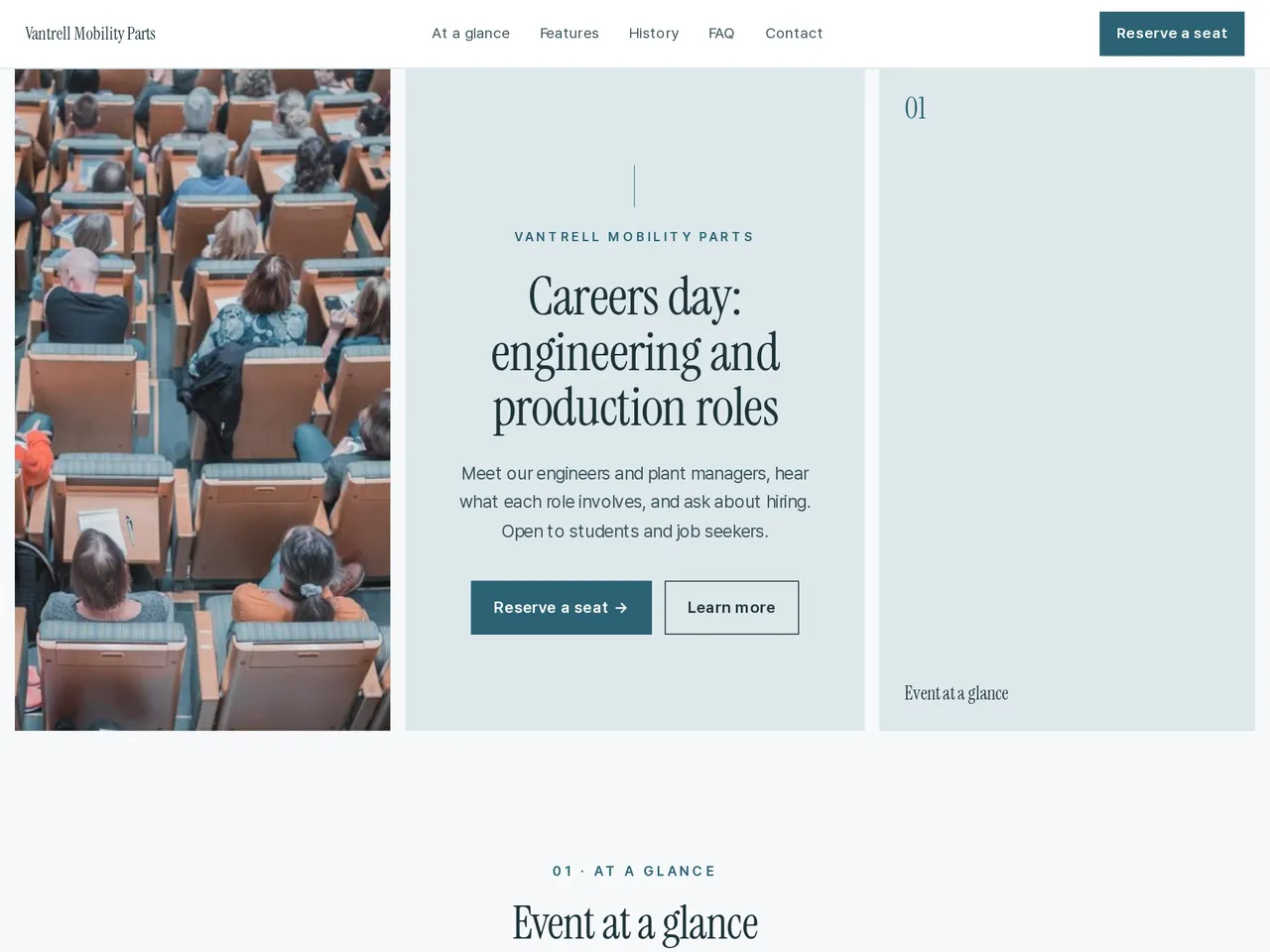
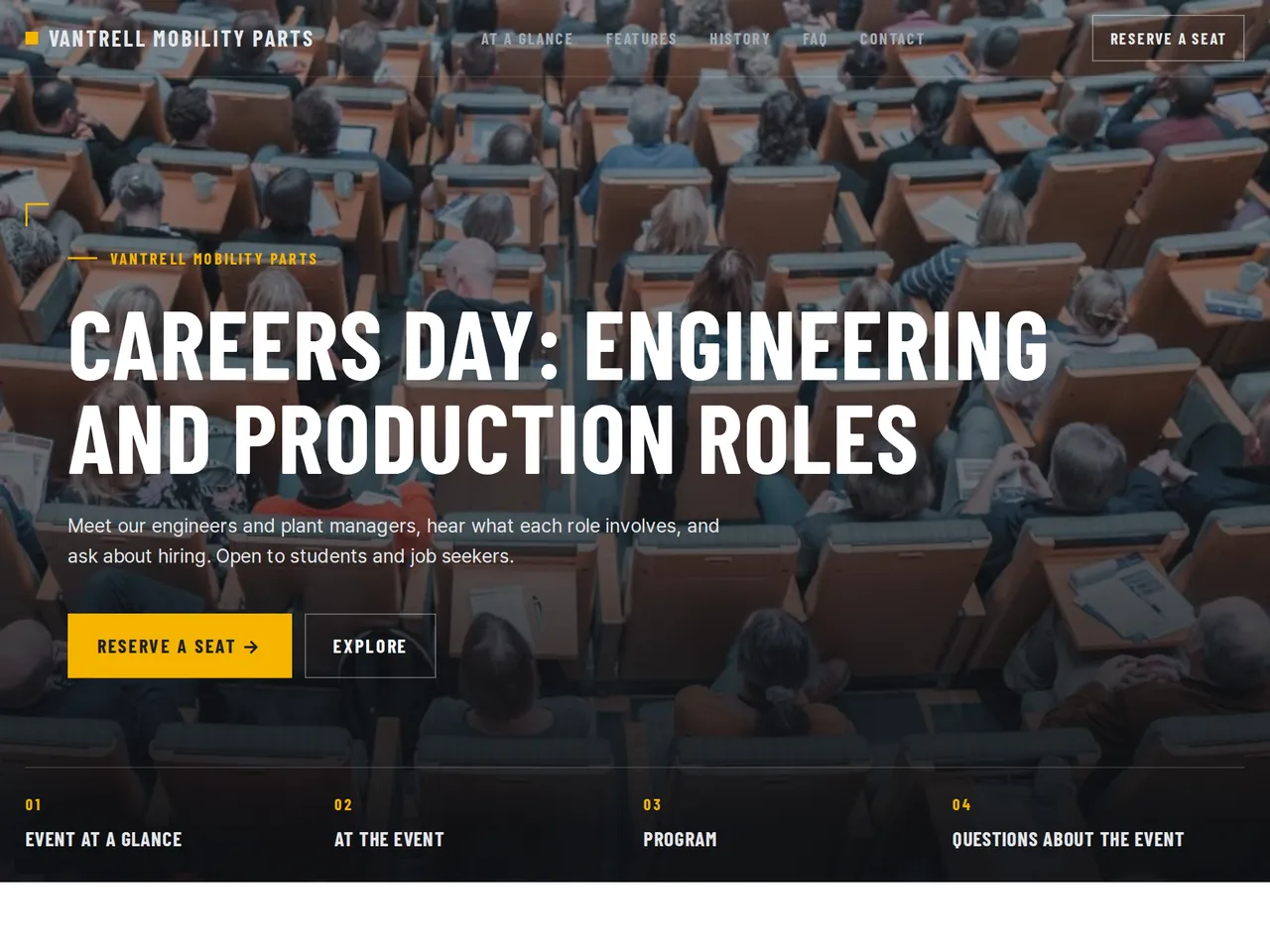
Sample brochure for a fictional company — the name, products, and figures are examples.
Who reads it
People thinking about applying. They see the role, working conditions, and hiring steps, then apply.
What to upload
Job posting · role description · working conditions · benefits · hiring schedule
Suggested design
Preview design: Corporate Clean · Green · Every template can use any of the 20 designs. You can change the design after the brochure is made, and your content stays the same.
Preview design: Triptych · Mist · Every template can use any of the 20 designs. You can change the design after the brochure is made, and your content stays the same.
Preview design: Industrial · Yellow · Every template can use any of the 20 designs. You can change the design after the brochure is made, and your content stays the same.
If something is missing
If your files have no salary, benefits, or hiring schedule, those parts are left out. No requirement your files don't state is added.
- ✓Date, place, audience, and entry details in one block at the top of the page.
- ✓The timetable from your program as a list of times and sessions.
- ✓One link for campus boards, social posts, and invitations, plus visitor counts after you publish.
Hiring this year
From the sample brochure for Vantrell Mobility Parts, a fictional company. Names, products, and figures are examples.
| 40 | new hires planned this year |
|---|---|
| 3 | roles presented at the event |
| 120 | seats in the hall |
What's included
The first draft is built in this order
- 1Hero — headline and value proposition
- 2Features — key highlights
- 3FAQ — questions visitors often ask
- 4Call to action — inquiry and next step
- 5Contact — how to reach you
Added only when your files cover them
- At a glance
- Key figures
- Team
- Testimonials
- History & schedule
- Links
After it is made, you can hide sections or change their order in the editor. Use “Add section” to add sections this outline doesn't include, such as an FAQ, downloads, or a gallery.
How it works
- 1Upload your documents — PDF, PPTX, DOCX, XLSX, HWP, images.
- 2AI writes each section, every spec cited to your source.
- 3Publish to a unique URL, in multiple languages.
Frequently asked questions
Can we change the timetable after publishing?
Yes. Edit the program and publish again. Visitors who open the same link see the new timetable.
Does the page work for an online session too?
Yes. Upload the online details, such as the streaming link and time, and the page describes how to join.