Local festival page template — dates, things to do, and getting there
Upload the festival plan, program, and site map. LabChure writes a festival page that covers the dates, things to do, the evening schedule, and how to get there, with each detail linked to your files.
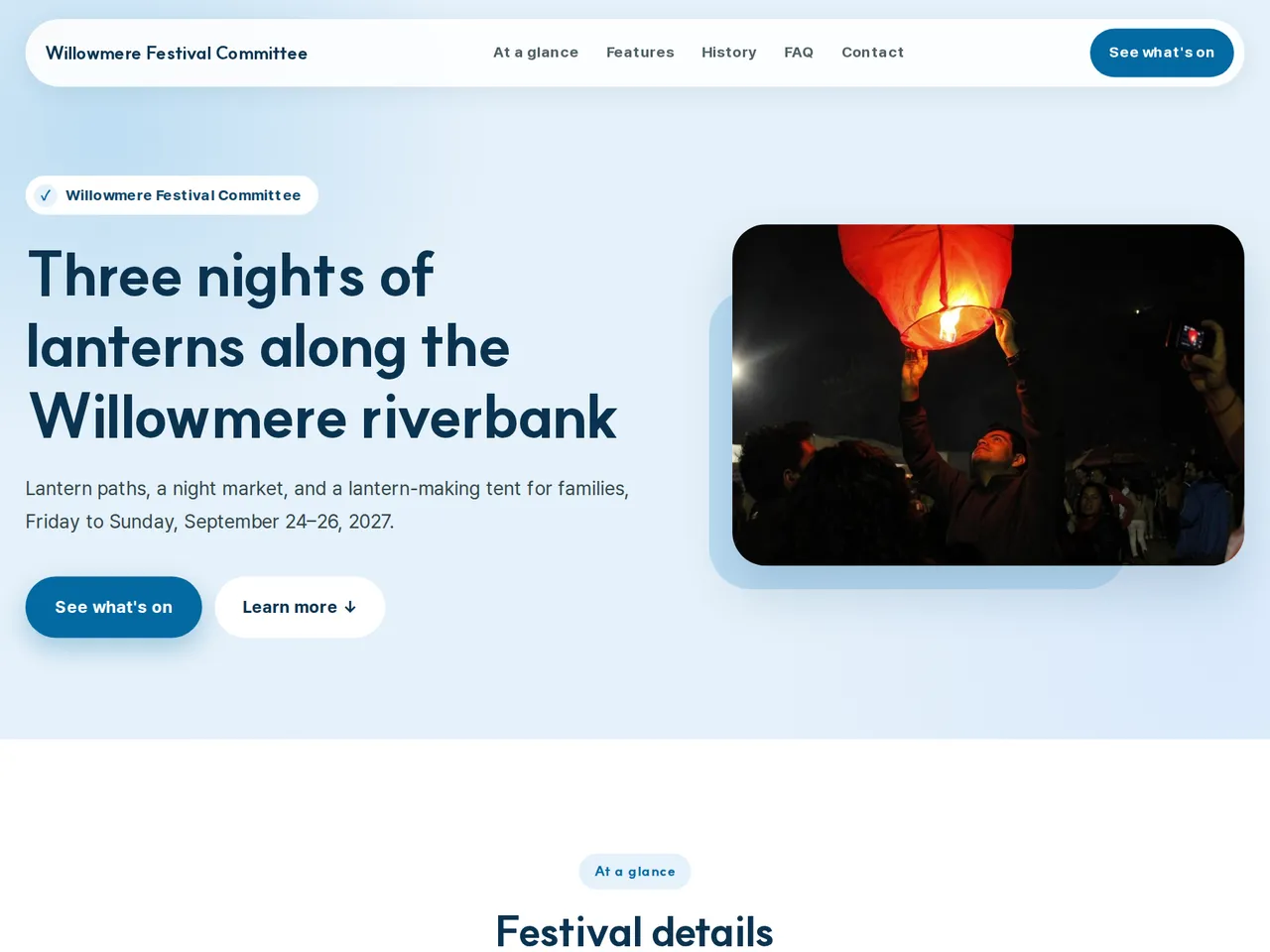
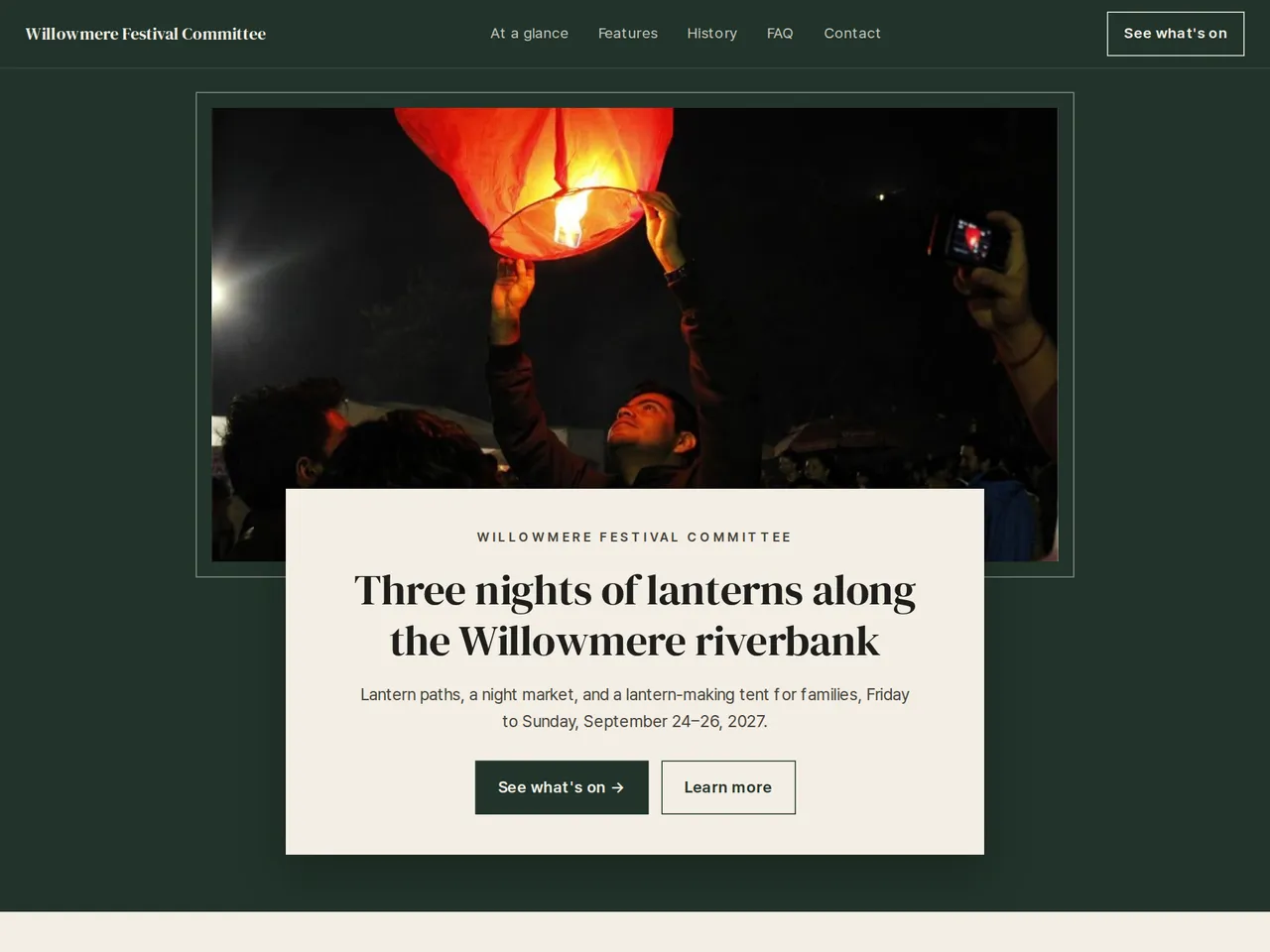
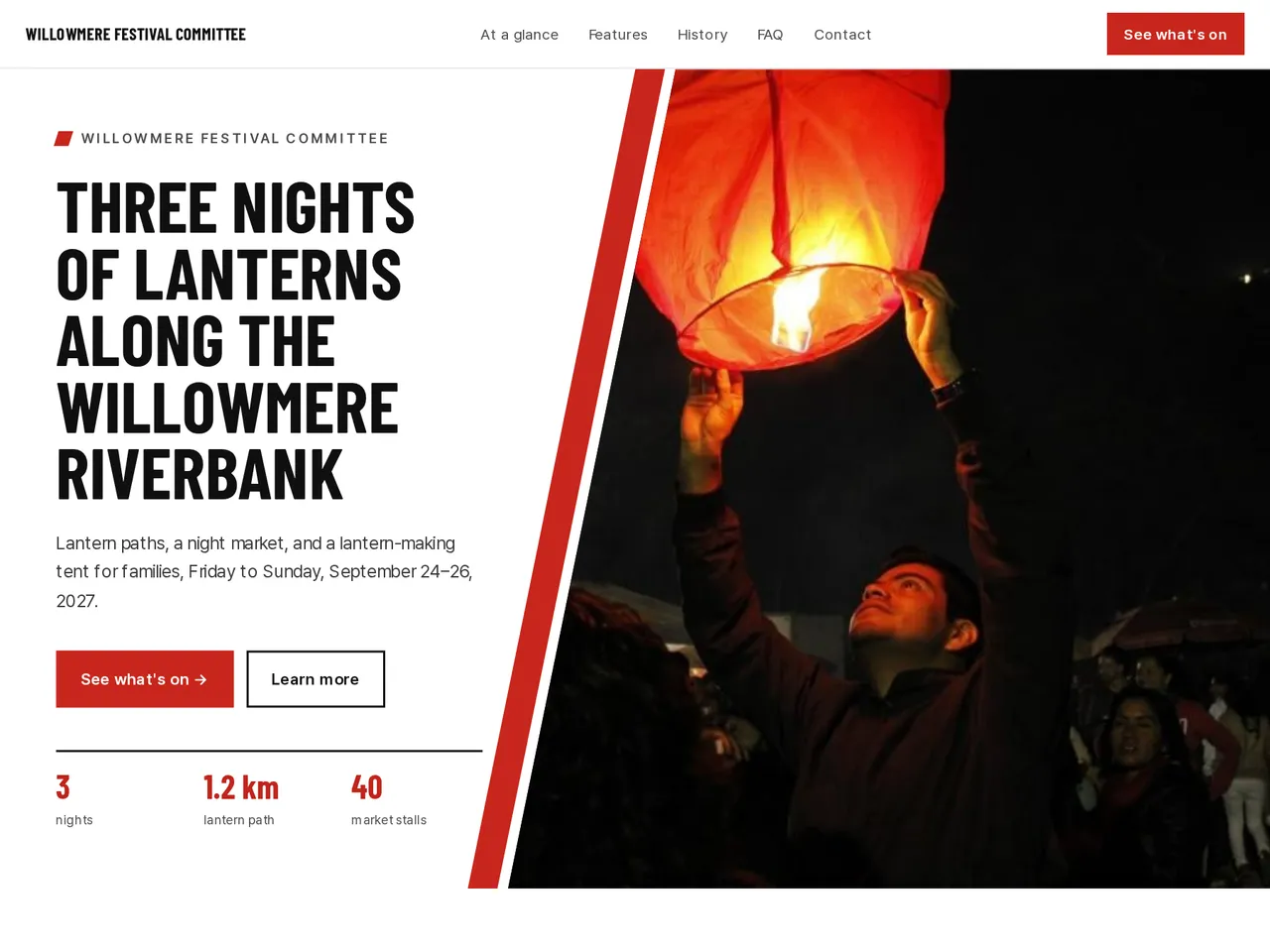
Sample brochure for a fictional company — the name, products, and figures are examples.
Who reads it
Visitors deciding whether to attend. They check the date, venue, and program, then register.
What to upload
Event notice · timetable · speaker bios · venue · fee · how to register
Suggested design
Preview design: Medical Care · Sky · Every template can use any of the 20 designs. You can change the design after the brochure is made, and your content stays the same.
Preview design: Frame · Green · Every template can use any of the 20 designs. You can change the design after the brochure is made, and your content stays the same.
Preview design: Slant · Red · Every template can use any of the 20 designs. You can change the design after the brochure is made, and your content stays the same.
If something is missing
If your files have no speakers or timetable, those sections are left out. A date that is not final or is an example is labeled that way.
- ✓Getting there, entry fees, and opening hours in one at-a-glance list.
- ✓Things to do in separate cards with a photo.
- ✓Publish in each language your visitors read, and post the same link on posters and social media.
Festival facts
From the sample brochure for Willowmere Festival Committee, a fictional company. Names, products, and figures are examples.
| 3 | nights |
|---|---|
| 1.2 km | lantern path |
| 40 | market stalls |
| 2,000 | lanterns |
What's included
The first draft is built in this order
- 1Opening — headline and what you offer
- 2Features — key highlights
- 3FAQ — questions visitors often ask
- 4Call to action — inquiry and next step
- 5Contact — how to reach you
Added only when your files cover them
- At a glance
- History & schedule
- Team
- Key figures
- Clients
- Links
After it is made, you can hide sections or change their order in the editor. Use “Add section” to add sections this outline doesn't include, such as an FAQ, downloads, or a gallery.
How it works
- 1Upload your documents — PDF, PPTX, DOCX, XLSX, HWP, images.
- 2AI writes each section from your documents and checks specs against the source.
- 3Publish to a unique URL, in multiple languages.
Frequently asked questions
Can I post weather updates on the page?
Edit the page and publish again. The address stays the same, so the link on your posters keeps working.
Can I include a site map?
Yes. Upload the map as an image and place it in the section where it fits.
Can I explain parking and shuttle buses?
Yes. Add parking lots, shuttle times, and road closures to your files, and they go into the directions. Times are checked against your files before you publish.