Logistics company profile template — warehousing, freight, and customs at a glance
Upload your company deck, facility lists, and service sheets. LabChure writes a profile that lays out your warehouses, fleet, and customs services, with capacity figures checked against your files. Send customers one link instead of a heavy PDF.
Demo Precision Manufacturing — a LabChure example made for a fictional company. It shows the same features for any industry. Source quotes, language switching, and file downloads work on the published page.
Sample brochure for a fictional company — the name, products, and figures are examples.
Who reads it
Purchasing teams and buyers checking your production and quality capability. They look at equipment, process, and quality system before they ask for a quote.
What to upload
Company profile · equipment, process, and capacity documents · certificates if you have them
Suggested design
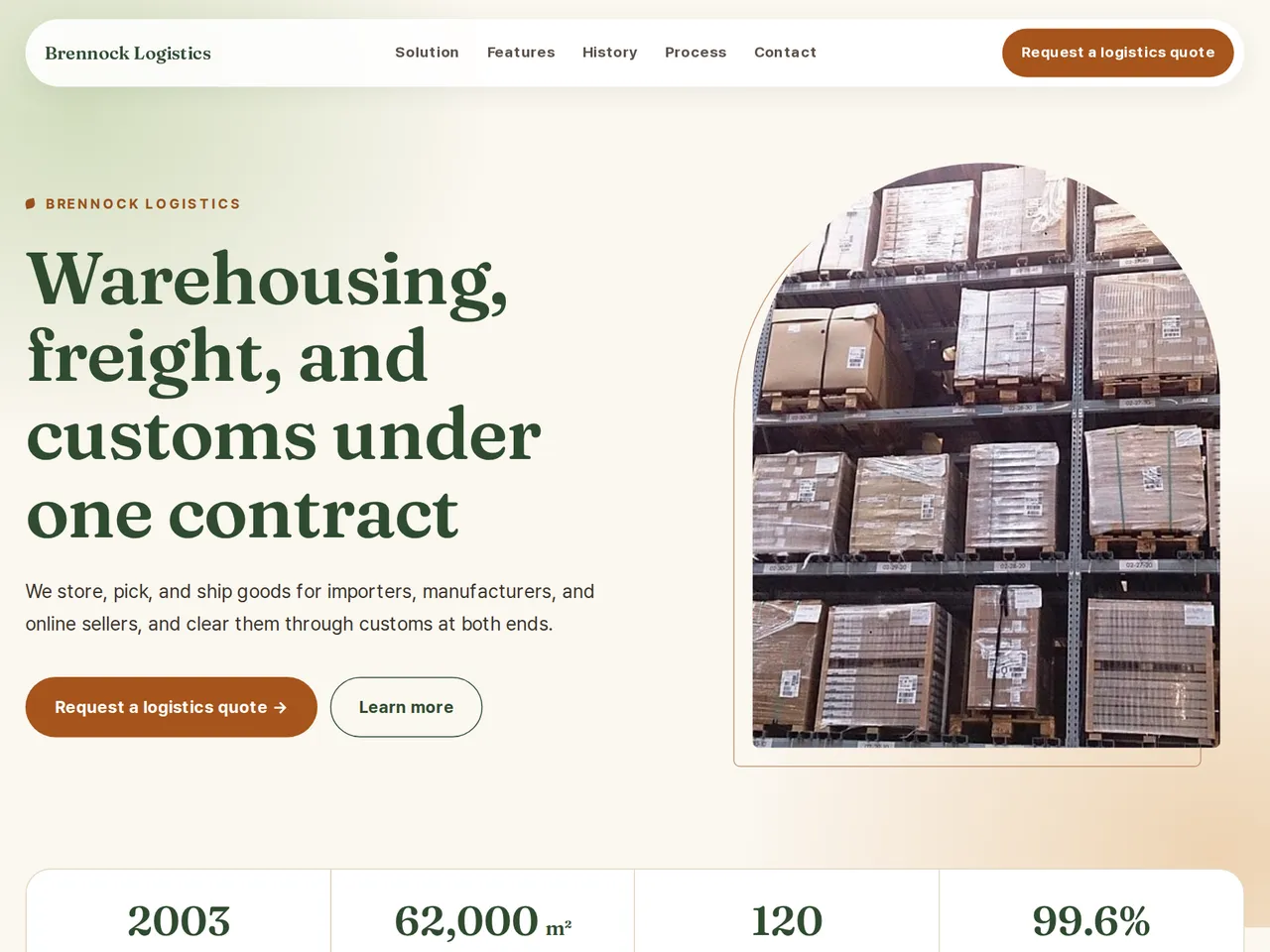
Preview design: Natural · Forest · Every template can use any of the 20 designs. You can change the design after the brochure is made, and your content stays the same.
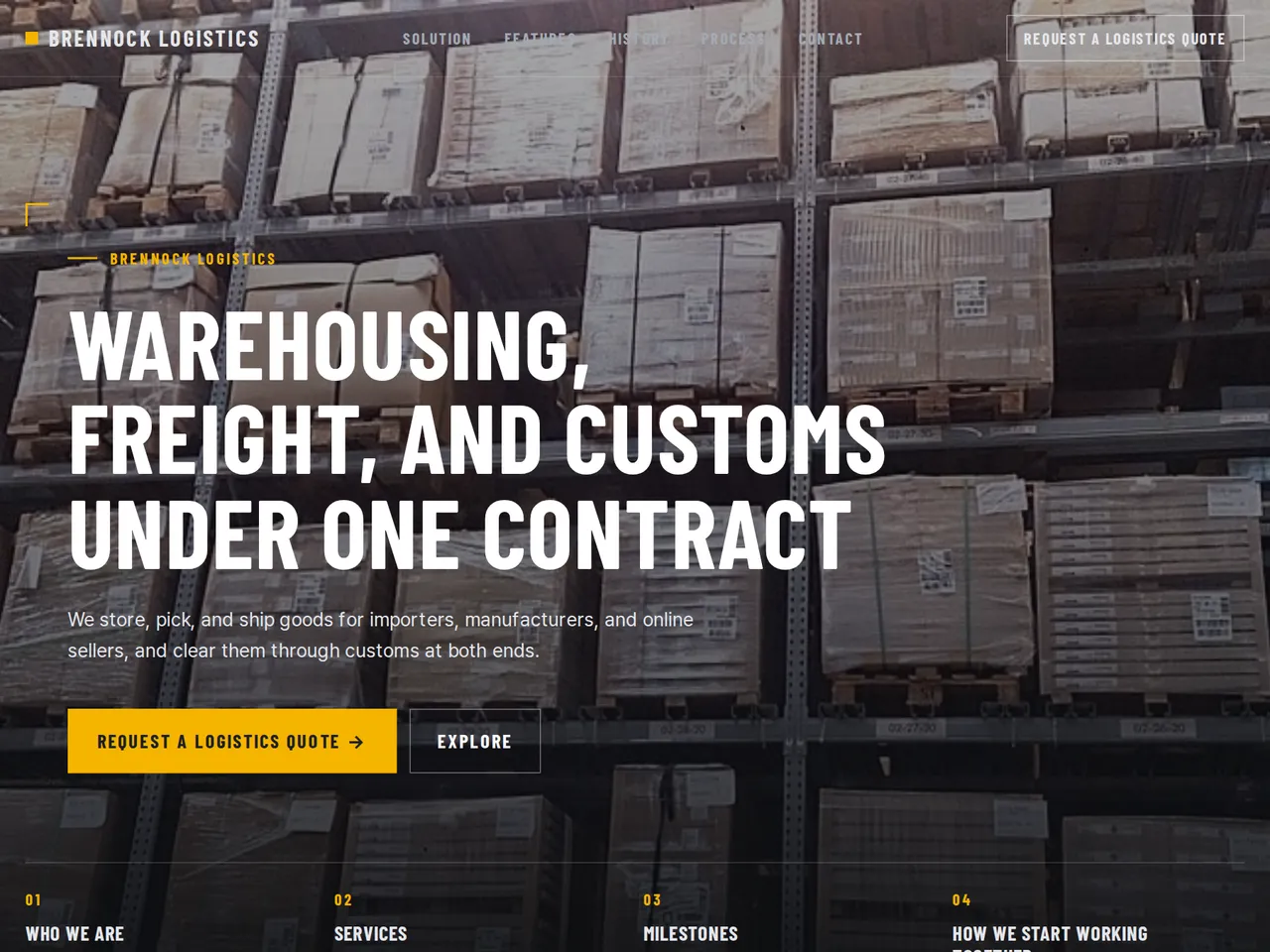
Preview design: Industrial · Yellow · Every template can use any of the 20 designs. You can change the design after the brochure is made, and your content stays the same.
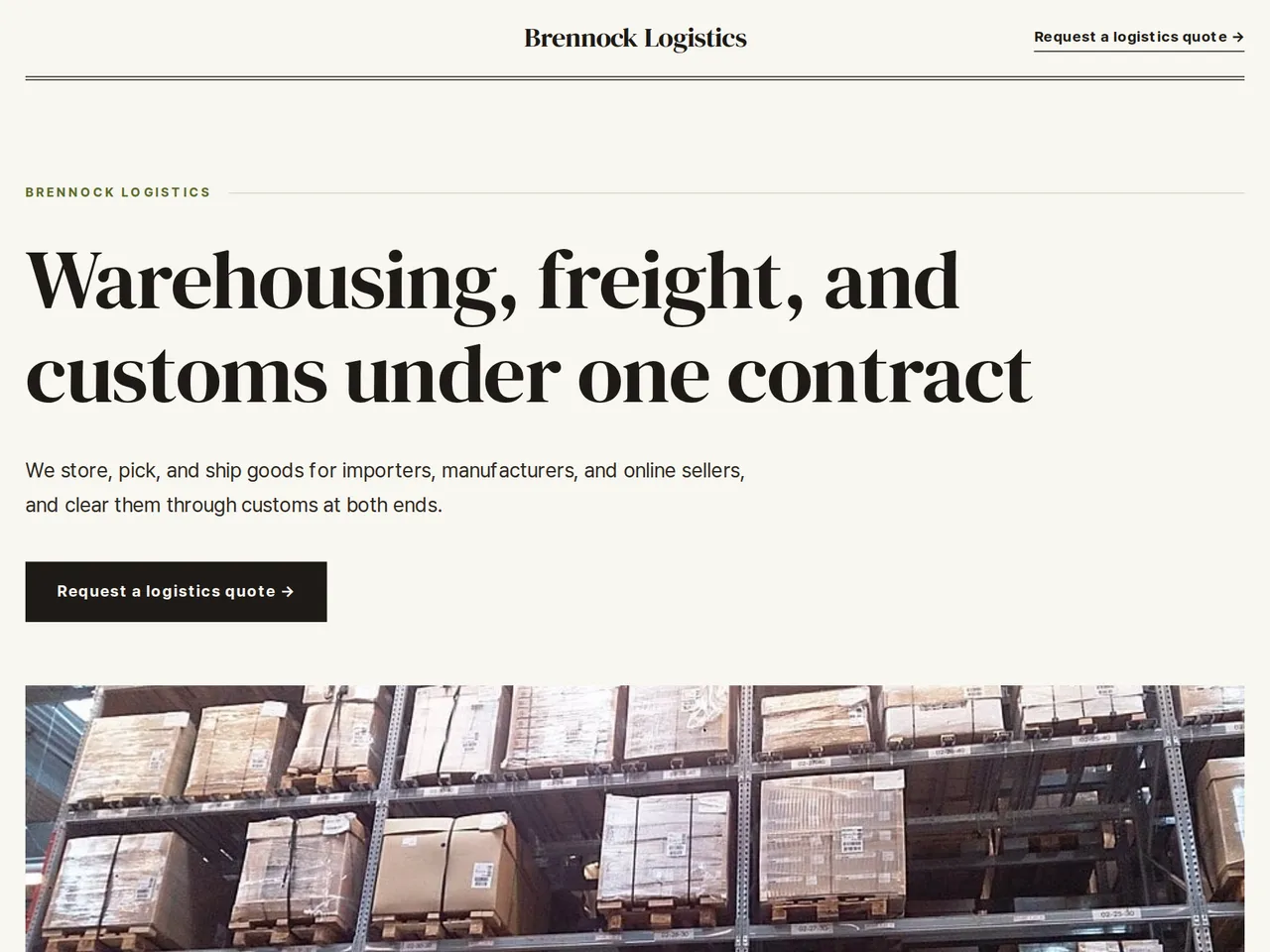
Preview design: Editorial · Olive · Every template can use any of the 20 designs. You can change the design after the brochure is made, and your content stays the same.
If something is missing
Certifications, customer logos, or history that are not in your files are left out. Capacity is shown as capacity, not as sales volume.
- ✓Warehouse space, fleet size, and service areas written from your documents, each figure checked against your files.
- ✓The review flags any figure your files don't support before you publish.
- ✓Pages in several languages and a QR code for proposals, tenders, and site visits.
Brennock at a glance
From the sample brochure for Brennock Logistics, a fictional company. Names, products, and figures are examples.
| 2003 | founded |
|---|---|
| 62,000 m² | warehouse floor area |
| 120 | trucks in our fleet |
| 99.6% | orders shipped on time last year |
What's included
The first draft is built in this order
- 1Opening — headline and what you offer
- 2Solution — what you did
- 3Features — key highlights
- 4Process — how you work
- 5Call to action — inquiry and next step
- 6Contact — how to reach you
Added only when your files cover them
- Key figures
- Clients
- At a glance
- Charts
- Certifications & awards
- Testimonials
- History & schedule
- Team
- Links
After it is made, you can hide sections or change their order in the editor. Use “Add section” to add sections this outline doesn't include, such as an FAQ, downloads, or a gallery.
How it works
- 1Upload your documents — PDF, PPTX, DOCX, XLSX, HWP, images.
- 2AI writes each section from your documents and checks specs against the source.
- 3Publish to a unique URL, in multiple languages.
Frequently asked questions
Can I show capacity and on-time figures?
Yes, if they appear in your uploaded files. The review points out any figure it can't trace to your files.
Our rates and capacity change often.
Upload the new sheet and regenerate the affected section. Sections you edited by hand stay as you wrote them.
Can I show warehouse locations on a map?
Yes. Upload your network map as an image and place it in the section where it fits. Site lists and floor areas are written from your files.