Partnership proposal template — terms, pilot plan, and what each side gets
Upload your partnership deck, service details, and pilot terms. LabChure writes a proposal page that covers the partner's current problem, what you offer, the pilot timeline, and what the partner gets, and links every figure and term to your files.
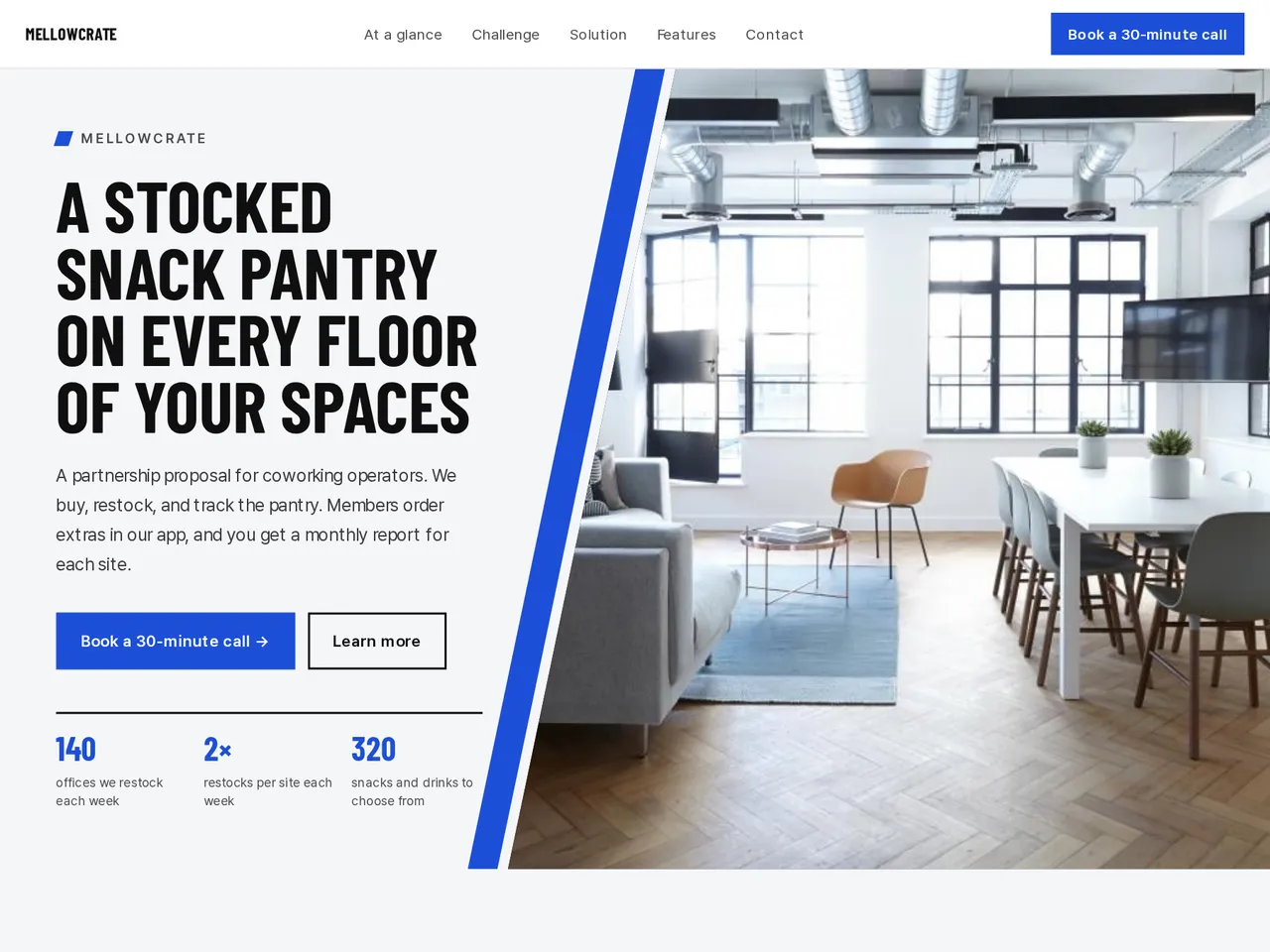
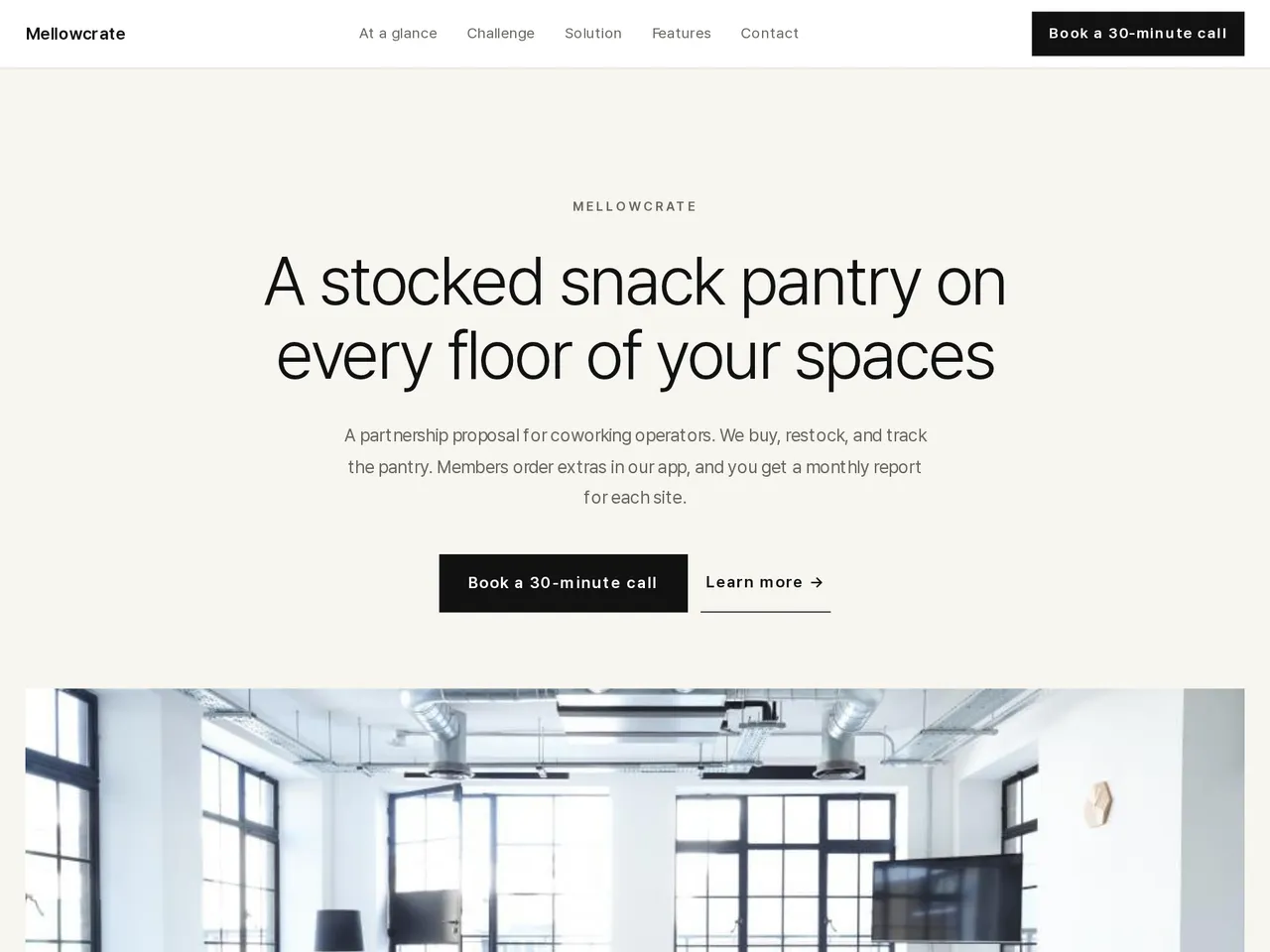
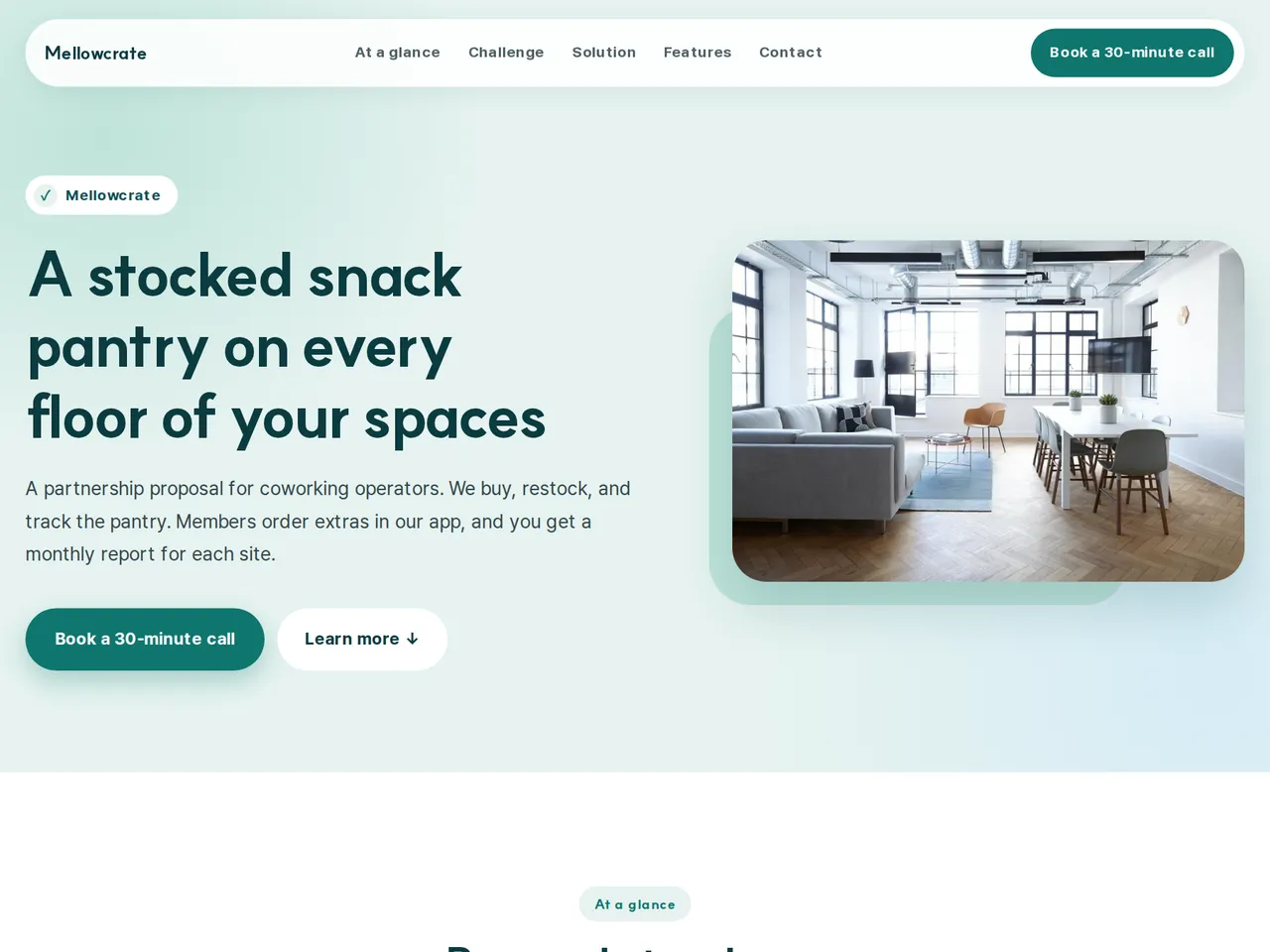
Sample brochure for a fictional company — the name, products, and figures are examples.
Who reads it
The partner, investor, or buyer receiving your proposal. They see what you propose and why, then reply.
What to upload
Proposal document · terms · schedule · one-page company profile · supporting figures (if any)
Suggested design
Preview design: Slant · Cobalt · Every template can use any of the 20 designs. You can change the design after the brochure is made, and your content stays the same.
Preview design: Minimal Gallery · Off-white · Every template can use any of the 20 designs. You can change the design after the brochure is made, and your content stays the same.
Preview design: Medical Care · Teal · Every template can use any of the 20 designs. You can change the design after the brochure is made, and your content stays the same.
If something is missing
If your files give no amounts, terms, or dates, those fields stay empty. Results and returns are never promised.
- ✓Terms, fees, and pilot length stay exactly as they appear in your files.
- ✓Problem, offer, and pilot plan in separate sections, so the partner sees who does what and when.
- ✓Send one unique URL with your email instead of a large deck attachment.
Our service today
From the sample brochure for Mellowcrate, a fictional company. Names, products, and figures are examples.
| 140 | offices we restock each week |
|---|---|
| 2× | restocks per site each week |
| 320 | snacks and drinks to choose from |
| 48 h | to set up a new pantry |
What's included
The first draft is built in this order
- 1Hero — headline and value proposition
- 2Challenge — the customer's situation and problem
- 3Solution — problem and approach
- 4Features — key highlights
- 5Call to action — inquiry and next step
- 6Contact — how to reach you
Added only when your files cover them
- At a glance
- Key figures
- Charts
- History & schedule
- Team
- Links
After it is made, you can hide sections or change their order in the editor. Use “Add section” to add sections this outline doesn't include, such as an FAQ, downloads, or a gallery.
How it works
- 1Upload your documents — PDF, PPTX, DOCX, XLSX, HWP, images.
- 2AI writes each section, every spec cited to your source.
- 3Publish to a unique URL, in multiple languages.
Frequently asked questions
Can I make a separate page for each partner?
Yes. Start a new project from the same files, change the partner details, and publish each page at its own URL.
What if our terms are still under discussion?
Mark draft terms as drafts in your files. The page is written from your files, and you can edit any line before you publish.