Software adoption case study template — processing time before and after rollout
Upload the rollout report, time studies, and screenshots from a finished project. LabChure writes a case page that walks through the team's old process, what you set up, and how processing time changed, with every figure linked to your files.
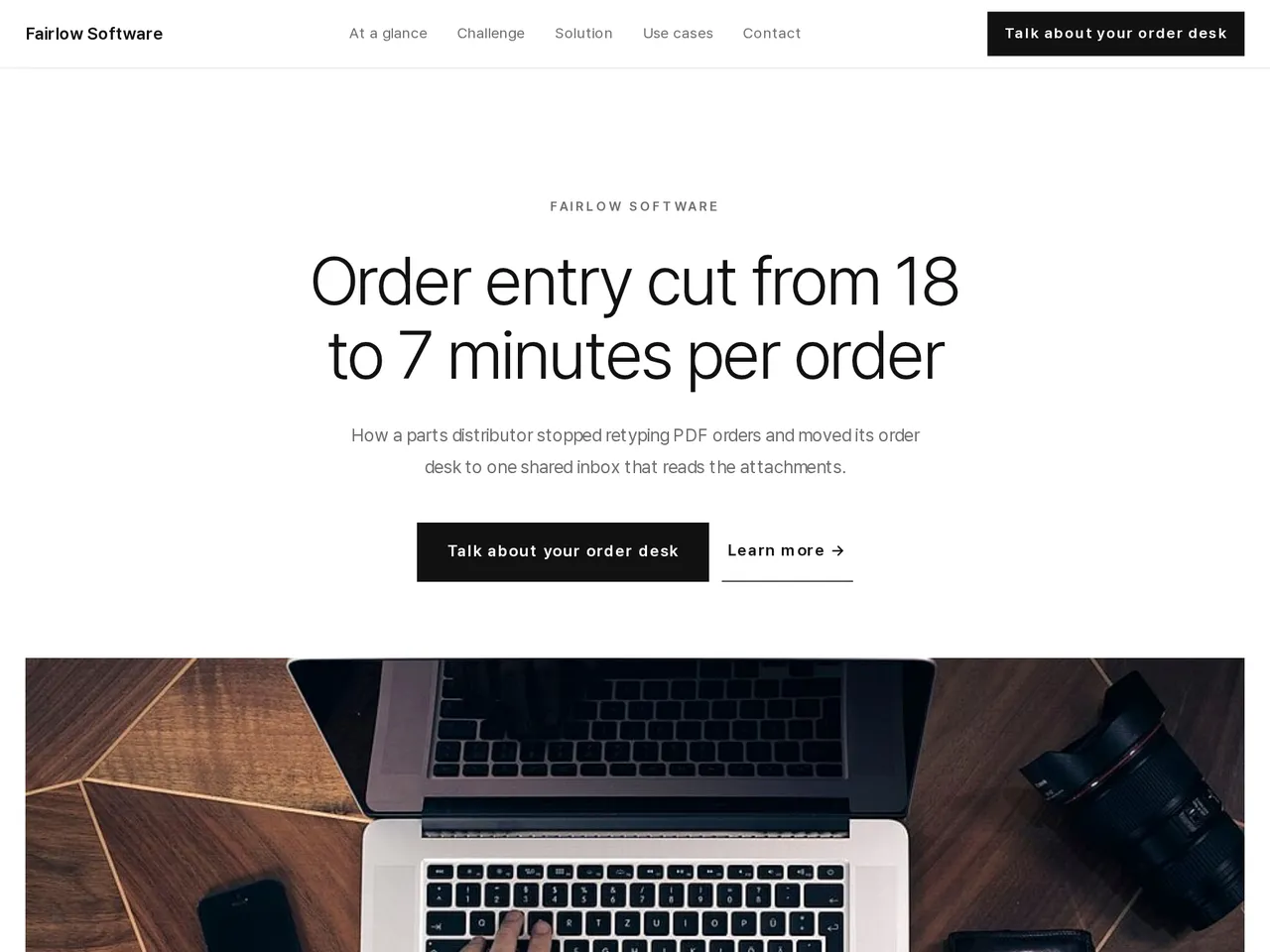
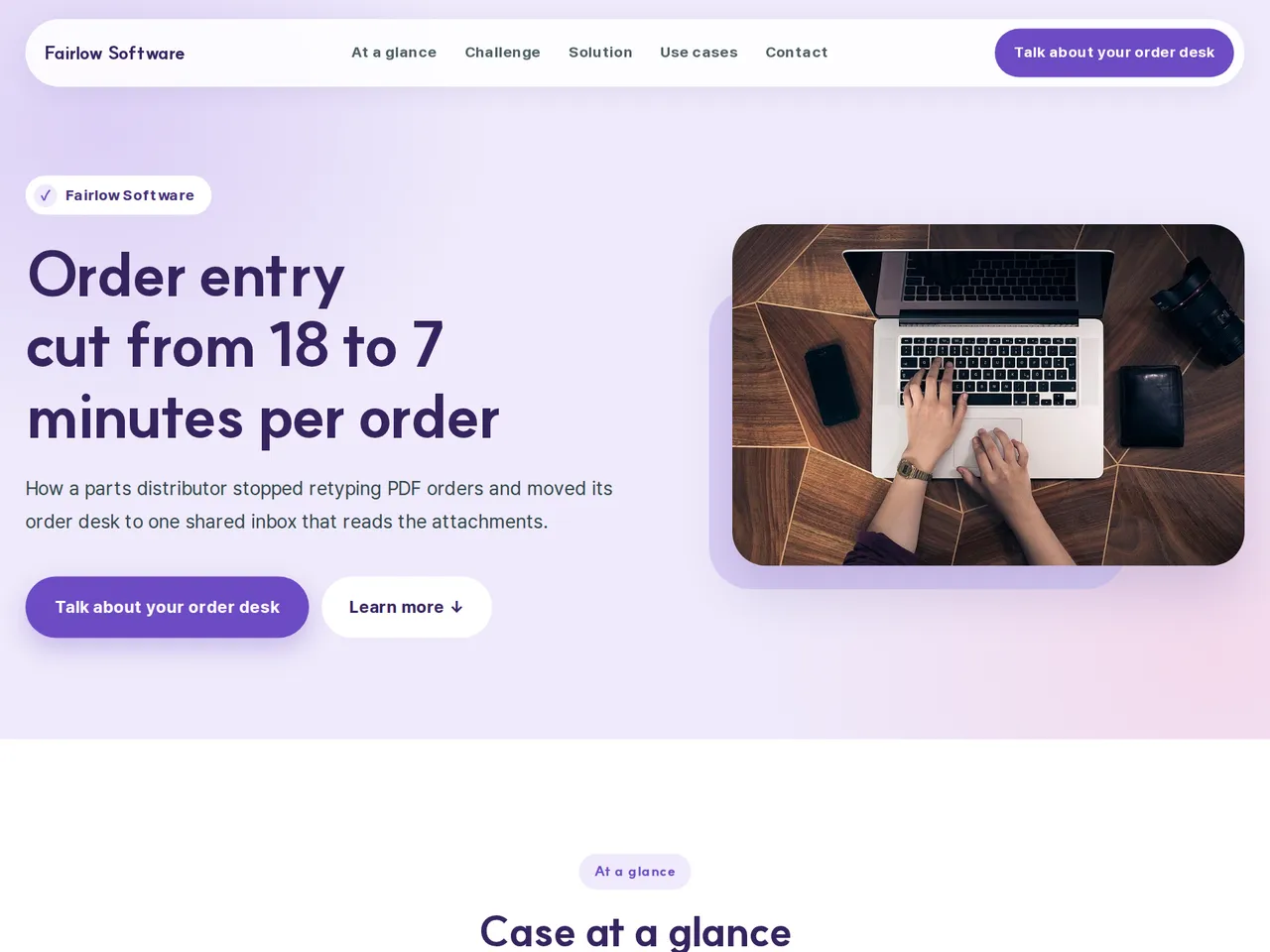
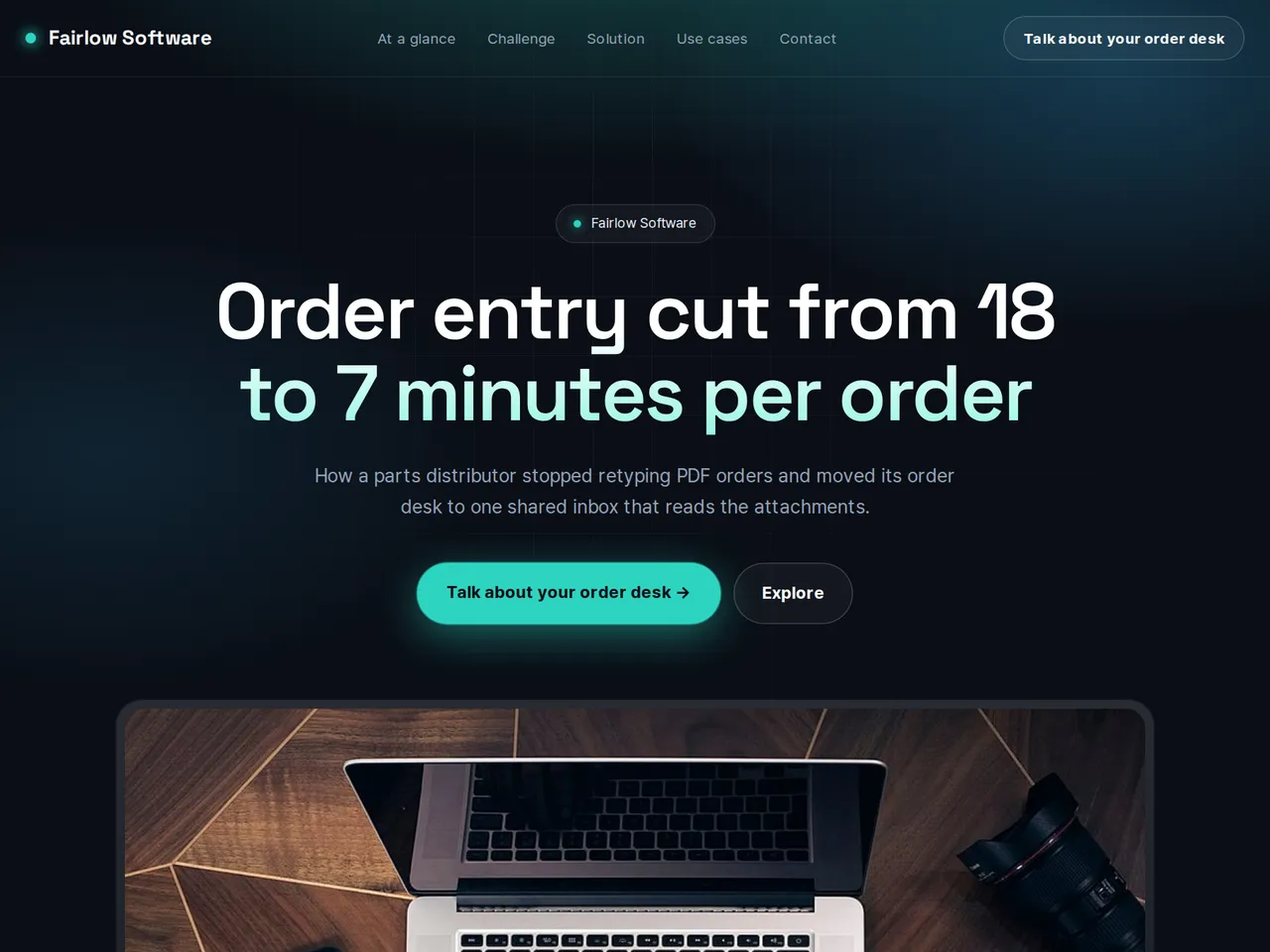
데모 고객 A / Demo Customer A — a LabChure example made for a fictional company. Source quotes, language switching, and file downloads work on the published page.
Sample brochure for a fictional company — the name, products, and figures are examples.
Who reads it
Customers evaluating what the solution delivered. They read the challenge, the fix, and the result before asking how it applies to them.
What to upload
Case study material (customer situation · challenge · solution · result figures · measurement period and conditions) · spec sheets of the products used
Suggested design
Preview design: Minimal Gallery · White · Every template can use any of the 20 designs. You can change the design after the brochure is made, and your content stays the same.
Preview design: Medical Care · Lavender · Every template can use any of the 20 designs. You can change the design after the brochure is made, and your content stays the same.
Preview design: Tech · Mint · Every template can use any of the 20 designs. You can change the design after the brochure is made, and your content stays the same.
If something is missing
Without result figures the case is described in words; without a case at all, the brochure asks for more material. Customer names and quotes come only from your files.
- ✓Processing times and error counts keep their sample size and measuring period from your files.
- ✓The old process, the rollout, and the results in separate sections that the reader's team can follow.
- ✓A unique URL to send with proposals, and the same page in each language you publish.
Measured at the order desk
From the sample brochure for Fairlow Software, a fictional company. Names, products, and figures are examples.
| 18 min | average entry time per order before (6 weeks, about 2,400 orders) |
|---|---|
| 7 min | average entry time per order after (6 weeks, about 2,400 orders) |
| 61% | shorter entry time on the same order types |
What's included
The first draft is built in this order
- 1Hero — headline and value proposition
- 2Challenge — the customer's situation and problem
- 3Solution — problem and approach
- 4Products — catalog card grid
- 5Call to action — inquiry and next step
- 6Contact — how to reach you
Added only when your files cover them
- At a glance
- Case studies
- Key figures
- Charts
- Links
After it is made, you can hide sections or change their order in the editor. Use “Add section” to add sections this outline doesn't include, such as an FAQ, downloads, or a gallery.
How it works
- 1Upload your documents — PDF, PPTX, DOCX, XLSX, HWP, images.
- 2AI writes each section, every spec cited to your source.
- 3Publish to a unique URL, in multiple languages.
Frequently asked questions
Can I show screenshots of our software?
Yes. Upload your screenshots and place them in the sections where they fit. LabChure writes the text from your files.
What if we only have estimates for before and after?
Mark them as estimates in your files. The page is written from your files, and the review points out figures your files don't back up before you publish.