Tools & hardware catalog template — sizes, materials, and pack data, cited
Upload your item lists, product sheets, and pack data for hand tools, bits, and fasteners. LabChure writes a catalog with a section for each product family and turns sizes, materials, and carton counts into tables linked to your files. Publish it on a unique URL your customers can open at the counter or on site.
데모 유체기술 / Demo Fluid Systems — a LabChure example made for a fictional company. Source quotes, language switching, and file downloads work on the published page.
Sample brochure for a fictional company — the name, products, and figures are examples.
Who reads it
Buyers and distributors comparing several models. They check the specs per model and ask for a quote.
What to upload
Product catalog · spec sheets per model (PDF) · product photos if you have them · a one-page company profile (optional)
Suggested design
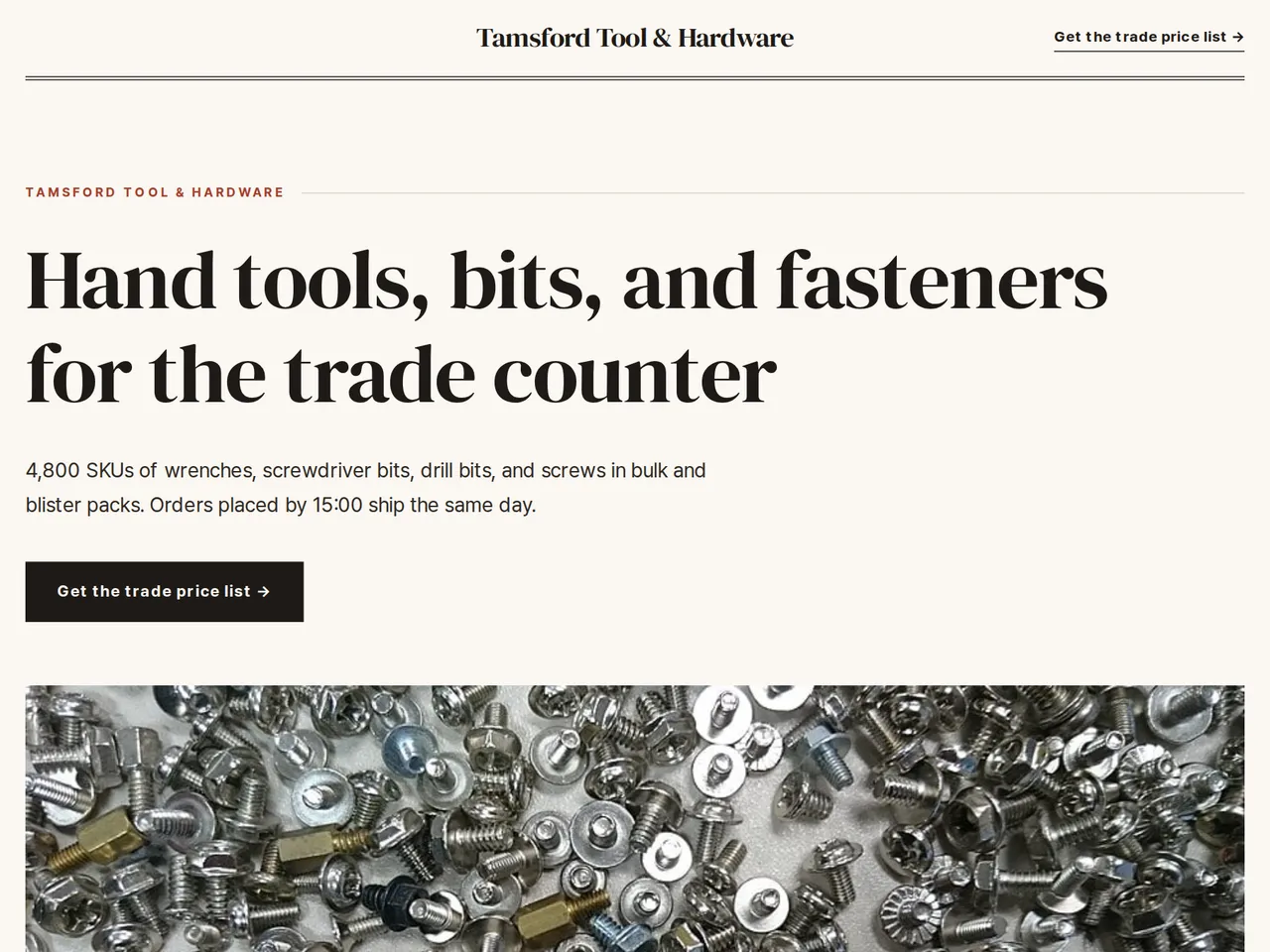
Preview design: Editorial · Brick · Every template can use any of the 20 designs. You can change the design after the brochure is made, and your content stays the same.
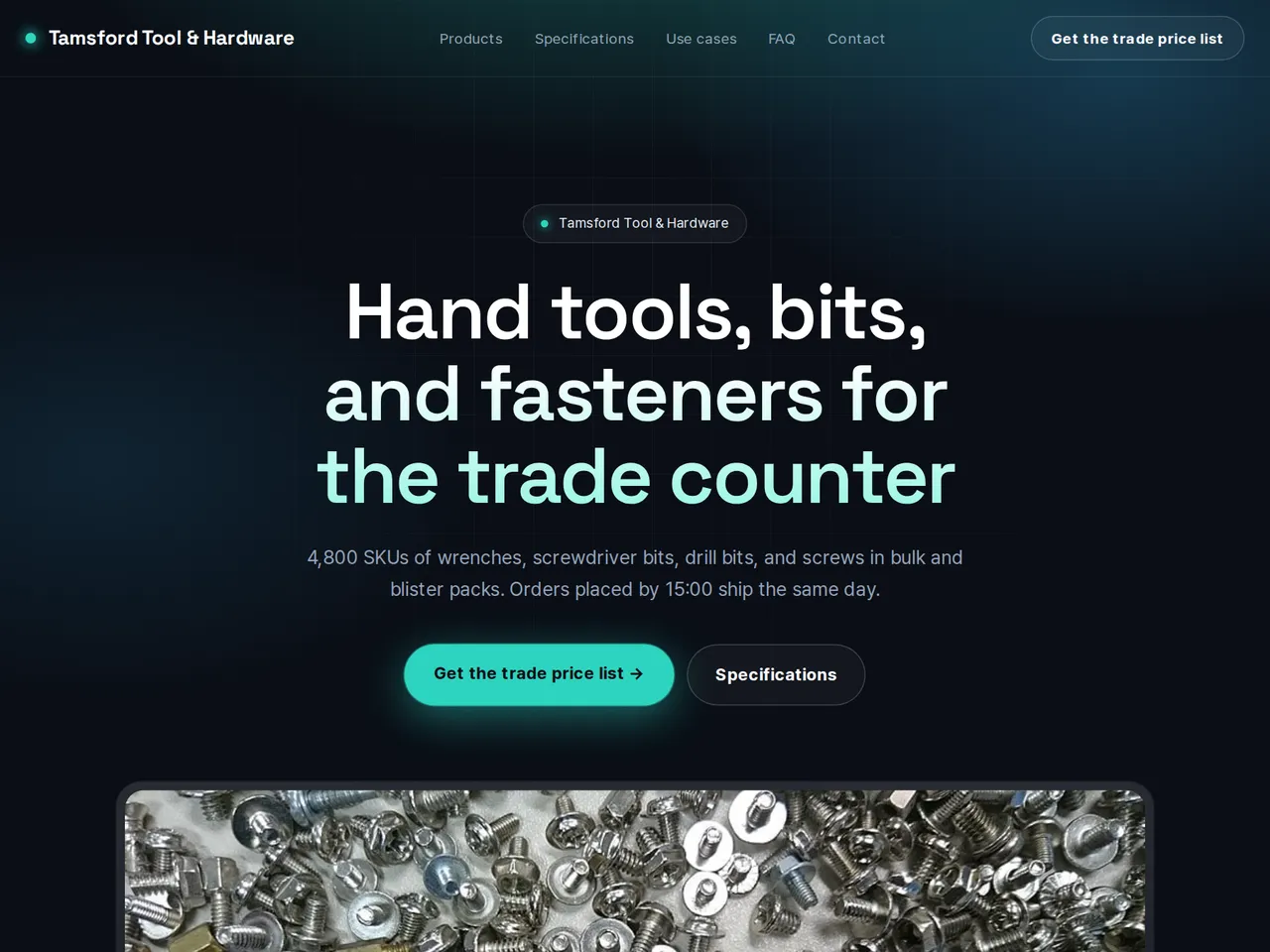
Preview design: Tech · Mint · Every template can use any of the 20 designs. You can change the design after the brochure is made, and your content stays the same.
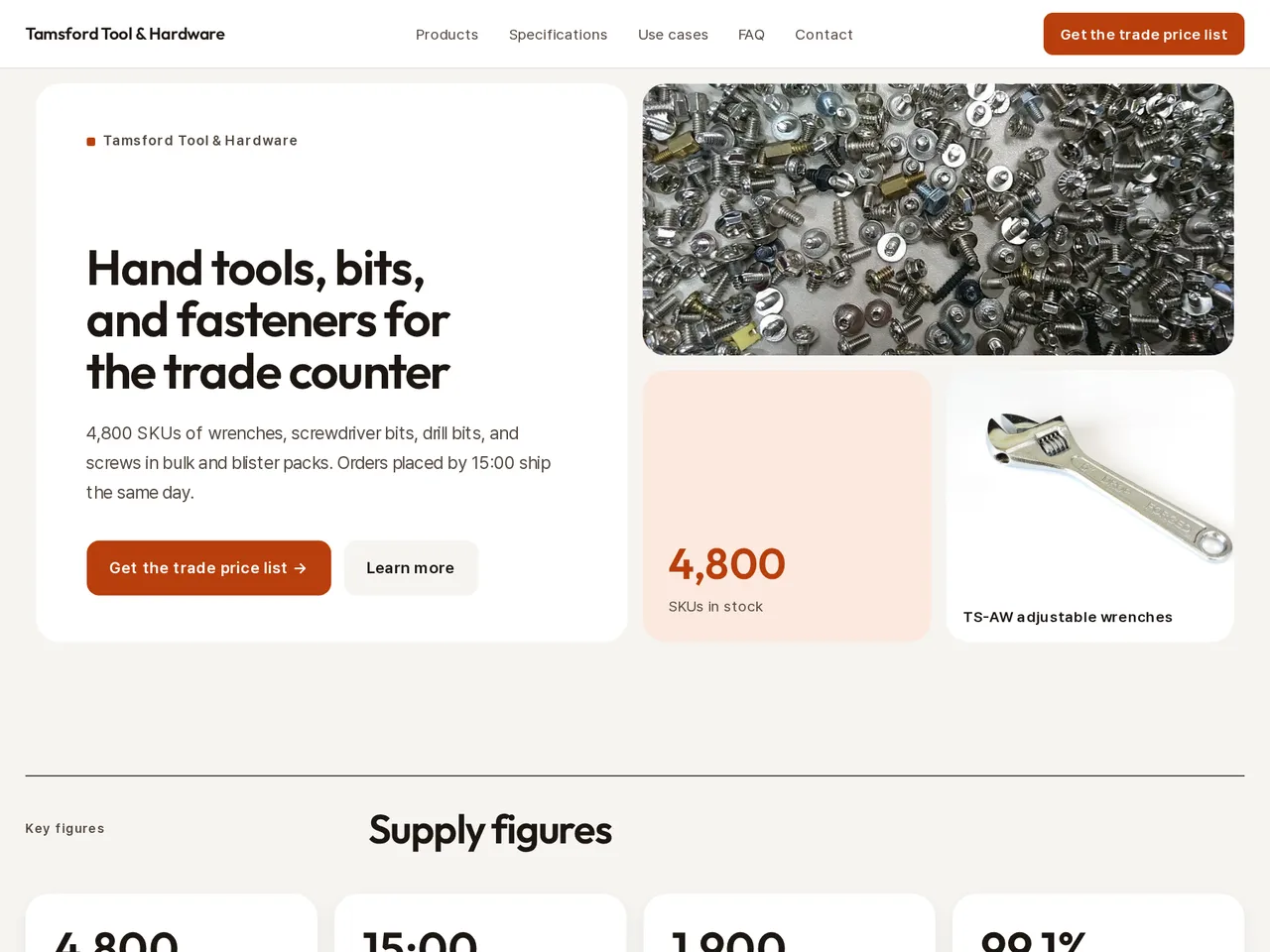
Preview design: Bento · Orange · Every template can use any of the 20 designs. You can change the design after the brochure is made, and your content stays the same.
If something is missing
Specs, certifications, or case studies that are not in your files are left out. Each model keeps its own values.
- ✓Sizes, materials, and pack formats in tables, each value linked to the file it came from.
- ✓Product families such as hand tools, bits, and fasteners each get their own section.
- ✓A QR code for shelf labels and counters that opens the same catalog.
Pack and carton data
From the sample brochure for Tamsford Tool & Hardware, a fictional company. Names, products, and figures are examples.
| Item | Size | Material | Pack | Units per carton |
|---|---|---|---|---|
| TS-AW200 | 200 mm, jaw 24 mm | Cr-V steel | Blister card | 20 |
| TS-AW300 | 300 mm, jaw 34 mm | Cr-V steel | Blister card | 10 |
| TS-IB6 | 6 bits, 12 tips | S2 steel | Hang box | 24 |
| TS-SC4050 | 4.0 × 50 mm | Zinc-plated steel | Box of 200 | 25 boxes |
| TS-AN8 | 8 × 40 mm | Nylon PA6 | Pack of 100 | 40 packs |
What's included
The first draft is built in this order
- 1Hero — headline and value proposition
- 2Features — key highlights
- 3Call to action — inquiry and next step
- 4Contact — how to reach you
Added only when your files cover them
- Key figures
- Clients
- At a glance
- Products — same series or used together
- Specifications
- Comparison table
- Charts
- Certifications & awards
- Case studies
- Testimonials
- Links
After it is made, you can hide sections or change their order in the editor. Use “Add section” to add sections this outline doesn't include, such as an FAQ, downloads, or a gallery.
How it works
- 1Upload your documents — PDF, PPTX, DOCX, XLSX, HWP, images.
- 2AI writes each section, every spec cited to your source.
- 3Publish to a unique URL, in multiple languages.
Frequently asked questions
Our range has thousands of SKUs. Does that work?
LabChure groups SKUs into sections from your files. For very large ranges, one brochure per product family keeps pages short and easy to search.
Will screw sizes and pack counts stay exact?
Every figure is traced to your files, and the review flags any number your files don't back up before you publish.