Tourist attraction guide template — opening hours, admission, and what to see
Upload your visitor leaflet, map, opening hours, and admission prices. LabChure writes a visitor page with directions, fees, and the highlights of each area, and links every time and price to your files.
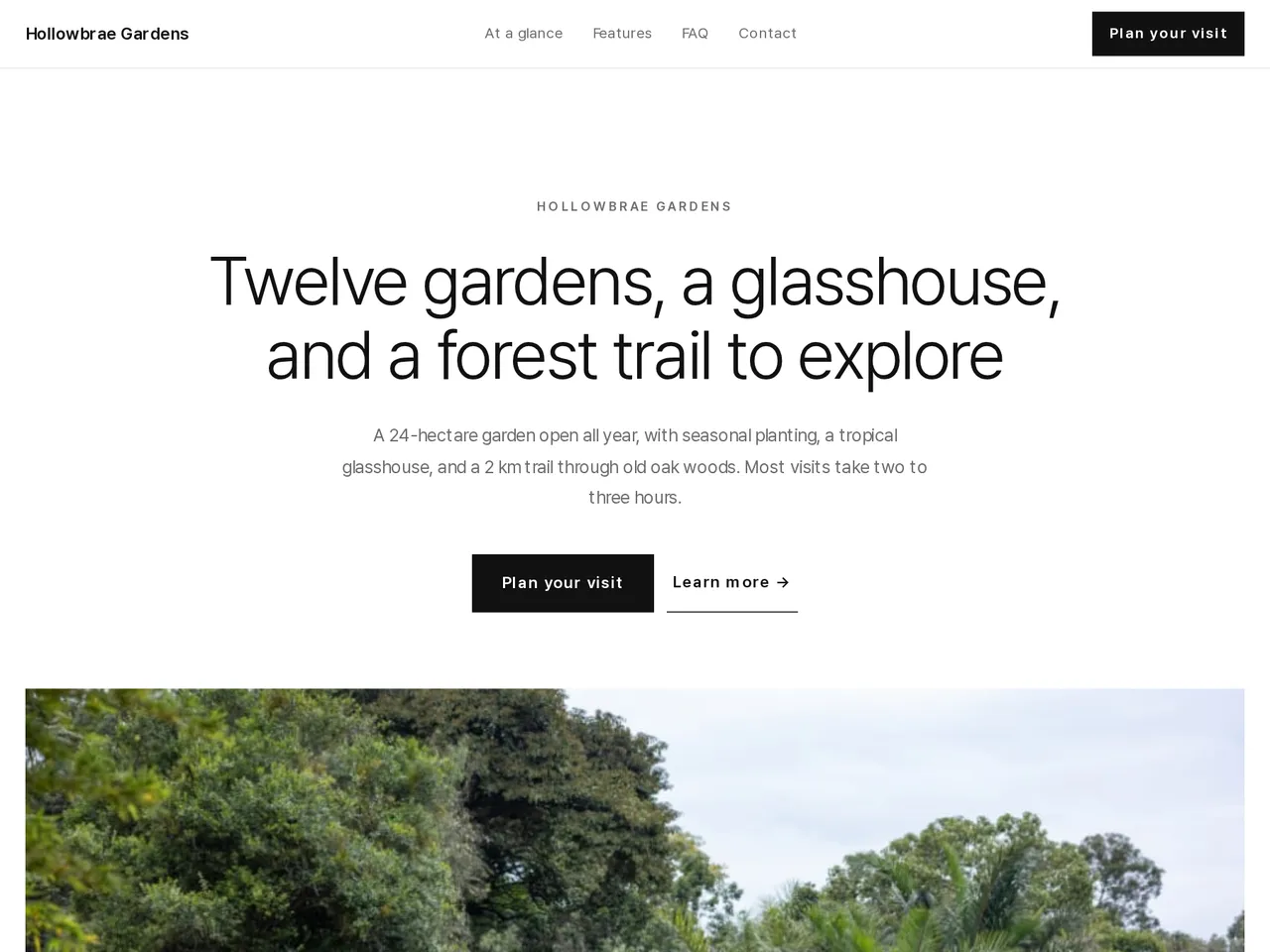
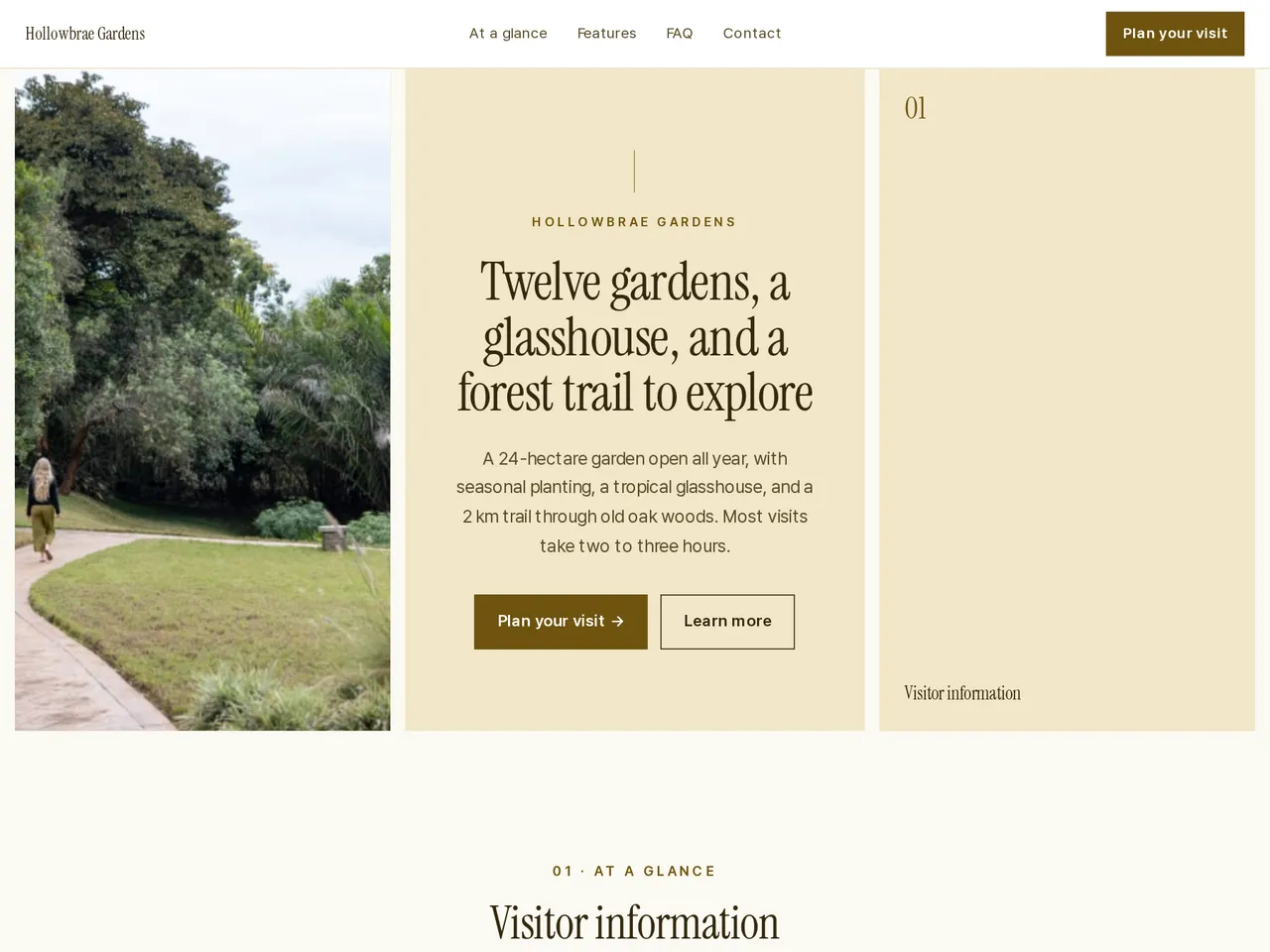
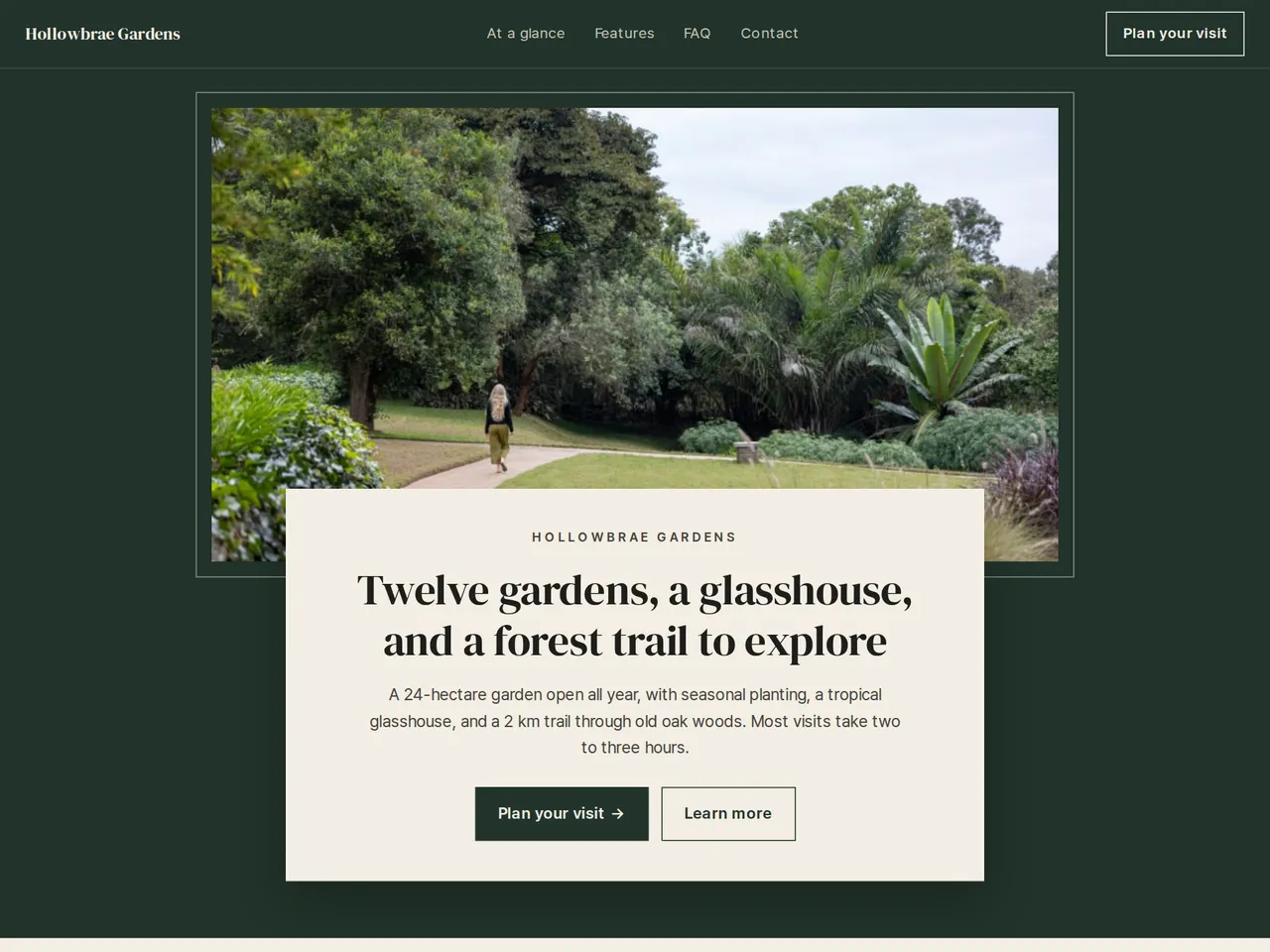
Sample brochure for a fictional company — the name, products, and figures are examples.
Who reads it
Visitors and guests planning a visit. They see what's there, how to use it, and how to get there, then book or visit.
What to upload
Place guide · opening hours · prices · facilities · directions · photos
Suggested design
Preview design: Minimal Gallery · White · Every template can use any of the 20 designs. You can change the design after the brochure is made, and your content stays the same.
Preview design: Triptych · Butter · Every template can use any of the 20 designs. You can change the design after the brochure is made, and your content stays the same.
Preview design: Frame · Green · Every template can use any of the 20 designs. You can change the design after the brochure is made, and your content stays the same.
If something is missing
If your files have no prices or opening hours, those fields stay empty. Reviews and ratings come only from your files.
- ✓Opening hours, admission fees, and parking from your leaflet, each linked to its source.
- ✓Each garden, hall, or trail gets its own section, with the photos you upload.
- ✓A unique URL and QR for ticket desks, signs, and travel partners, in each language you publish.
The garden at a glance
From the sample brochure for Hollowbrae Gardens, a fictional company. Names, products, and figures are examples.
| 24 ha | garden area |
|---|---|
| 12 | themed gardens |
| 2 km | forest trail loop |
| 1,800 | plant species and varieties |
What's included
The first draft is built in this order
- 1Opening — headline and what you offer
- 2Features — key highlights
- 3FAQ — questions visitors often ask
- 4Call to action — inquiry and next step
- 5Contact — how to reach you
Added only when your files cover them
- At a glance
- Key figures
- Testimonials
- Links
After it is made, you can hide sections or change their order in the editor. Use “Add section” to add sections this outline doesn't include, such as an FAQ, downloads, or a gallery.
How it works
- 1Upload your documents — PDF, PPTX, DOCX, XLSX, HWP, images.
- 2AI writes each section from your documents and checks specs against the source.
- 3Publish to a unique URL, in multiple languages.
Frequently asked questions
Our hours change each season. Can I update the page?
Yes. Upload the new timetable and regenerate the visitor information section. The URL and QR stay the same.
Can I show admission fees by age group?
Yes, if your leaflet lists them. Fees go into a table by ticket type, so visitors can check the price before they arrive.
Can visitors see a map of each area?
Yes. Upload the map as an image and place it with that area's highlights. A QR code at the entrance opens the page on a phone.