Battery materials catalog template — grade properties and supply terms, cited
Upload technical data sheets, lot reports, and supply terms for your cathode, separator, electrolyte, and cell-part grades. LabChure writes the catalog and turns capacity, particle size, moisture, and thickness into grade tables, with every value linked to its source. Cell engineers and purchasing teams read the same figures from one link.
데모 유체기술 / Demo Fluid Systems — a LabChure example made for a fictional company. Source quotes, language switching, and file downloads work on the published page.
Sample brochure for a fictional company — the name, products, and figures are examples.
Who reads it
Buyers and distributors comparing several models. They check the specs per model and ask for a quote.
What to upload
Product catalog · spec sheets per model (PDF) · product photos if you have them · a one-page company profile (optional)
Suggested design
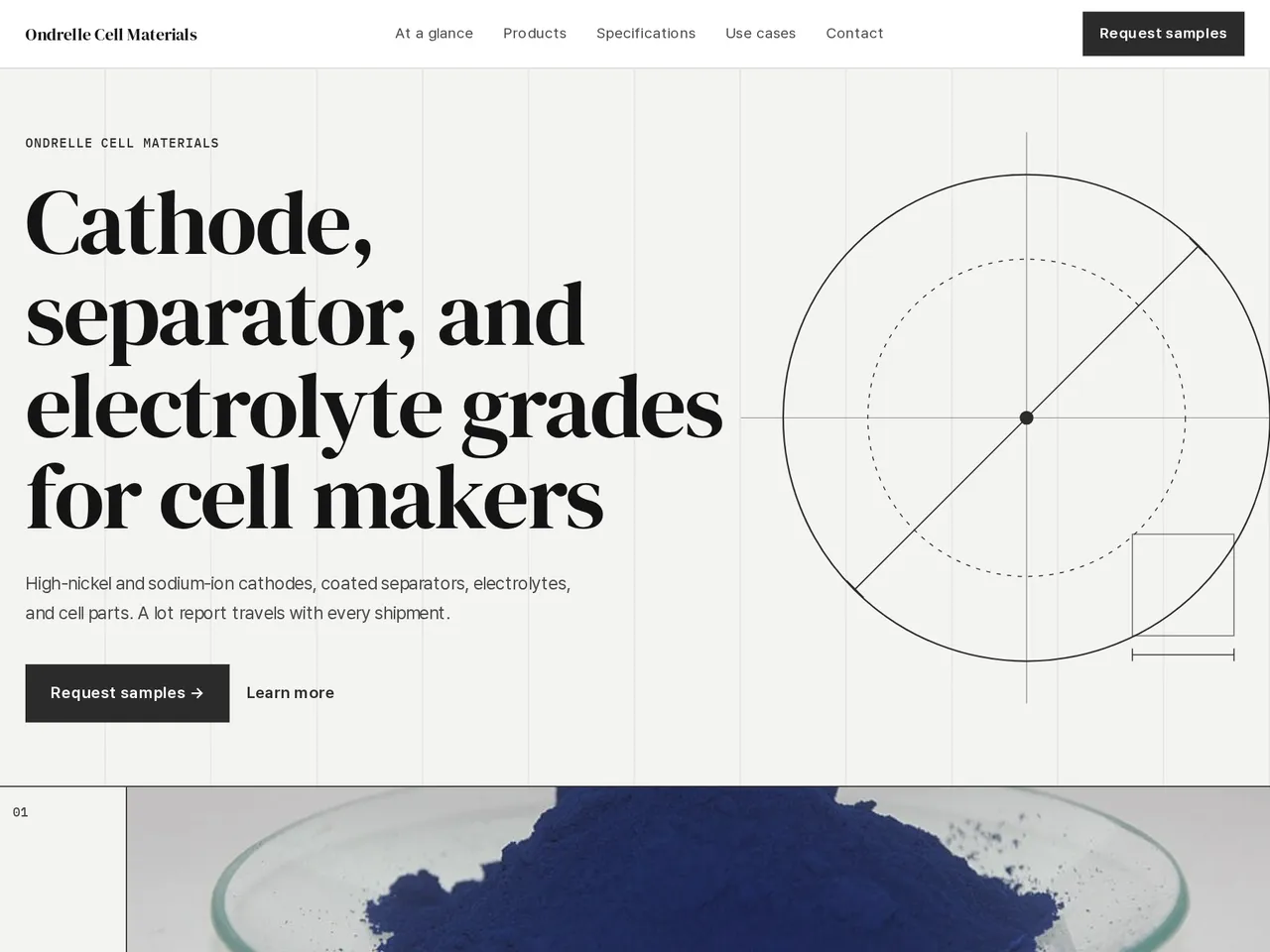
Preview design: Line · Graphite · Every template can use any of the 20 designs. You can change the design after the brochure is made, and your content stays the same.
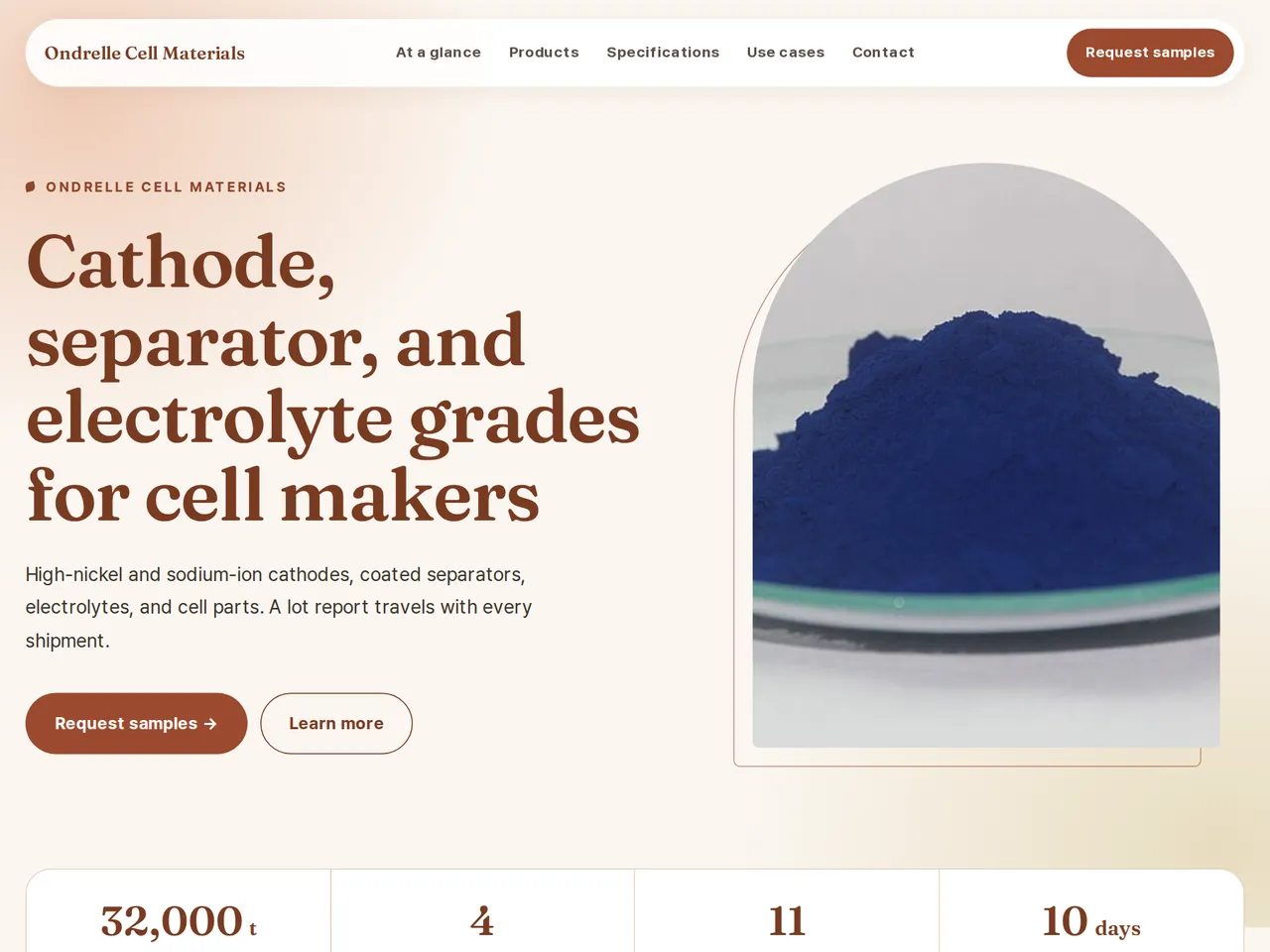
Preview design: Natural · Terracotta · Every template can use any of the 20 designs. You can change the design after the brochure is made, and your content stays the same.
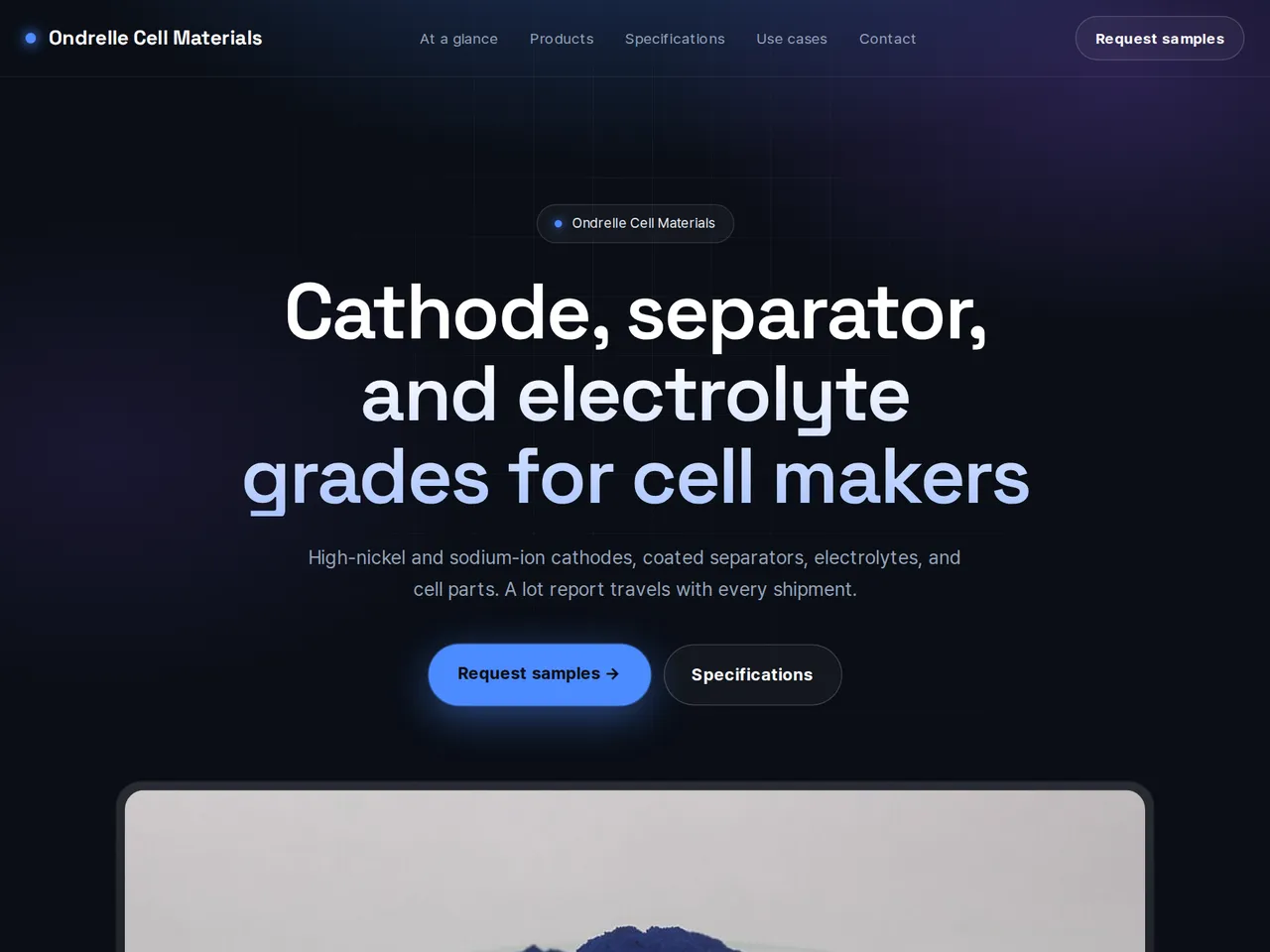
Preview design: Tech · Blue · Every template can use any of the 20 designs. You can change the design after the brochure is made, and your content stays the same.
If something is missing
Specs, certifications, or case studies that are not in your files are left out. Each model keeps its own values.
- ✓Capacity, particle size, moisture, and thickness go into grade tables, each value linked to your TDS.
- ✓Minimum order, packaging, lead time, and sample terms sit in their own section, apart from material properties.
- ✓Create the catalog in several languages for customers abroad and share it on a unique URL with a QR code.
Grade properties
From the sample brochure for Ondrelle Cell Materials, a fictional company. Names, products, and figures are examples.
| Grade | Material | Key value | Particle / thickness | Moisture |
|---|---|---|---|---|
| OC-N90 | NCM cathode | 215 mAh/g | D50 4 µm | ≤ 200 ppm |
| OC-P7 | Sodium-ion cathode | 150 mAh/g | D50 6 µm | ≤ 300 ppm |
| OC-SP12 | Coated separator | Shrinkage ≤ 2% | 16 µm total | — |
| OC-E10 | Electrolyte | 1.0–1.2 M LiPF6 | — | ≤ 10 ppm |
What's included
The first draft is built in this order
- 1Hero — headline and value proposition
- 2Features — key highlights
- 3Call to action — inquiry and next step
- 4Contact — how to reach you
Added only when your files cover them
- Key figures
- Clients
- At a glance
- Products — same series or used together
- Specifications
- Comparison table
- Charts
- Certifications & awards
- Case studies
- Testimonials
- Links
After it is made, you can hide sections or change their order in the editor. Use “Add section” to add sections this outline doesn't include, such as an FAQ, downloads, or a gallery.
How it works
- 1Upload your documents — PDF, PPTX, DOCX, XLSX, HWP, images.
- 2AI writes each section, every spec cited to your source.
- 3Publish to a unique URL, in multiple languages.
Frequently asked questions
Can I show cycle-life results?
Yes, if they are in your uploaded test reports. Each figure links to its source, and the review flags any number your files don't back up before you publish.
Can I keep customer names off the page?
Yes. Leave those documents out of your uploads, and check every section before you publish.
What about safety data sheets?
Upload your SDS files, and LabChure writes the handling and packaging notes from them, linked to the source.