Consulting service page template — scope, method, and timeline from your proposals
Upload your service proposals, past project reports, and method notes. LabChure writes a service page that explains the problem you solve, how you work, what the client receives, and how long a project takes, and links every figure to your files.
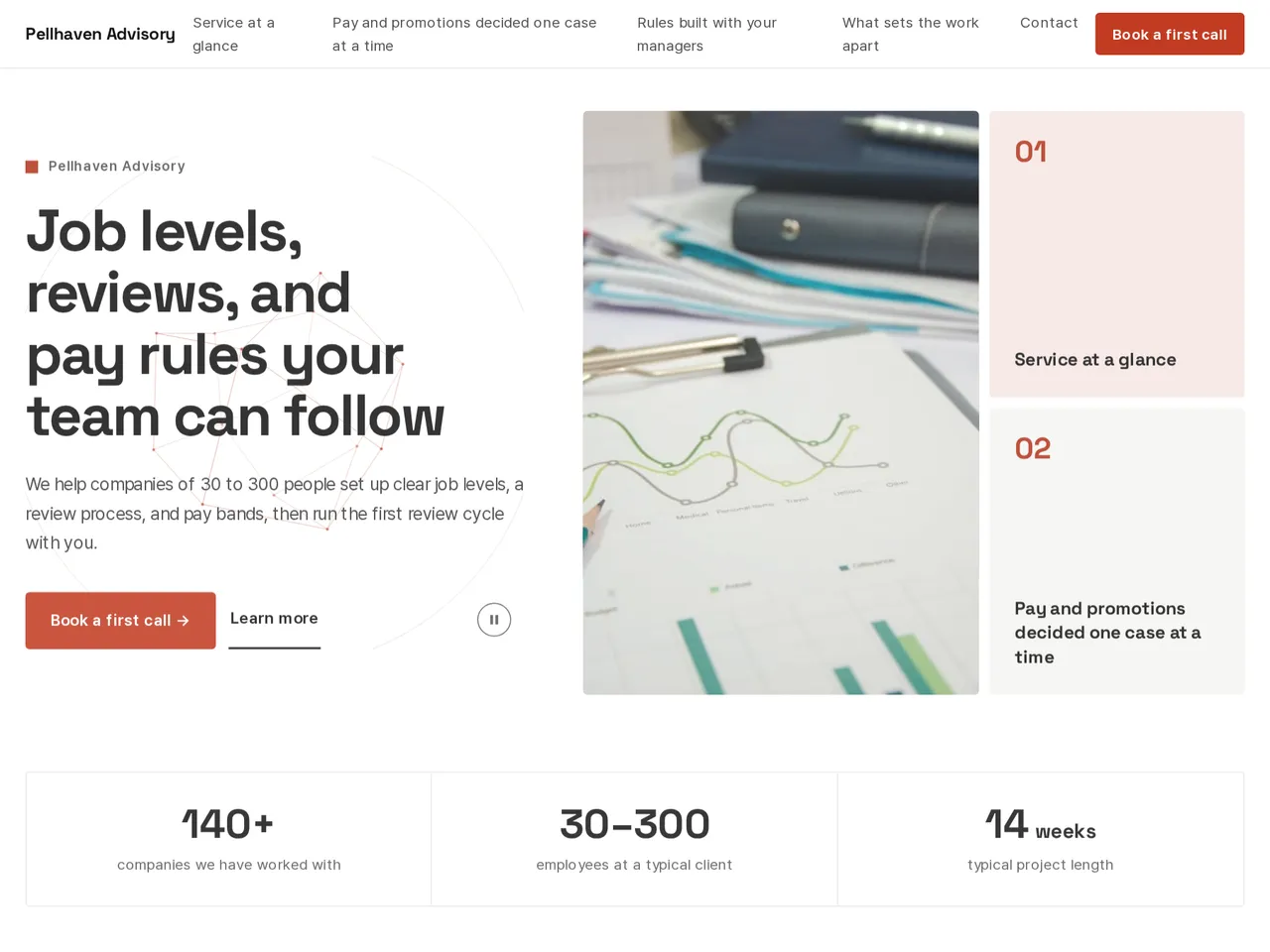
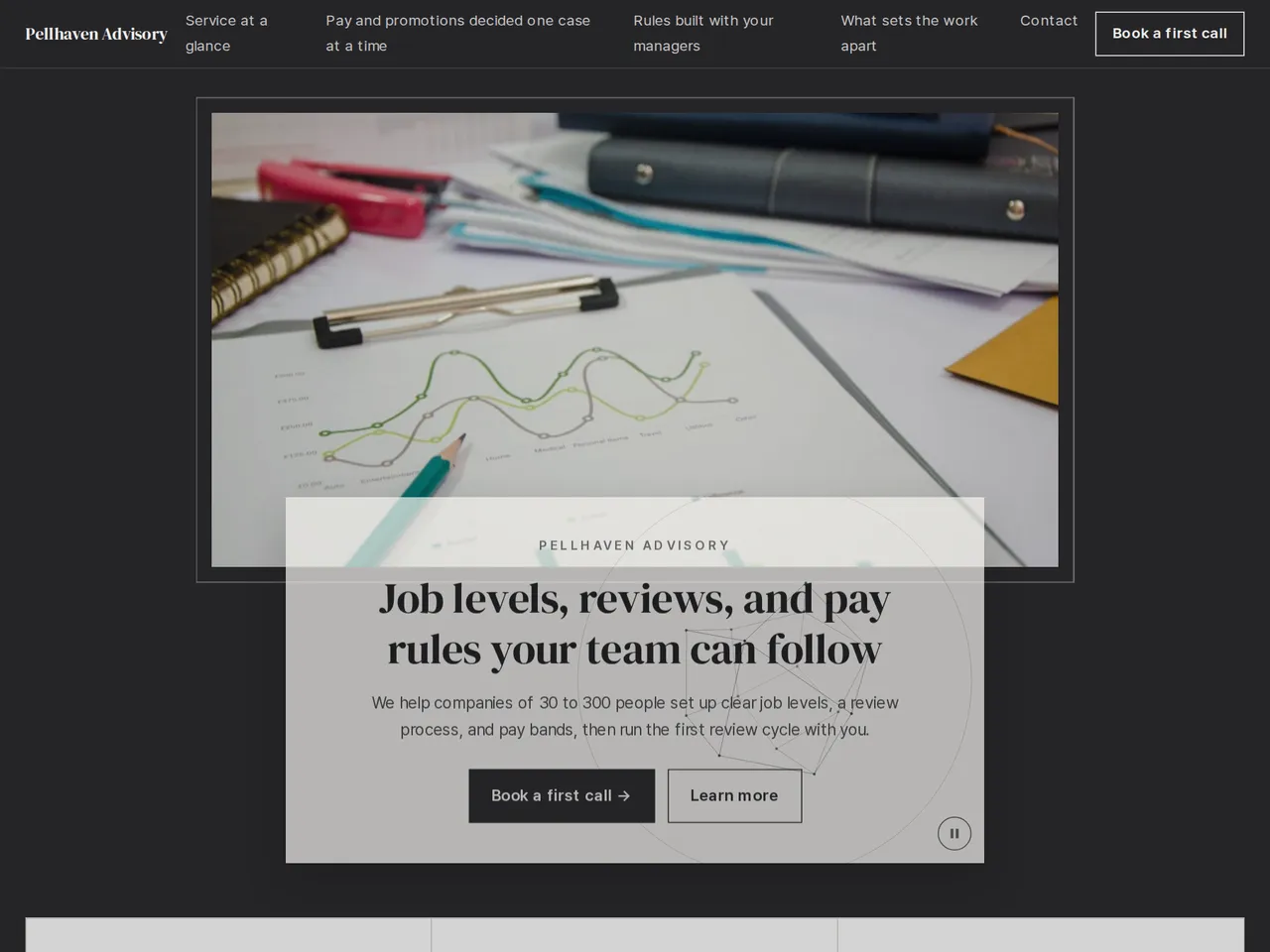
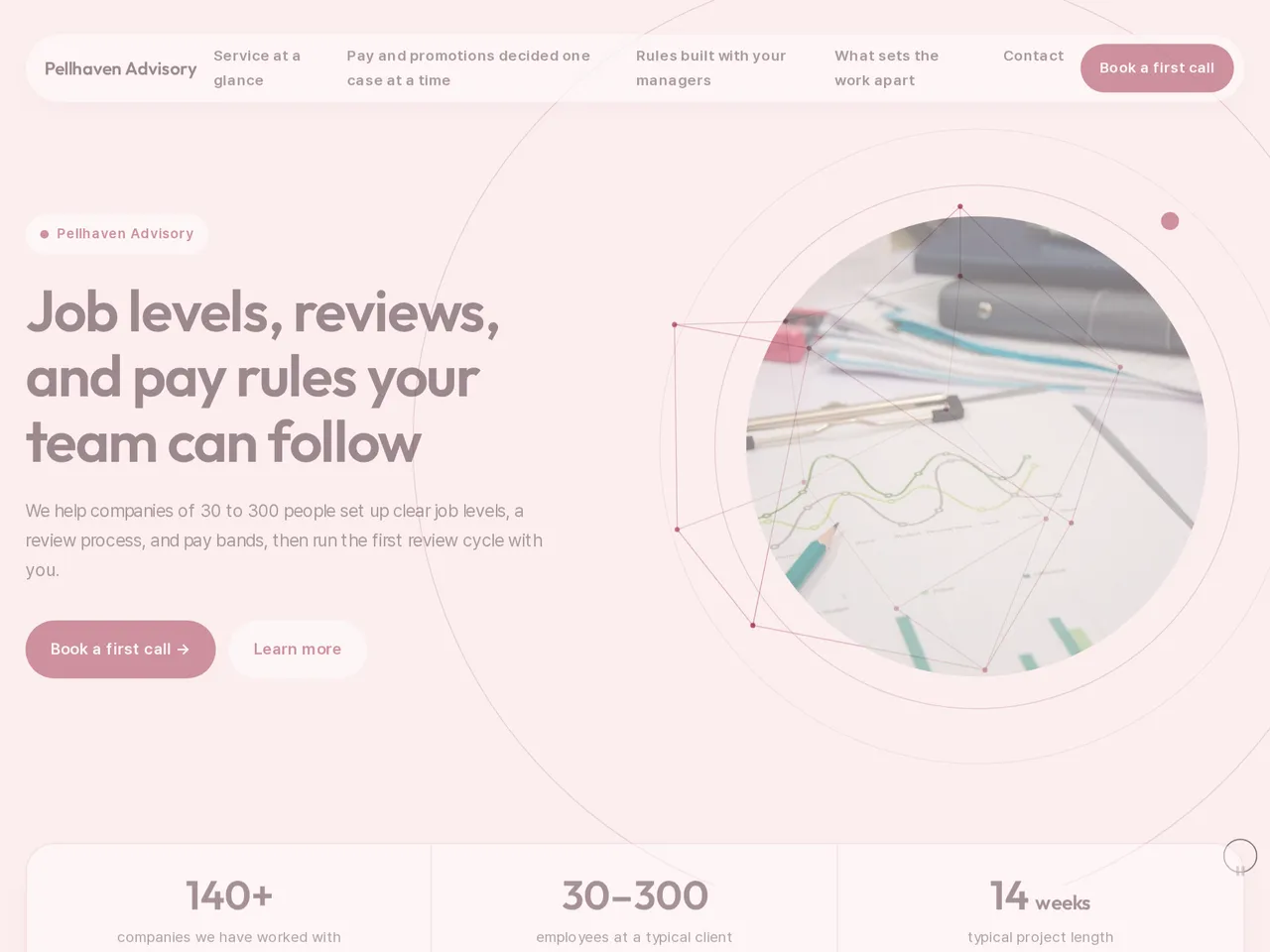
Sample brochure for a fictional company — the name, products, and figures are examples.
Who reads it
Customers and buyers looking into your service. They see what you do and how, then ask for a consultation.
What to upload
Service brochure · how you work · pricing · customer cases · testimonials (if any) · contact person
Suggested design
Preview design: Mosaic · Coral · Every template can use any of the 20 designs. You can change the design after the brochure is made, and your content stays the same.
Preview design: Frame · Charcoal · Every template can use any of the 20 designs. You can change the design after the brochure is made, and your content stays the same.
Preview design: Orbit · Blush · Every template can use any of the 20 designs. You can change the design after the brochure is made, and your content stays the same.
If something is missing
If your files have no pricing, cases, or testimonials, those parts are left out. Customer names and testimonials come only from your files.
- ✓Scope, deliverables, and project length written from your proposals, so the page matches what you actually sell.
- ✓The steps from first call to final report in a process section the client can follow.
- ✓Describe past clients by industry and size when you can't use their names, and send one unique URL after the first call.
Pellhaven at a glance
From the sample brochure for Pellhaven Advisory, a fictional company. Names, products, and figures are examples.
| 140+ | companies we have worked with |
|---|---|
| 30–300 | employees at a typical client |
| 14 weeks | typical project length |
What's included
The first draft is built in this order
- 1Opening — headline and what you offer
- 2Challenge — the customer's situation and problem
- 3Solution — what you did
- 4Features — key highlights
- 5Process — how you work
- 6FAQ — questions visitors often ask
- 7Call to action — inquiry and next step
- 8Contact — how to reach you
Added only when your files cover them
- Key figures
- Clients
- At a glance
- Testimonials
- Team
- Links
After it is made, you can hide sections or change their order in the editor. Use “Add section” to add sections this outline doesn't include, such as an FAQ, downloads, or a gallery.
How it works
- 1Upload your documents — PDF, PPTX, DOCX, XLSX, HWP, images.
- 2AI writes each section from your documents and checks specs against the source.
- 3Publish to a unique URL, in multiple languages.
Frequently asked questions
Can I include our own method?
Yes. Upload your method notes, and LabChure writes the process section from them.
Can I show what a client receives at each stage?
Yes. List the deliverables for each stage in your method notes or proposal, and the process section shows them step by step.
Can I show a project's length and team size?
Yes, if your proposals state them. Durations and team sizes are written from your files, and the review flags any number it can't find there.