Food expo booth page template — products, pack sizes, and shelf life in one link
Upload your product sheets, pack specs, and show details. LabChure writes a booth page with your products, storage, and shelf life, and links every figure to the file it came from. Put the QR on the tasting counter so visitors can open the page on their phones.
Demo Fluid Systems — a LabChure example made for a fictional company. It shows the same features for any industry. Source quotes, language switching, and file downloads work on the published page.
Sample brochure for a fictional company — the name, products, and figures are examples.
Who reads it
Visitors at your booth and buyers who scanned the QR code. They skim it and ask for a meeting.
What to upload
Spec sheets or catalogs for 1–3 featured products · event name, dates, and booth number (only if you have them) · a one-page company profile (optional)
Suggested design
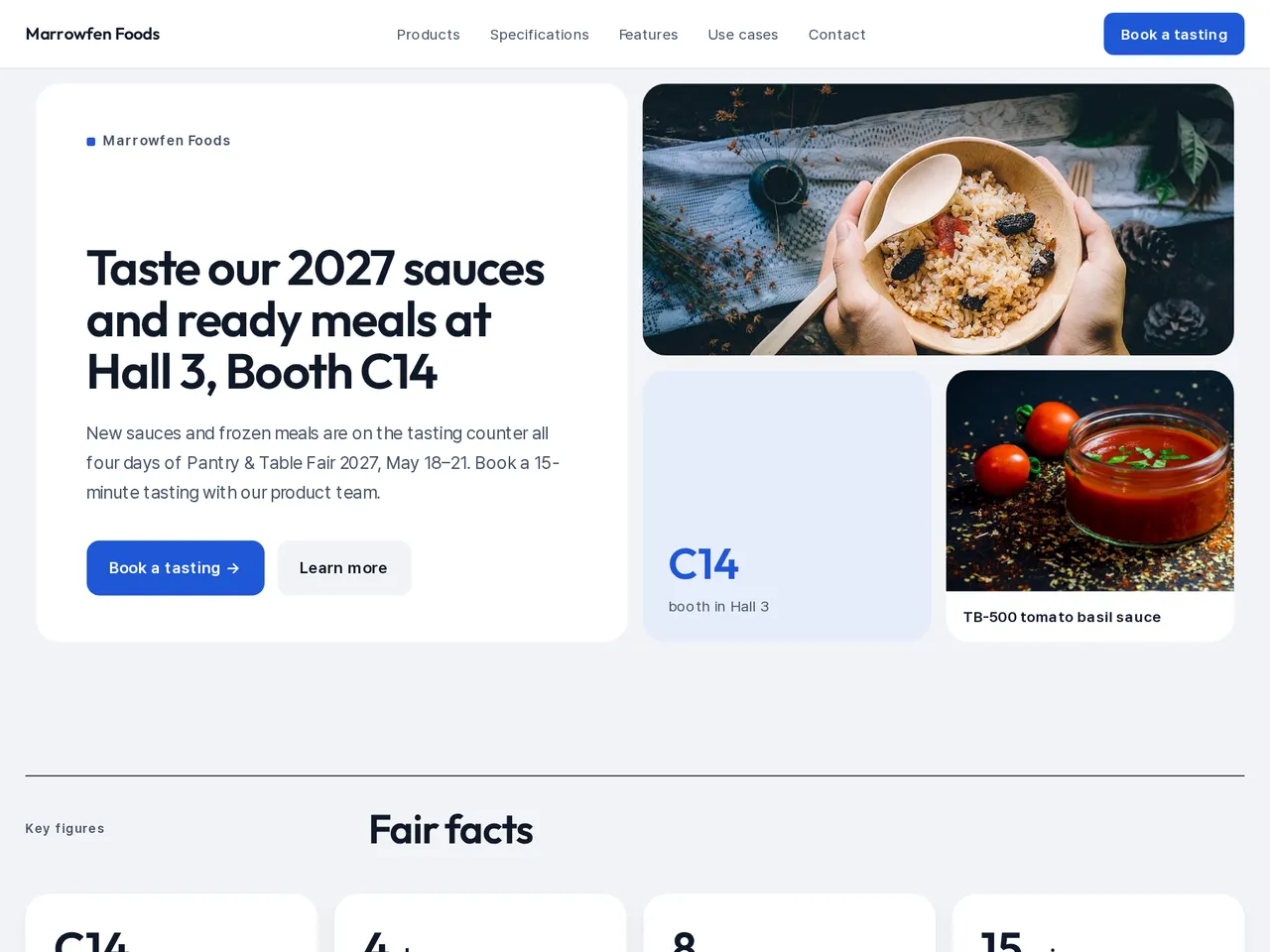
Preview design: Bento · Blue · Every template can use any of the 20 designs. You can change the design after the brochure is made, and your content stays the same.
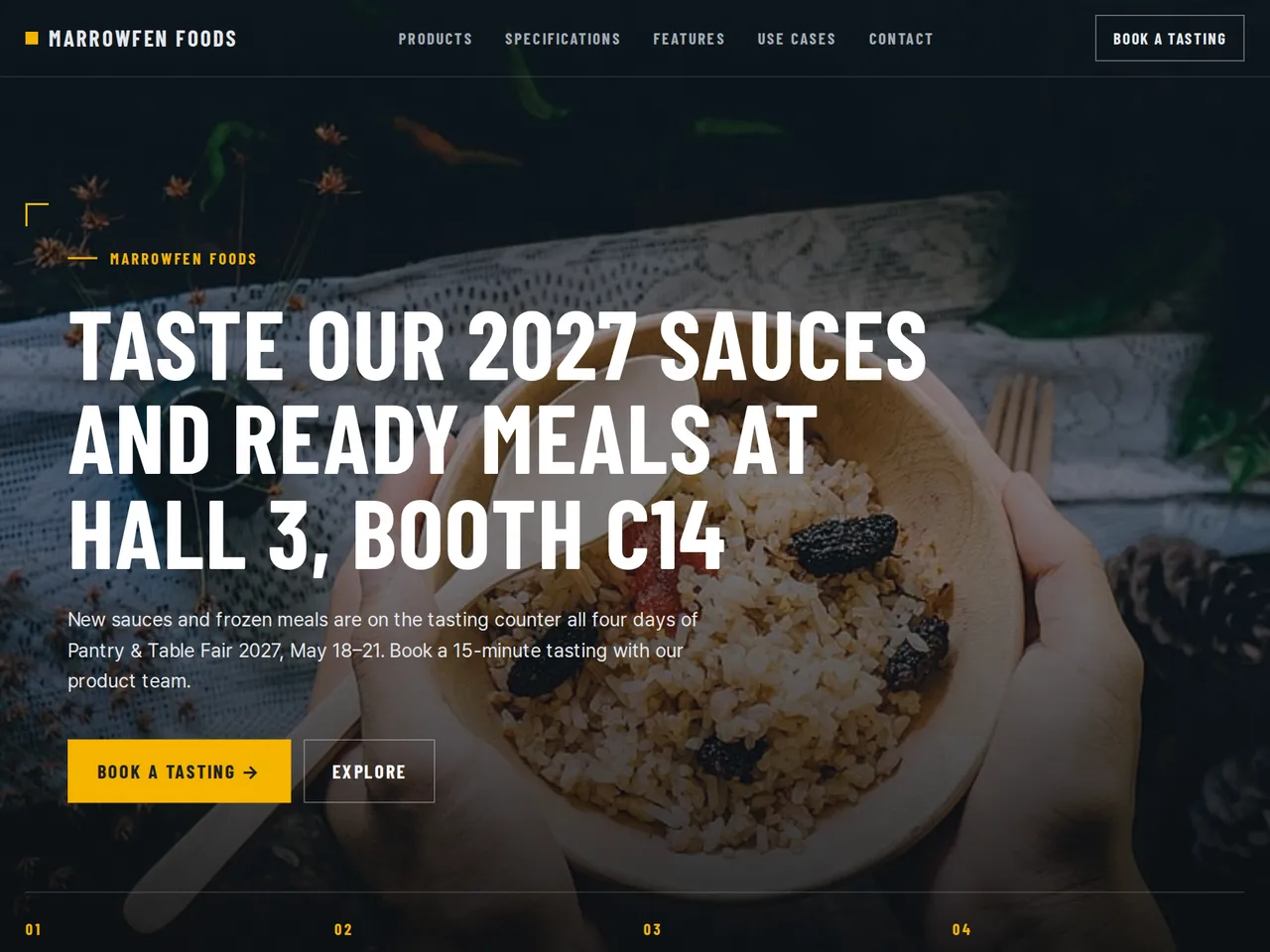
Preview design: Industrial · Yellow · Every template can use any of the 20 designs. You can change the design after the brochure is made, and your content stays the same.
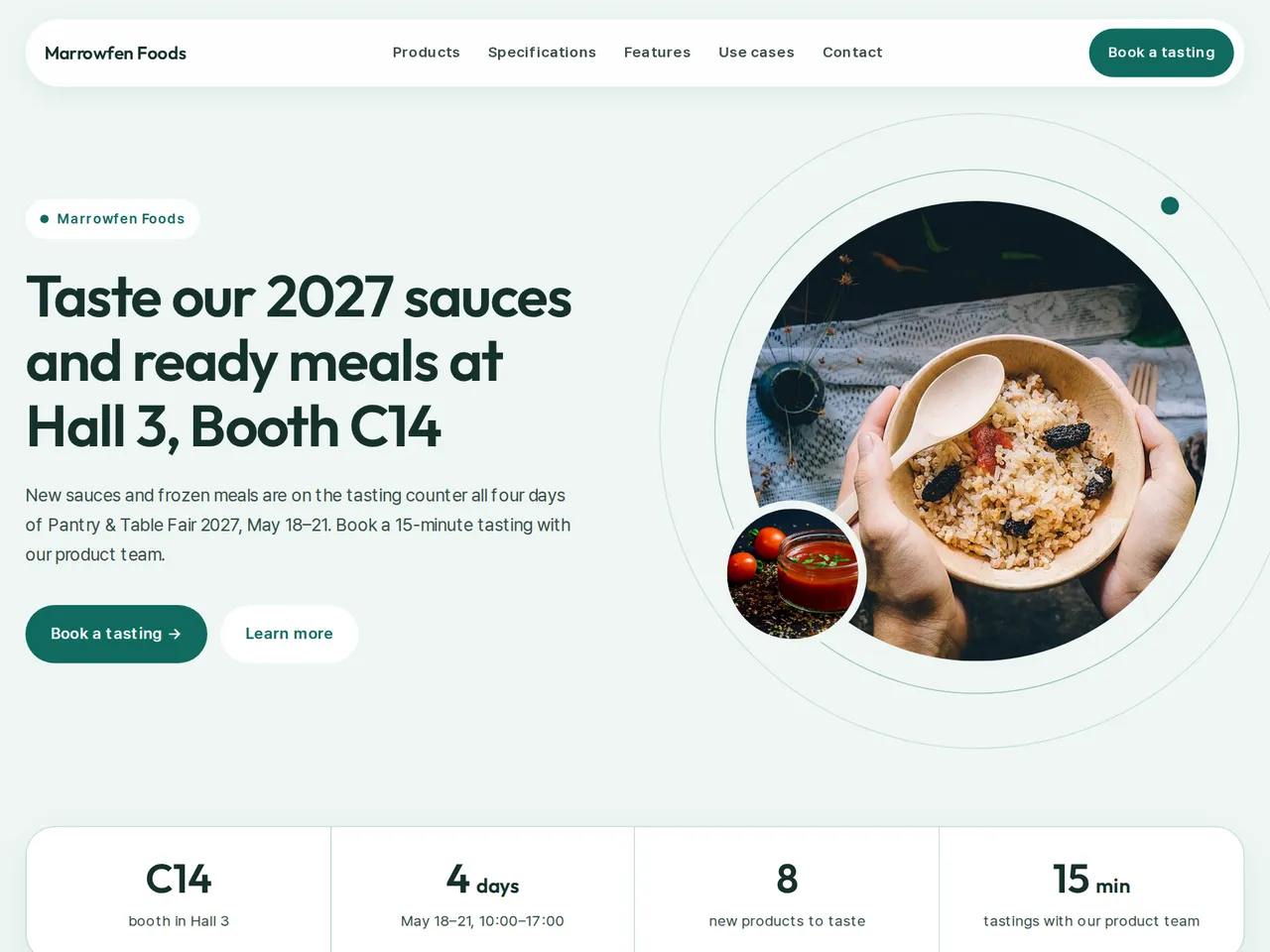
Preview design: Orbit · Mint · Every template can use any of the 20 designs. You can change the design after the brochure is made, and your content stays the same.
If something is missing
If the event, booth, or dates are not in your files, those fields stay empty.
- ✓Product cards with pack size, storage temperature, shelf life, and case quantity, each figure linked to your product sheet.
- ✓Hall, booth number, and show dates written from your show details, so the page matches your stand.
- ✓One unique URL and QR code for the counter, sample cases, and follow-up emails, in each language you publish.
Product specs
From the sample brochure for Marrowfen Foods, a fictional company. Names, products, and figures are examples.
| Product | Pack | Storage | Shelf life | Case |
|---|---|---|---|---|
| TB-500 | 500 g jar | Room temperature | 18 months | 6 jars |
| GC-300 | 300 g bottle | Room temperature | 12 months | 12 bottles |
| FD-20 | 1 kg bag | −18 °C | 12 months | 10 bags |
| RB-2 | 320 g bowl | −18 °C | 12 months | 16 bowls |
What's included
The first draft is built in this order
- 1Opening — headline and what you offer
- 2Products — one card per product
- 3Features — key highlights
- 4Call to action — inquiry and next step
- 5Contact — how to reach you
Added only when your files cover them
- Key figures
- Specifications
- Case studies
- Links
After it is made, you can hide sections or change their order in the editor. Use “Add section” to add sections this outline doesn't include, such as an FAQ, downloads, or a gallery.
How it works
- 1Upload your documents — PDF, PPTX, DOCX, XLSX, HWP, images.
- 2AI writes each section from your documents and checks specs against the source.
- 3Publish to a unique URL, in multiple languages.
Frequently asked questions
Can I show allergen and storage information?
Yes, if it is in the files you upload. The review checks each figure against your files and points out anything they don't back up before you publish.
Can I show pack sizes and shelf life?
Yes, if your pack specs have them. Each product lists both, so buyers can check them on a phone at the booth.
Can visitors leave their details at the tasting counter?
On paid plans, turn on the inquiry form. A visitor scans the QR code and sends a message, which arrives in your LabChure inbox and by email.