Medical device expo booth page template — device specs and booth details from your files
Upload your device sheets, user manuals, and booth details. LabChure writes a booth page with each device's use, measuring range, and specs, and links every figure to your files. The review compares the copy with your files before you publish, so you can check every statement about your devices.
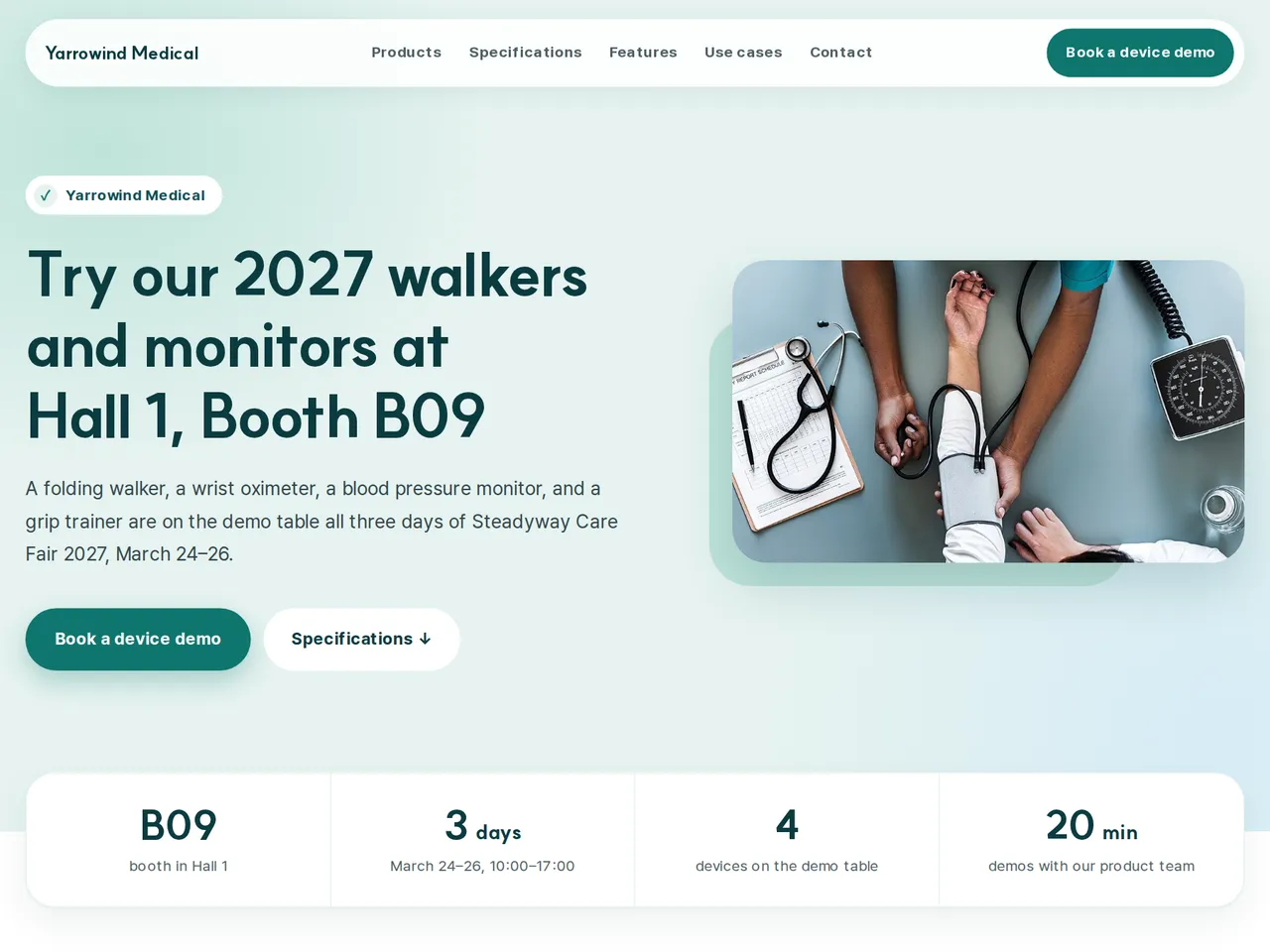
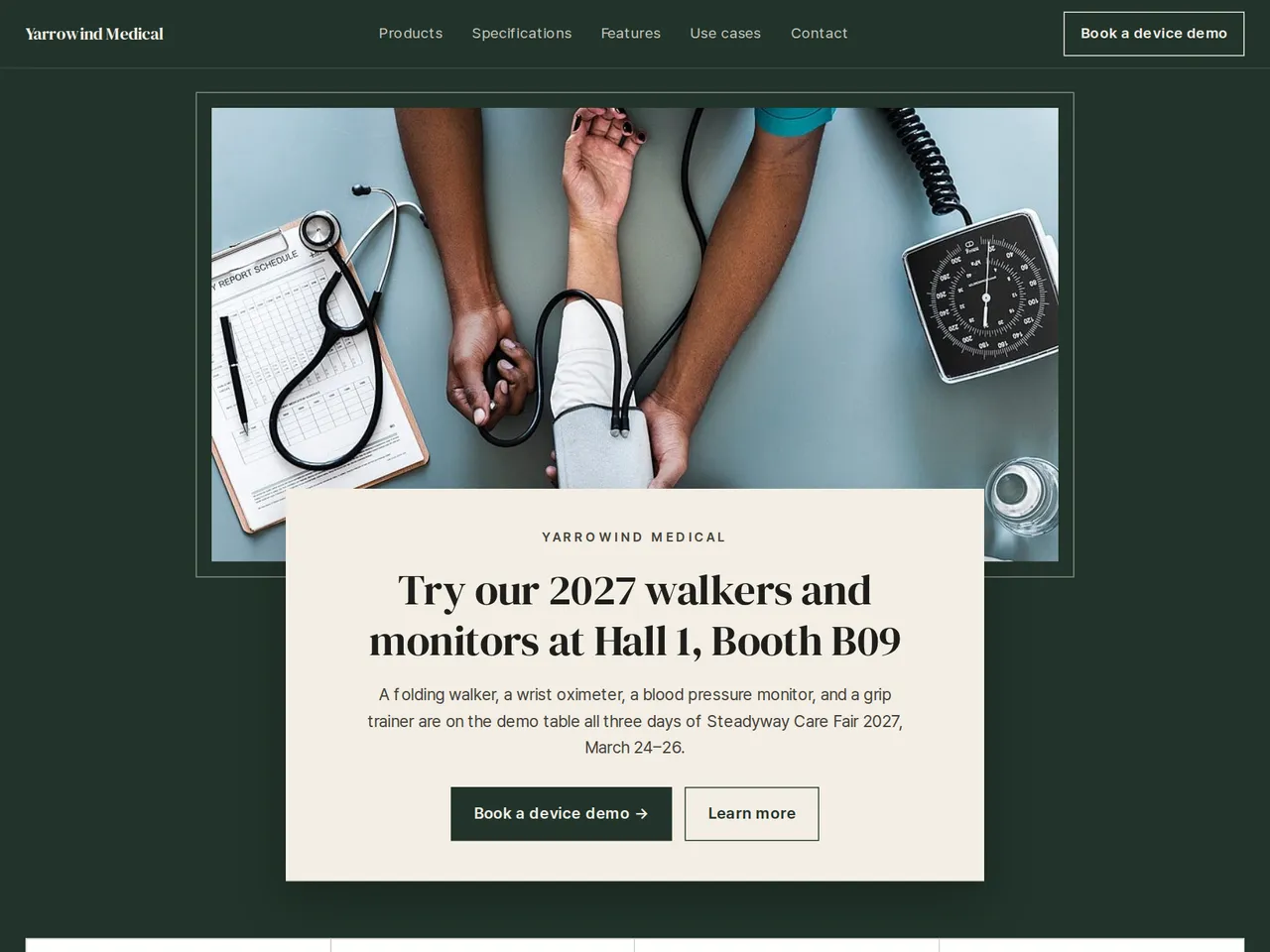
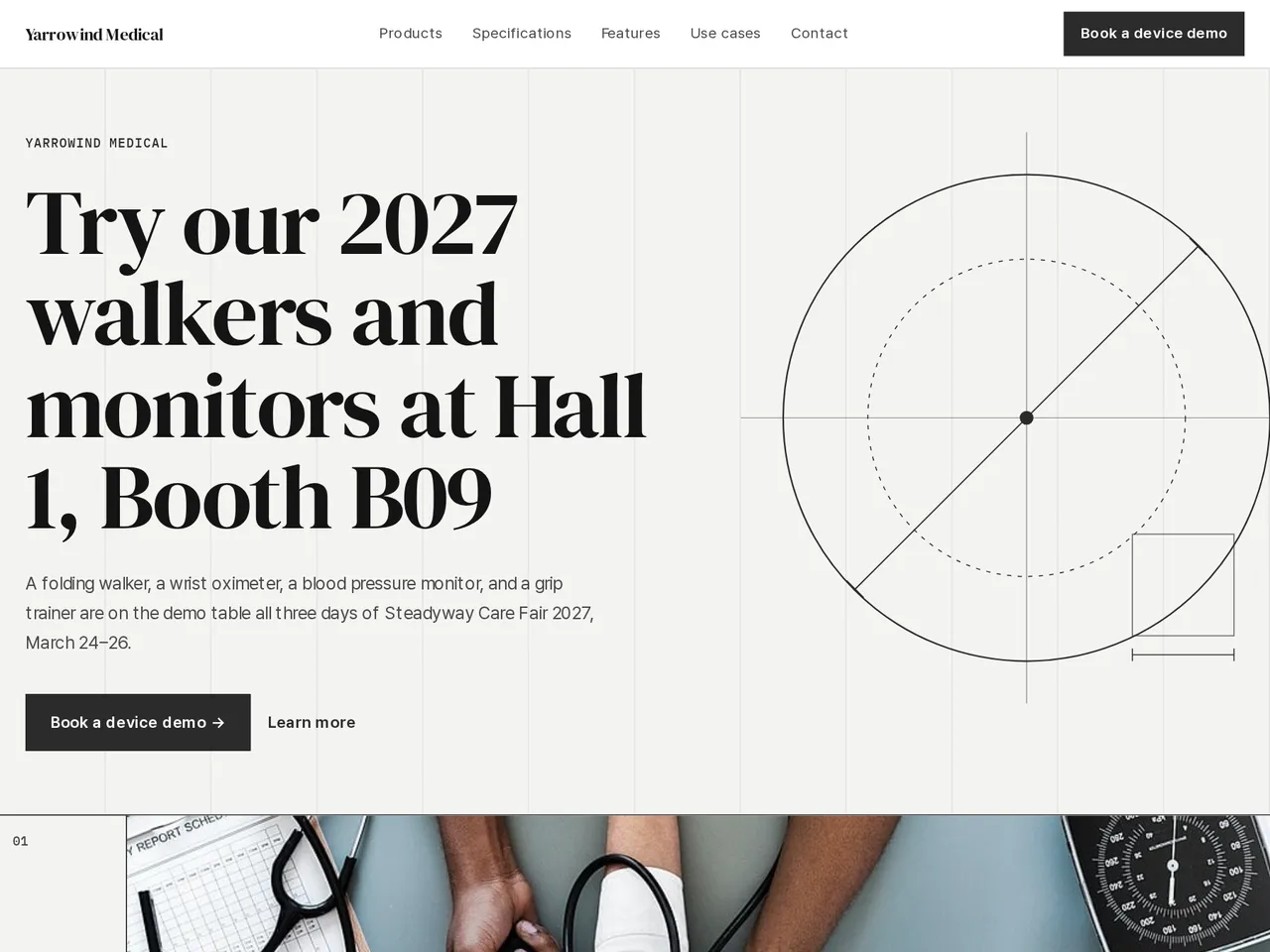
Demo Fluid Systems — a LabChure example made for a fictional company. It shows the same features for any industry. Source quotes, language switching, and file downloads work on the published page.
Sample brochure for a fictional company — the name, products, and figures are examples.
Who reads it
Visitors at your booth and buyers who scanned the QR code. They skim it and ask for a meeting.
What to upload
Spec sheets or catalogs for 1–3 featured products · event name, dates, and booth number (only if you have them) · a one-page company profile (optional)
Suggested design
Preview design: Medical Care · Teal · Every template can use any of the 20 designs. You can change the design after the brochure is made, and your content stays the same.
Preview design: Frame · Green · Every template can use any of the 20 designs. You can change the design after the brochure is made, and your content stays the same.
Preview design: Line · Graphite · Every template can use any of the 20 designs. You can change the design after the brochure is made, and your content stays the same.
If something is missing
If the event, booth, or dates are not in your files, those fields stay empty.
- ✓Measuring ranges, sizes, and power options written from your device sheets, each linked to its source.
- ✓Statements about what each device does are written from your files, and the review points out anything your files don't support.
- ✓A unique URL and QR for the demo table and follow-up emails, in each language you publish.
Device specs
From the sample brochure for Yarrowind Medical, a fictional company. Names, products, and figures are examples.
| Model | Use | Range | Weight | Power |
|---|---|---|---|---|
| WF-5 | Walking support | Height 78–93 cm | 2.4 kg | — |
| WO-12 | SpO2 and pulse readings | SpO2 70–100% | 58 g | USB-C |
| BP-30 | Blood pressure readings | Cuff 22–42 cm | 310 g | 4 × AA |
| HG-7 | Grip force records | 0–90 kg | 420 g | USB-C |
What's included
The first draft is built in this order
- 1Opening — headline and what you offer
- 2Products — one card per product
- 3Features — key highlights
- 4Call to action — inquiry and next step
- 5Contact — how to reach you
Added only when your files cover them
- Key figures
- Specifications
- Case studies
- Links
After it is made, you can hide sections or change their order in the editor. Use “Add section” to add sections this outline doesn't include, such as an FAQ, downloads, or a gallery.
How it works
- 1Upload your documents — PDF, PPTX, DOCX, XLSX, HWP, images.
- 2AI writes each section from your documents and checks specs against the source.
- 3Publish to a unique URL, in multiple languages.
Frequently asked questions
Can I show approval or registration details?
LabChure writes from your uploaded files, and the review points out statements your files don't back up. Check regulated wording against your approved documents before you publish.
Can I add clinical papers to the page?
Yes. Add a downloads section with “Add section” and upload the papers as PDFs. First check that you may share them at the show.
Some models aren't approved in every country. How do I handle that?
Make a separate page for each market from the files approved there, and share that market's link at the show.