Software product sheet template — plans, integrations, and security on one page
Upload your pricing page, feature list, and security overview for one software product. LabChure writes a product page with plans, integrations, and security features in a comparison table, each item linked to your documents. Send it to prospects and partners as one link.
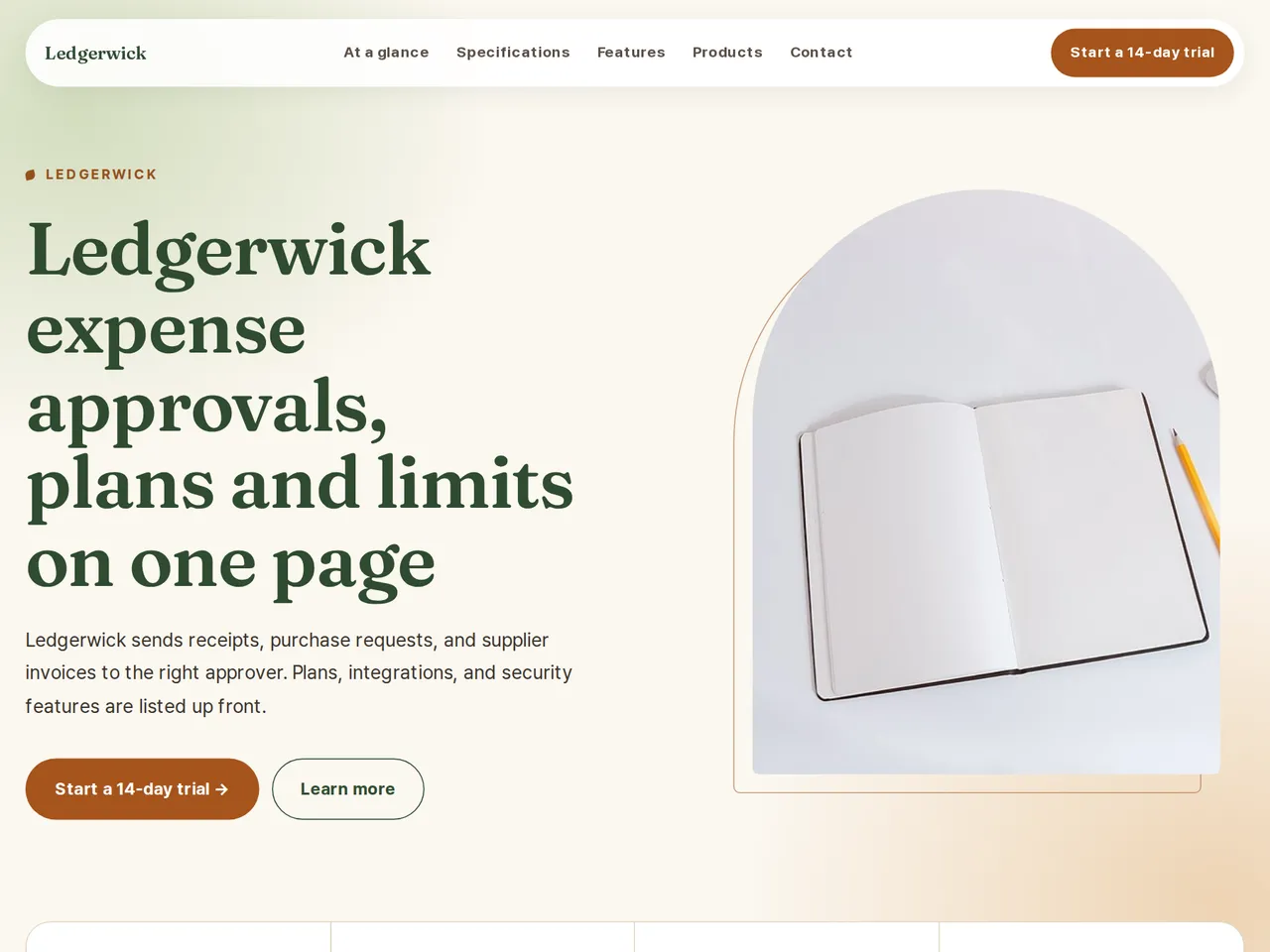
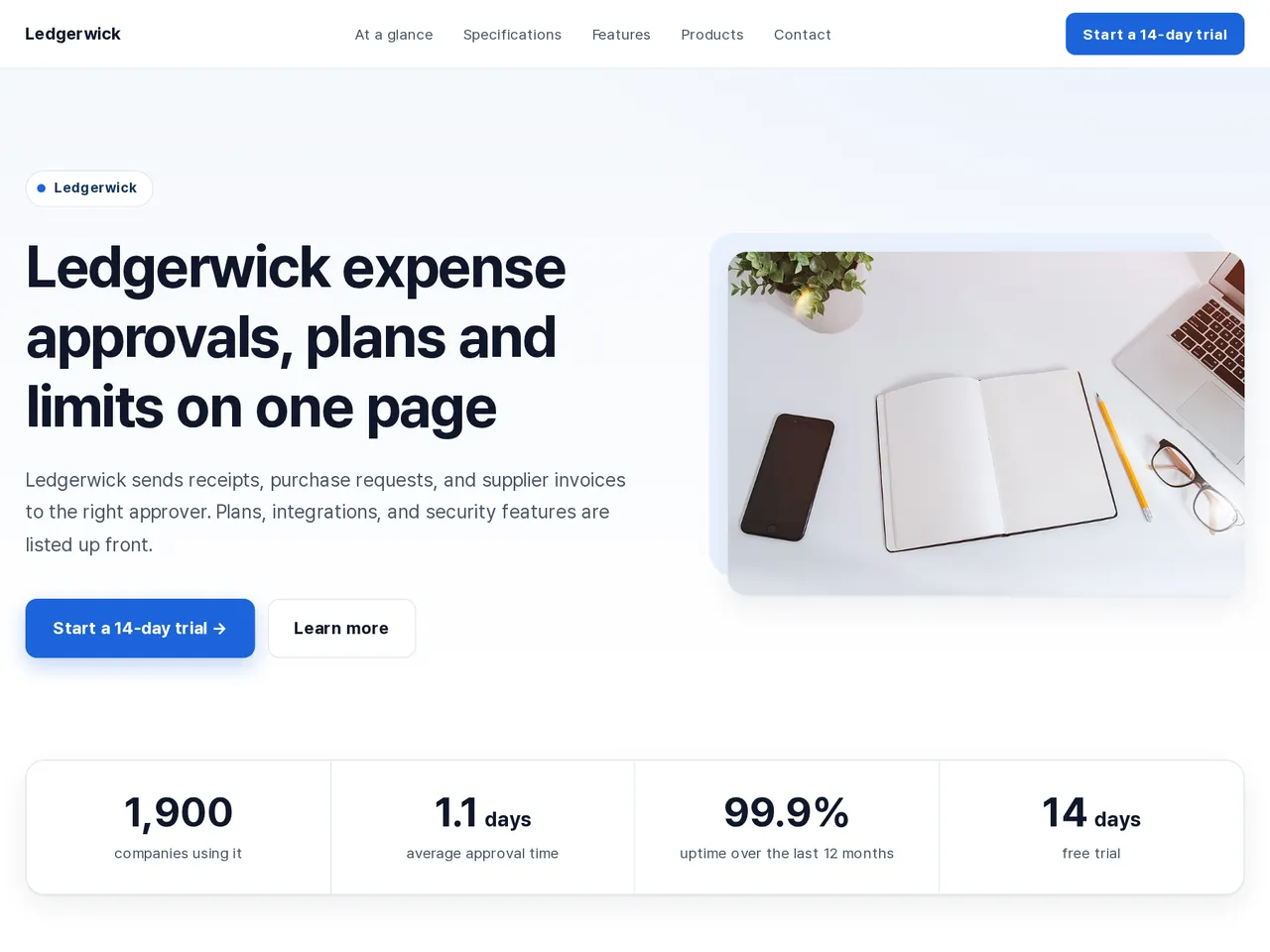
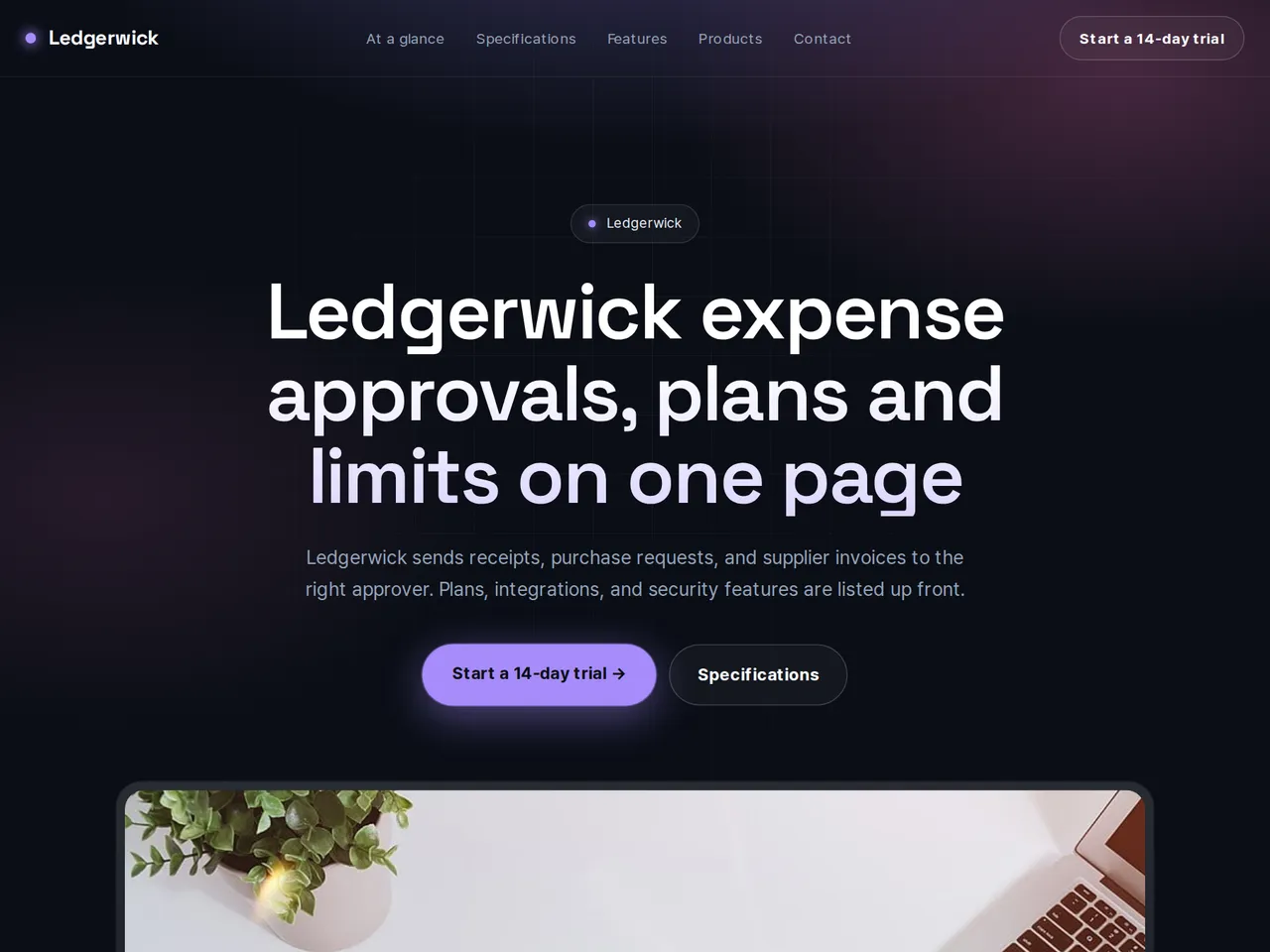
데모 유체기술 / Demo Fluid Systems — a LabChure example made for a fictional company. Source quotes, language switching, and file downloads work on the published page.
Sample brochure for a fictional company — the name, products, and figures are examples.
Who reads it
Engineers and purchasers checking whether one model fits their use. They look at the key specs and ask for samples or details.
What to upload
The model's spec sheet or datasheet · measurement conditions · drawings and photos if you have them
Suggested design
Preview design: Natural · Forest · Every template can use any of the 20 designs. You can change the design after the brochure is made, and your content stays the same.
Preview design: Corporate Clean · Navy · Every template can use any of the 20 designs. You can change the design after the brochure is made, and your content stays the same.
Preview design: Tech · Violet · Every template can use any of the 20 designs. You can change the design after the brochure is made, and your content stays the same.
If something is missing
Related models, case studies, or certifications that are not in your files are left out. Only this model's values are used.
- ✓A plan comparison table with prices, limits, integrations, and security features from your documents.
- ✓Use cases, add-ons, and customer results in separate sections, written from your files.
- ✓Versions in several languages on a unique URL, ready for sales emails and partner pages.
Plans, integrations, and security
From the sample brochure for Ledgerwick, a fictional company. Names, products, and figures are examples.
| Item | Team | Business | Enterprise |
|---|---|---|---|
| Price | $6 per user / month | $11 per user / month | Quote |
| Users | 5–25 | Up to 250 | 250+ |
| Approval rules | 10 | Unlimited | Unlimited |
| Integrations | CSV export | Accounting sync, chat alerts | All, plus audit API |
| Security | Two-step login | Two-step login, IP allow list | Single sign-on (SAML), data retention rules |
What's included
The first draft is built in this order
- 1Hero — headline and value proposition
- 2Specifications — sourced spec table
- 3Features — key highlights
- 4Call to action — inquiry and next step
- 5Contact — how to reach you
Added only when your files cover them
- Key figures
- At a glance
- Products — same series or used together
- Case studies
- Certifications & awards
- Links
After it is made, you can hide sections or change their order in the editor. Use “Add section” to add sections this outline doesn't include, such as an FAQ, downloads, or a gallery.
How it works
- 1Upload your documents — PDF, PPTX, DOCX, XLSX, HWP, images.
- 2AI writes each section, every spec cited to your source.
- 3Publish to a unique URL, in multiple languages.
Frequently asked questions
Can I show prices in more than one currency?
The page uses the prices in your files. If your price sheet lists several currencies, they all appear in the table.
How do I keep security claims accurate?
The page is written from your documents, and the review flags any claim your files don't back up before you publish.