Joint development proposal template — roles, test rounds, and rights
Upload your development plan, test data, and draft terms. LabChure writes a joint development proposal that sets out the goal, each side's part, the test rounds, the timeline, and how rights are shared, with each point linked to your files.
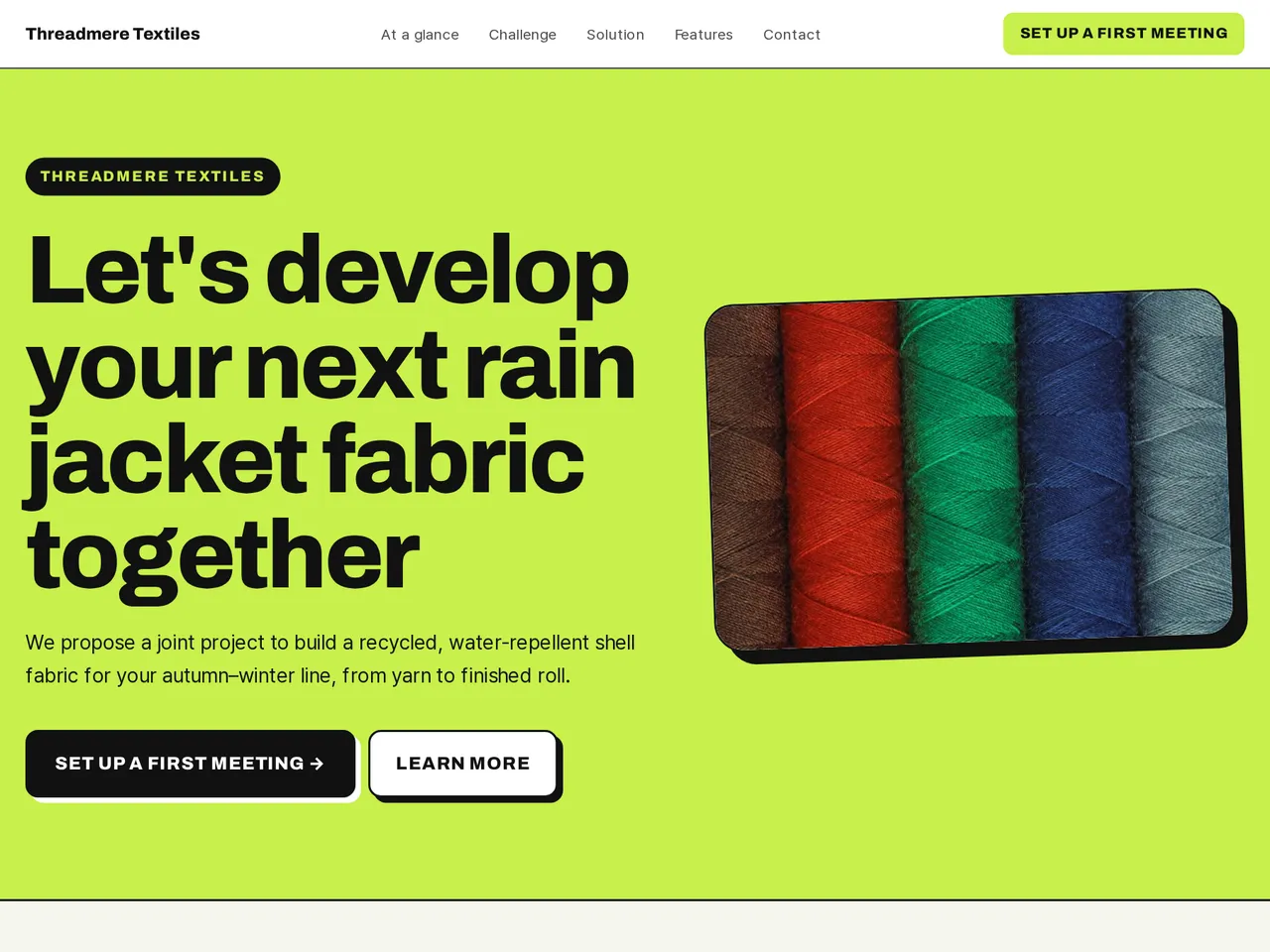
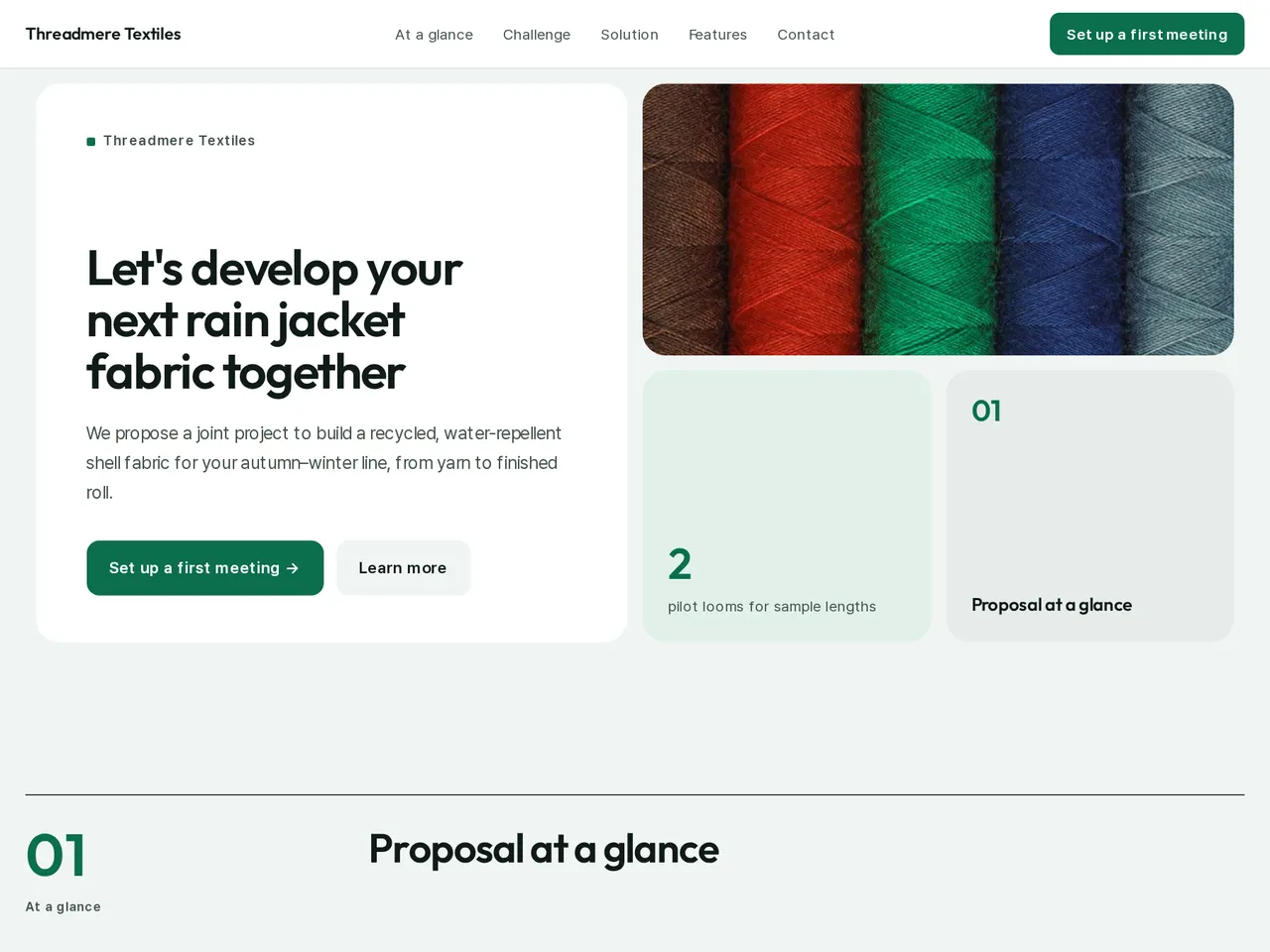
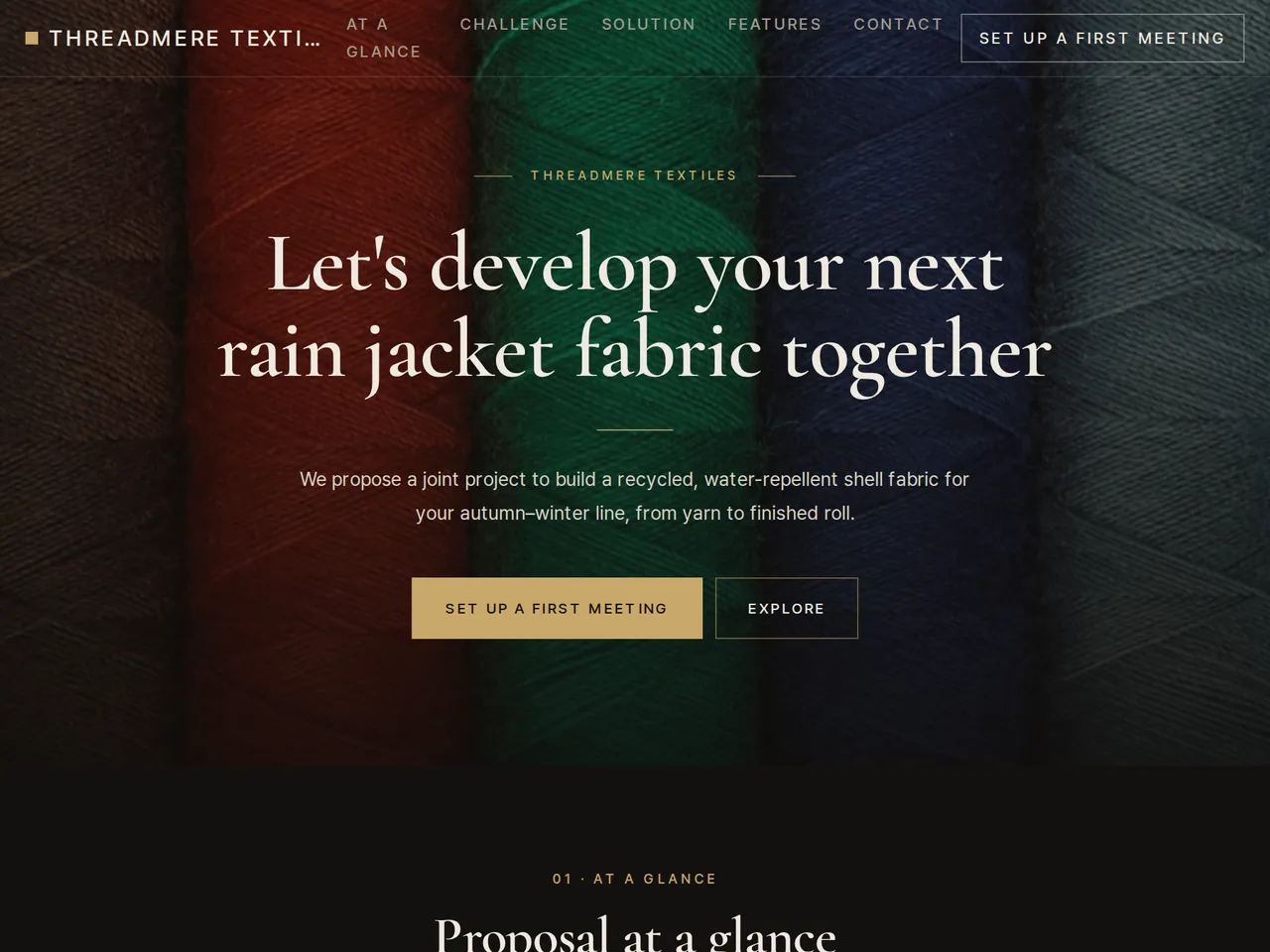
Sample brochure for a fictional company — the name, products, and figures are examples.
Who reads it
The partner, investor, or buyer receiving your proposal. They see what you propose and why, then reply.
What to upload
Proposal document · terms · schedule · one-page company profile · supporting figures (if any)
Suggested design
Preview design: Bold Poster · Lime · Every template can use any of the 20 designs. You can change the design after the brochure is made, and your content stays the same.
Preview design: Bento · Green · Every template can use any of the 20 designs. You can change the design after the brochure is made, and your content stays the same.
Preview design: Premium Dark · Gold · Every template can use any of the 20 designs. You can change the design after the brochure is made, and your content stays the same.
If something is missing
If your files give no amounts, terms, or dates, those fields stay empty. Results and returns are never promised.
- ✓Each side's work is listed separately, so both teams see who does what.
- ✓Test rounds and timeline as a step-by-step plan, with lab figures kept with their test conditions.
- ✓Rights and costs written from your draft terms, so the page matches what you send to legal.
Our development setup
From the sample brochure for Threadmere Textiles, a fictional company. Names, products, and figures are examples.
| 2 | pilot looms for sample lengths |
|---|---|
| 5 m | sample length per round |
| 3 | test rounds planned |
| 10 days | per sample round |
What's included
The first draft is built in this order
- 1Opening — headline and what you offer
- 2Challenge — the customer's situation and problem
- 3Solution — what you did
- 4Features — key highlights
- 5Call to action — inquiry and next step
- 6Contact — how to reach you
Added only when your files cover them
- At a glance
- Key figures
- Charts
- History & schedule
- Team
- Links
After it is made, you can hide sections or change their order in the editor. Use “Add section” to add sections this outline doesn't include, such as an FAQ, downloads, or a gallery.
How it works
- 1Upload your documents — PDF, PPTX, DOCX, XLSX, HWP, images.
- 2AI writes each section from your documents and checks specs against the source.
- 3Publish to a unique URL, in multiple languages.
Frequently asked questions
Can I include lab test results?
Yes. Upload the test reports, and figures on the page link back to them with their test conditions.
Can I explain how rights are shared?
Yes. Put the terms in your draft, and the page is written from them. Have your legal adviser check the wording before you publish.
Can I show each side's work in every test round?
Yes. List the test rounds in your plan with who does what, and the page sets them out in order.