Make a digital brochure without a designer
LabChure makes a web brochure from the files you already have, such as a PDF, slides, a spec sheet, or a web page link. You don't place text boxes or pick fonts. AI writes the sections from your files, the layout follows a design you choose, and figures are checked against your files before you publish. You share the result as a link.
How it works
- 1
Upload your files
Add what you already have. Several files become one brochure.
- 2
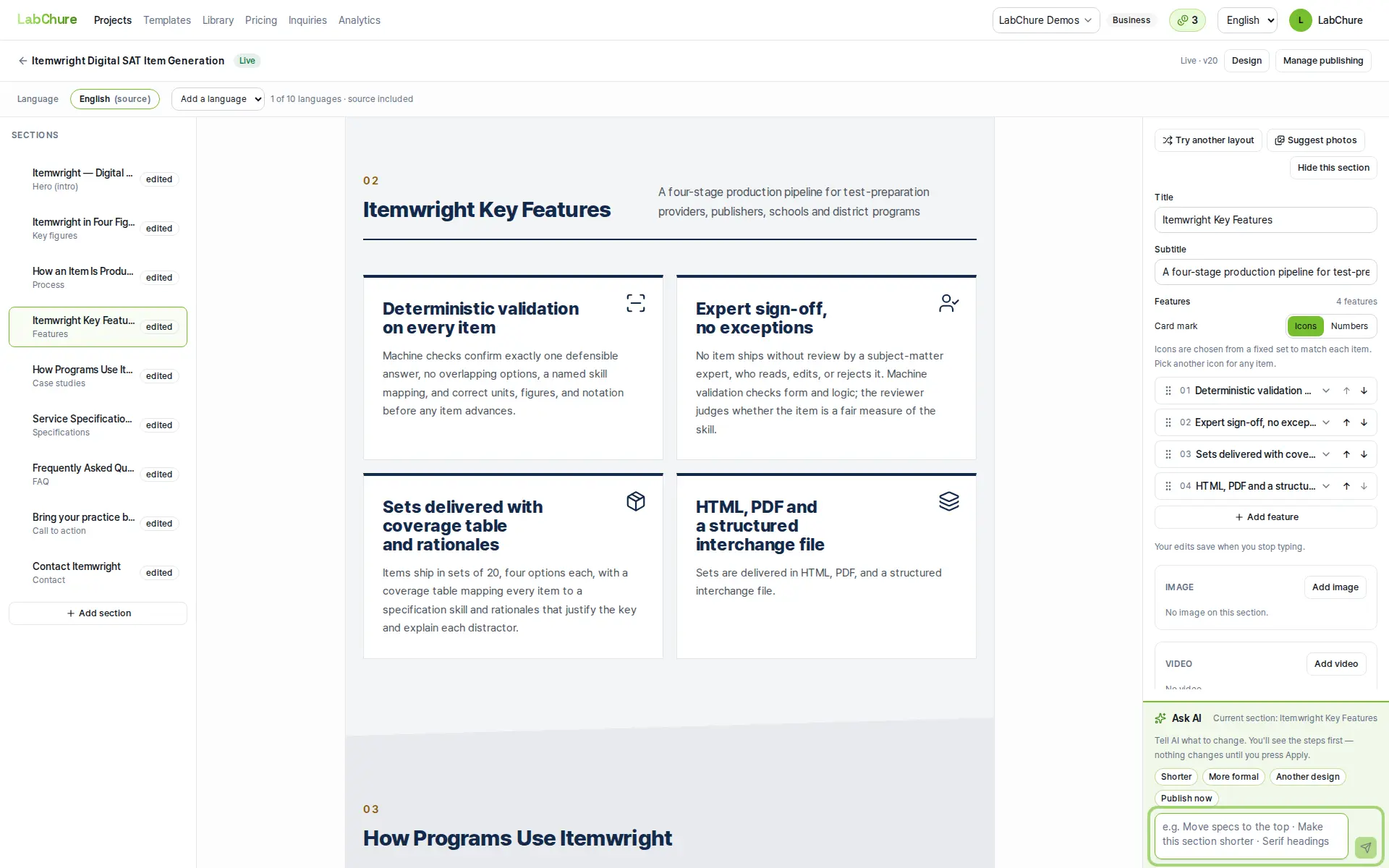
Check what AI wrote
The editor shows the source passage behind each section. Figures without a source in your files are flagged before you publish.
- 3
Publish and share the link
Publish to a web page at its own URL. When you edit and publish again, the link stays the same.
Good to know
- You can change the look later without a design tool: the color theme, the design, and the photos.
- AI writes text only. It does not make images or videos. Photos come from your files or a stock photo search.
- If you need a printed brochure with a fixed page layout, a design tool such as Canva or Adobe Express fits better.
Plans
Free to start with no card: 3 brochure generations a month and 1 published brochure in up to 2 languages, with a LabChure watermark. Paid plans remove the watermark and let you use your own domain.
Questions
Do I need design skills?
No. You choose a design, and the layout follows it.
Can I edit the text?
Yes. Edit it yourself, or tell the AI what to change in a sentence. An instruction that asks for numbers your files don't support is refused.
Can I use my own domain?
Yes, on the Starter plan and up.
Is my file made public?
No. Uploaded files stay private in your workspace. Only the brochure you publish is public.